AEM-Forms reference theme issue | Community
Skip to main content
Level 2
June 7, 2025
Solved

AEM-Forms reference theme issue

  • June 7, 2025
  • 1 reply
  • 446 views

Hi Team,

One of our customer reported an issue where the checkboxes are not visible in the domain page. On checking it, the page has a adaptive form linked and that form uses Ultramarine theme.
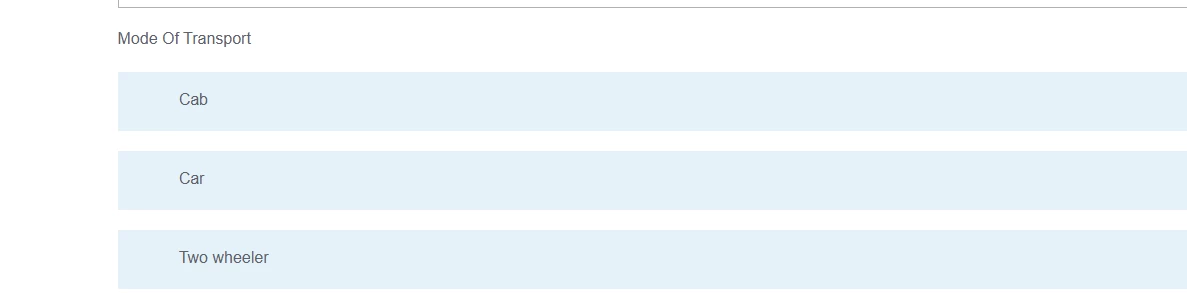


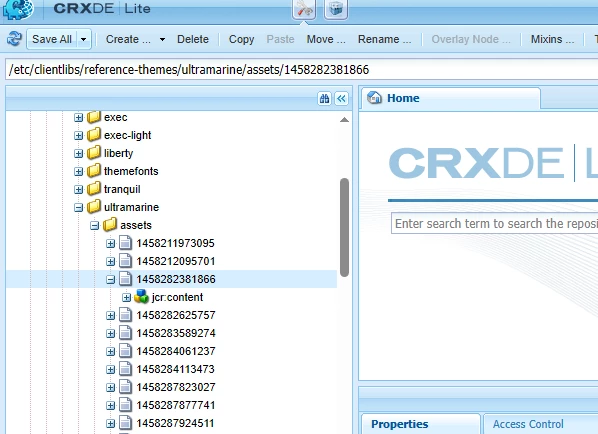
It works within AEM(author and publishers). Also, On checking further, we noticed the file name of that asset is not existing with an extension and it is not valid name.

Attaching the screenshot of issue and path of the asset.
/etc/clientlibs/reference-themes/ultramarine/assets/1458282381866


If we change the theme to some other themes apart from Ultramarine (eg: Simple enrollment, Tranquil etc) and publish form, checkboxes are visible in the domain.

It would be helpful if we get any suggestion on how we can allow these kind of files in AEM. 

Thanks in advance!
This post is no longer active and is closed to new replies. Need help? Start a new post to ask your question.
Best answer by pankajpr

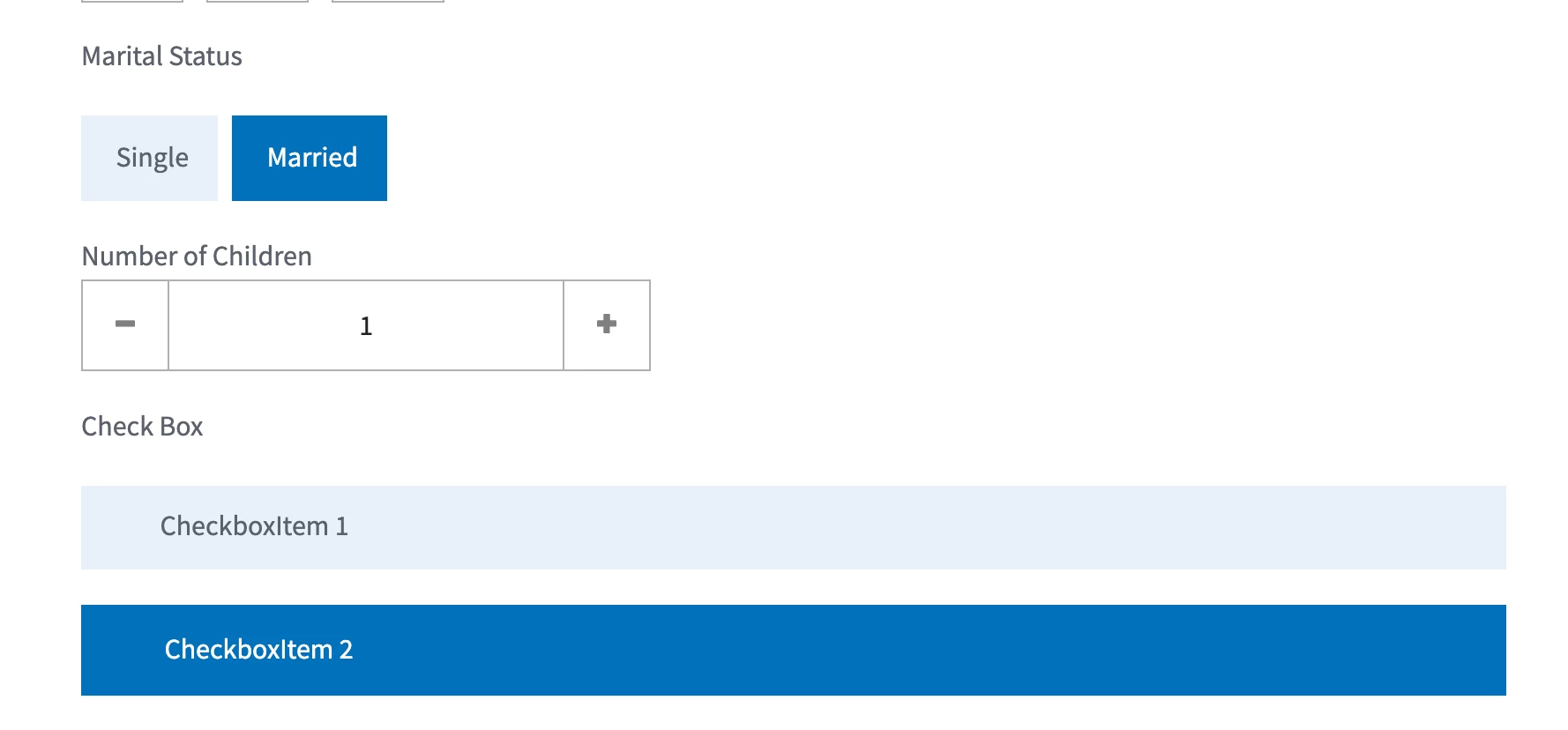
AFAIK, This theme has different design for checkbox appearance.

If you hover on text, there would be a blue underline appearance, clicking on text will make the checkbox selected.


1 reply

pankajprAdobe EmployeeAccepted solution
Adobe Employee
June 9, 2025

AFAIK, This theme has different design for checkbox appearance.

If you hover on text, there would be a blue underline appearance, clicking on text will make the checkbox selected.


Level 2
June 10, 2025

Thankyou Panka! If that is working as expected then am good. Thankyou again for clarifying us.

Regards,
Aishwarya Karthikeyan