AEM 6.4 Workflow - Assign Task - Task - Due Date and Timeout Handler / how to use for Reminder and Notification
Hello
We would like to use Due Date for Tasks. This works fine, when using the Inbox, Status, remaining time .. are shown.
Is it possible to generate a reminder notification (sample Due Date 14 days and a reminder after 10 days) / what could be used for?
What can we do with the timeoutHandler / Looking for something like notification or reassignemnt after reaching the Due Date ..
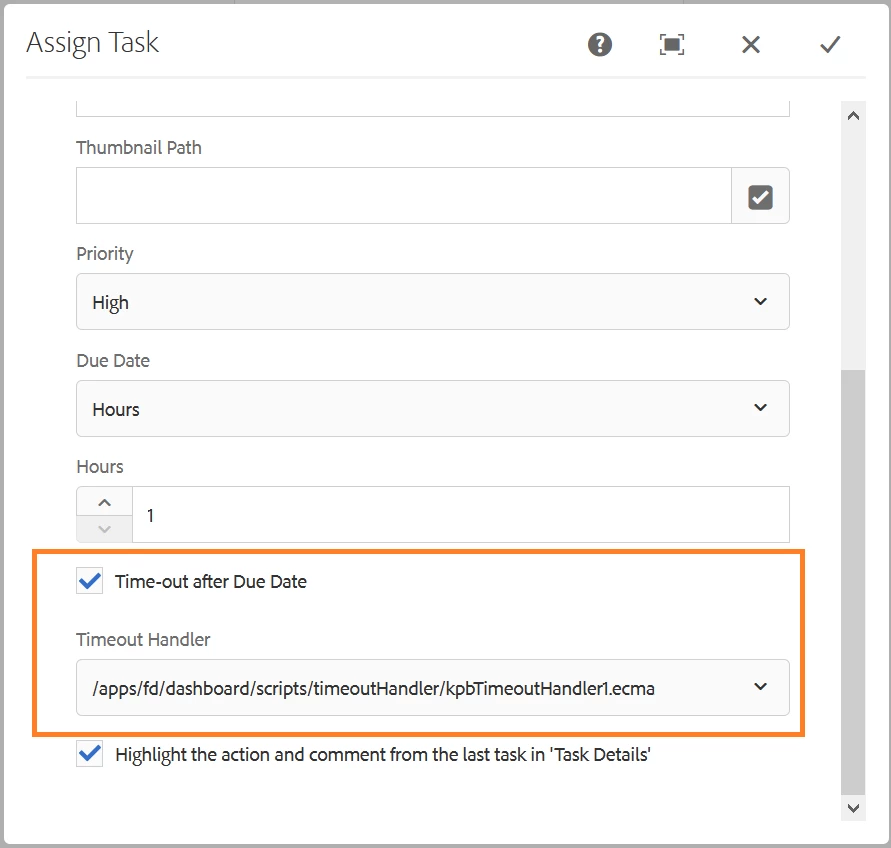
Assign task step ...
Timeout Handler: Select the script to be executed when the assign task step crosses the due date. Scripts placed in the CRX-repository at #/fd/dashboard/scripts/timeoutHandler are available for selection. The specified path does not exist in crx-repository. An administrator creates the path before using it.
I managed to place and select the script - what can be done here - are there sample scripts available ..
Thanks in Advance for any Input