Adaptive Form Error | Community
Skip to main content
Level 4
February 15, 2022

Adaptive Form Error

  • February 15, 2022
  • 1 reply
  • 776 views

Hi all, 

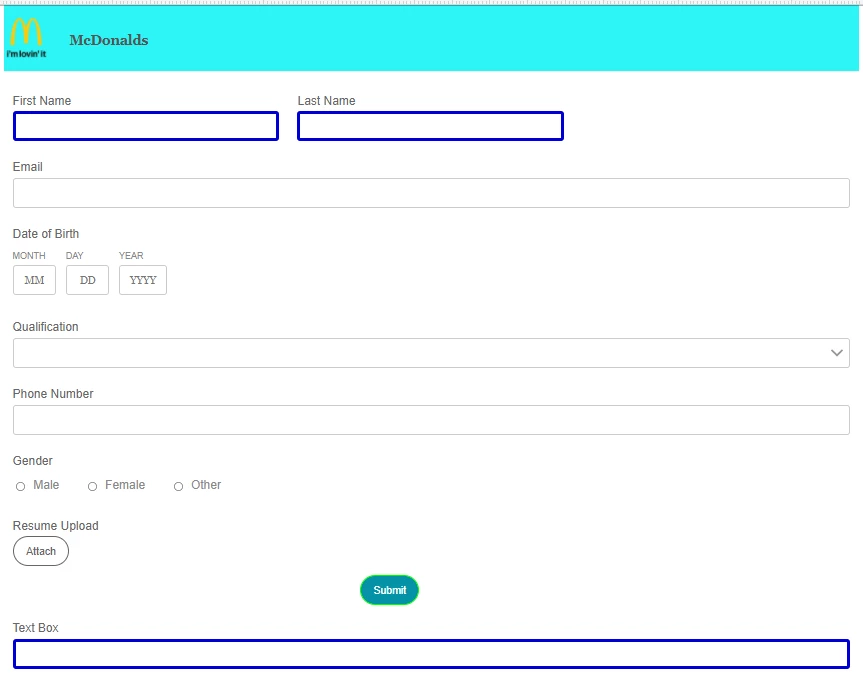
I have created an adaptive form and applied some styles. When I try to add that form fields in my page styles are not applying also it throws the below error. I have also included my adaptive form screenshot below. I don't know what went wrong. Can someone help me with this ??
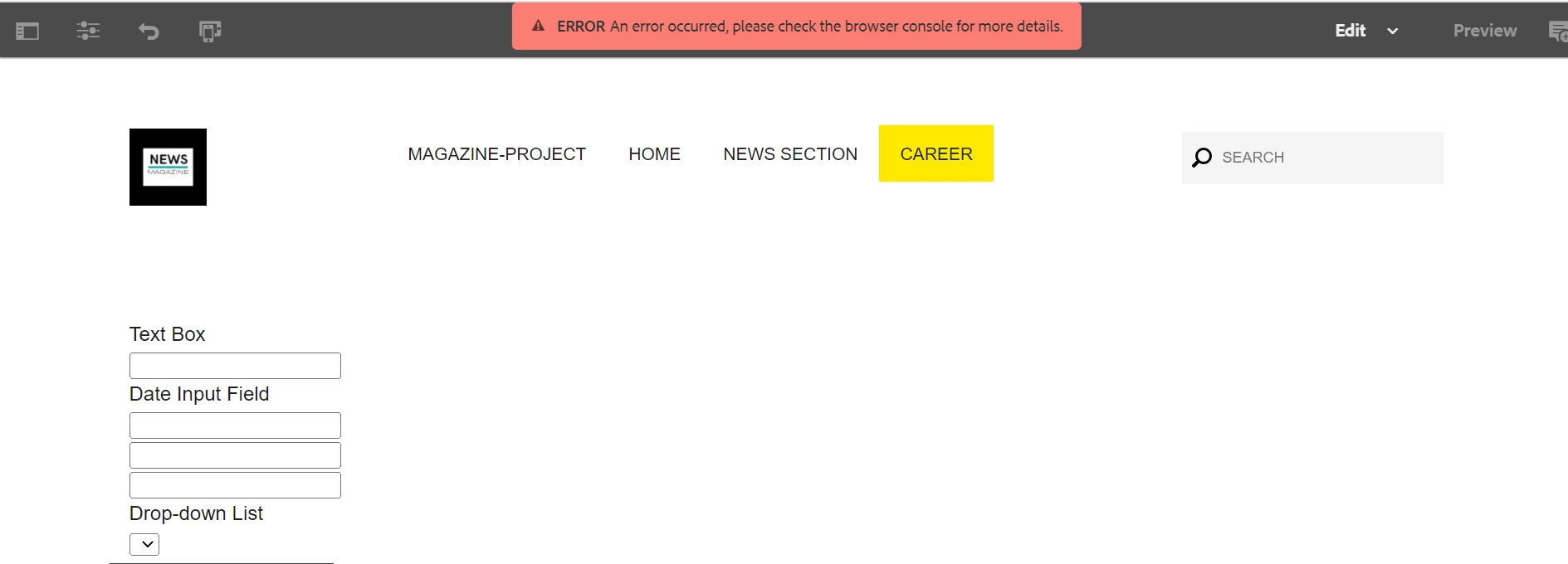
 

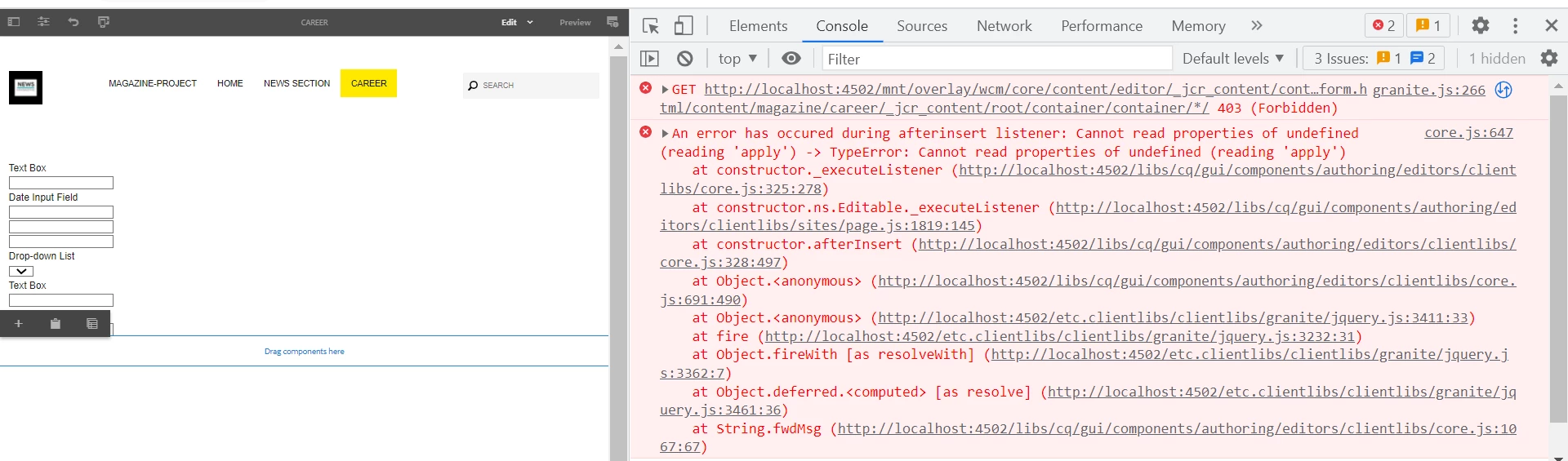
console error :


This post is no longer active and is closed to new replies. Need help? Start a new post to ask your question.

1 reply

Pulkit_Jain_
Adobe Employee
Adobe Employee
February 15, 2022

@tessa_learner1 

Please check if the style is applied on the template level or page level as 

  • you can define style classes in the content policy of components.
  • you can then select these classes from a drop-down when editing the component on a page.

Also, why do you want to use form field in forms? You can either embed the complete adaptive itself (with the styling) OR use the page components equivalent of form fields for the purpose.


Not sure of the Forbidden error that you're seeing on the console, you may want to check the Authentication support service config of this instance.

Level 4
February 15, 2022

@pulkit_jain_  I want to include the whole form but I don't know how to do it. Is there a way to embed the whole adaptive form to my own project page ?

Pulkit_Jain_
Adobe Employee
Adobe Employee
February 15, 2022

@tessa_learner1 

This help doc[0] elaborates the steps to embed adaptive forms in an AEM Sites page or a web page hosted outside AEM. 

Hope this helps!


[0] - https://experienceleague.adobe.com/docs/experience-manager-65/forms/adaptive-forms-basic-authoring/embed-adaptive-form-aem-sites.html?lang=en