Restrict metadata schema for excel type assets in AEM | Community
Skip to main content
Adobe Champion
January 3, 2023
Solved

Restrict metadata schema for excel type assets in AEM

  • January 3, 2023
  • 2 replies
  • 2085 views

I have created a custom  metadataschema for applying to assets in a project specific folder.

But default , this is what it will get applied to
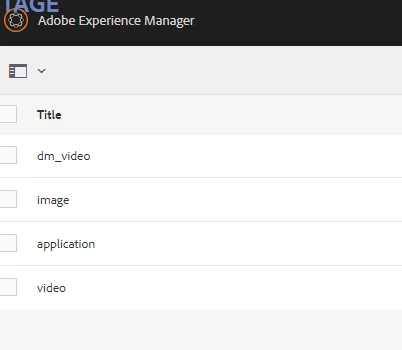
And inside the image
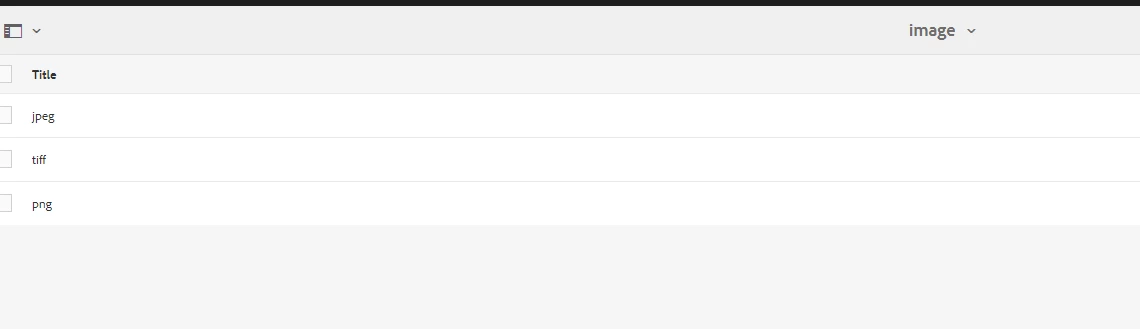


But I can see , this schema which has certain mandatory properties are being applied to excel files with extension xlsx as well.

How can I restrict this schema getting applied for excel type assets?

This post is no longer active and is closed to new replies. Need help? Start a new post to ask your question.
Best answer by digarg17

@digarg17  There are no metadata properties specific to excel and it is defaulting to the main custom schema and images, application are all inside that schema.

I don't want excel to default to my custom schema since it is picking the mandatory properties i added for images. So my ask is how i can remove excel from defaulting to the main custom schema.


I would suggest to remove these mandatory properties that you need only for image type from main custom schema and instead add them  under 'image metadata schema'  only.


2 replies

aanchal-sikka
Community Advisor
Community Advisor
January 4, 2023

Hello @p_v_nair 


I duplicated the OOTB default schema and applied it to a folder.

Uploaded CSV and XLSX, but I am not getting mandatory fields. Can you please share, what the fields are appearing as mandatory?


Also, for excel files, you should look under application schema.

Aanchal Sikka
P_V_NairAdobe ChampionAuthor
Adobe Champion
January 4, 2023

@aanchal-sikka  As I have mentioned in my post, I created a custom schema wit custom fields and made the fields mandatory. When i apply it to folder , that shows as mandatory fields for excel files. Please find the application schema inside it where only pdf is specified and not excel.


Adobe Employee
January 4, 2023

Excel type mime type is 

 so schema applied  for excel is the application schema which intern extends from the default schema. I see you have overridden the application schema. Please recheck your application and default schema and see if it has those mandatory properties. If you still wish to have field properties specific to excel mime type you can create another schema under application schema.

P_V_NairAdobe ChampionAuthor
Adobe Champion
January 4, 2023

@digarg17 This is the screenshot of the application schema inside my custom schema

I don't have excel in there. Are you saying to creating a custom application schema inside my custom schema for excel?

Adobe Employee
January 4, 2023

The custom application metadata schema will be applied by default  on your excel. If you dont want application metadata schema to be applied then you can add an excel metadata schema under application similar to psf  or use any existing schem and apply them