Solved

Adilos-CantuerkAccepted solution
Community Advisor
October 9, 2023
From the screenshots (what is brettingprod 🙂 i am not sure if this might be it,
shouldn't there be a path browser predicate which in turn would be above your show predicate?
Like this:
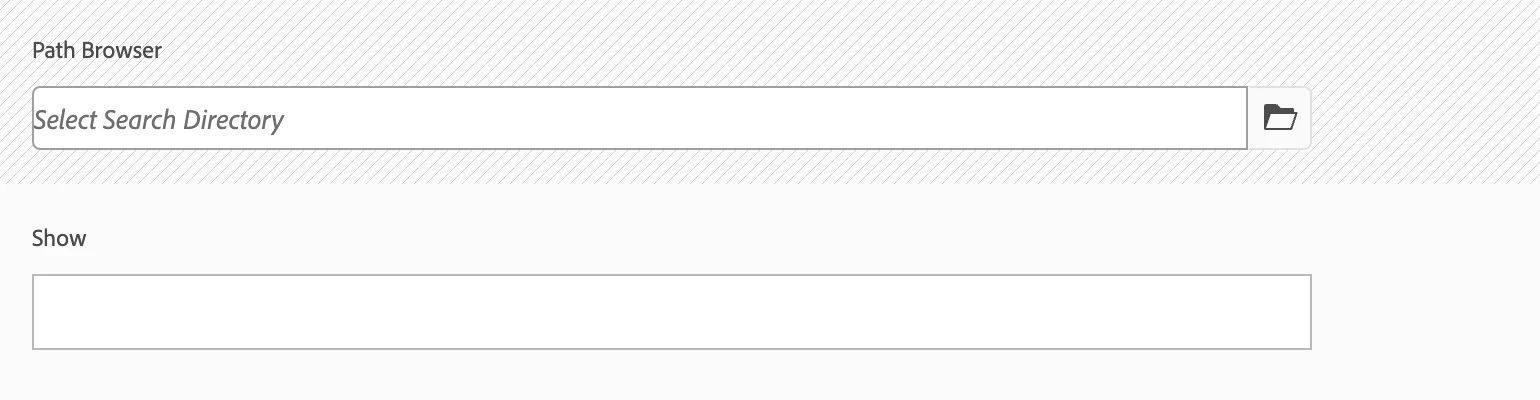
As is - how do you change the behavior on your production enviroment to be like in your development enviroment:
Usualy, you would have the changes made within the master branch and push it via the deployment pipeline.
But in case, you just want to try out, if this will do the changes you want it to do, you can try the following.
Go to your CRX package manager, create a new package, for /conf/global/settings/dam/search/facets - then download this package- upload and install it on your production enviroment to have the settings instantly.
Edit: As written in addition: You need to put this change also in your master branch within the git, otherwise this will not be a permanent change. Your next deployment will overwrite the settings with whatever your settings are in your git - master branch.