Maintaining Scroll Position on Browser Back Button Click. | Community
Skip to main content
Level 3
March 20, 2025

Maintaining Scroll Position on Browser Back Button Click.

  • March 20, 2025
  • 2 replies
  • 451 views

Hi,

We have a requirement where if a user clicks on an asset and then presses the browser back button, the scroll bar should not go to the top but should remain at the asset that was clicked earlier.
This functionality is crucial for maintaining a seamless user experience, as it prevents users from losing their place on the page.

Example
:
Step 1: Suppose a user clicks on the asset.
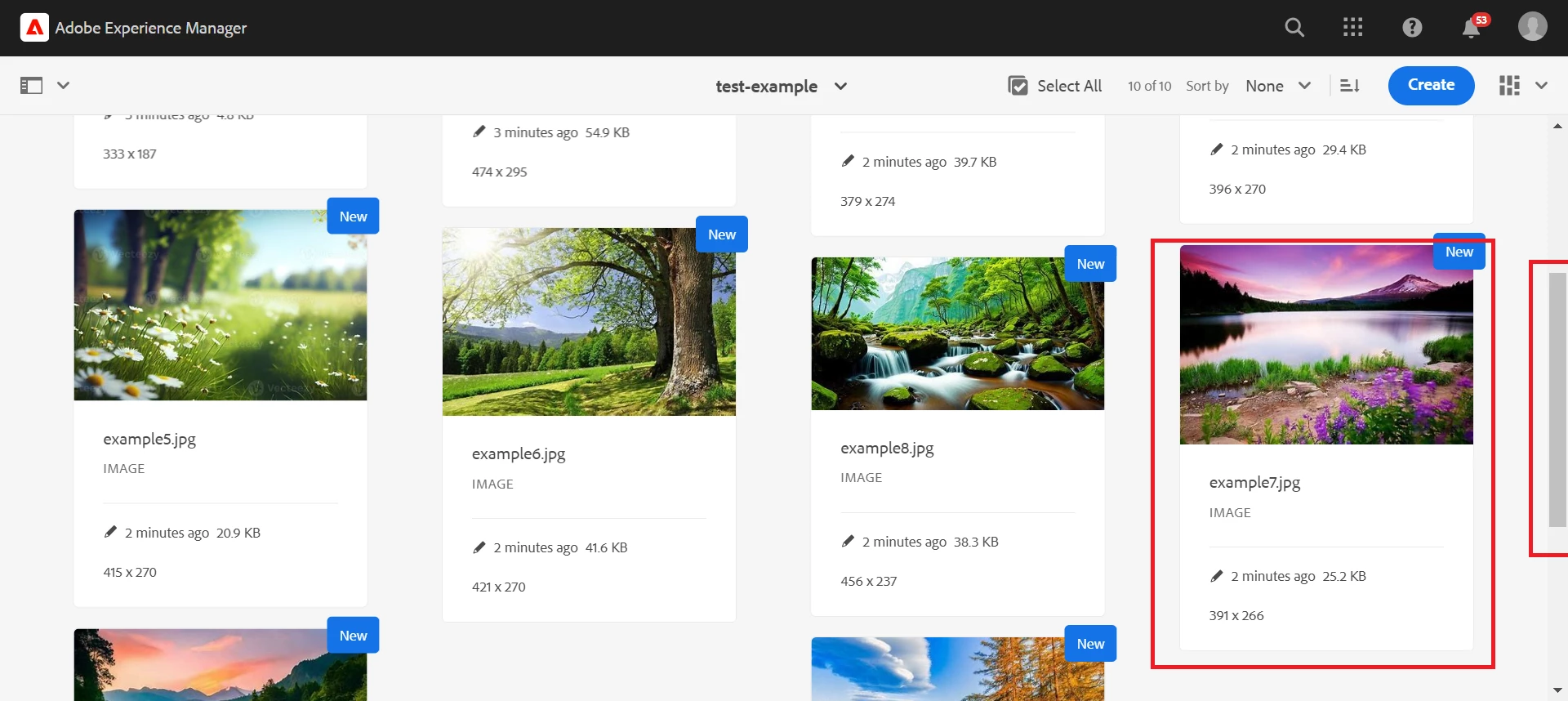
Step 2: The asset is opened, and now if the browser's back button is clicked.
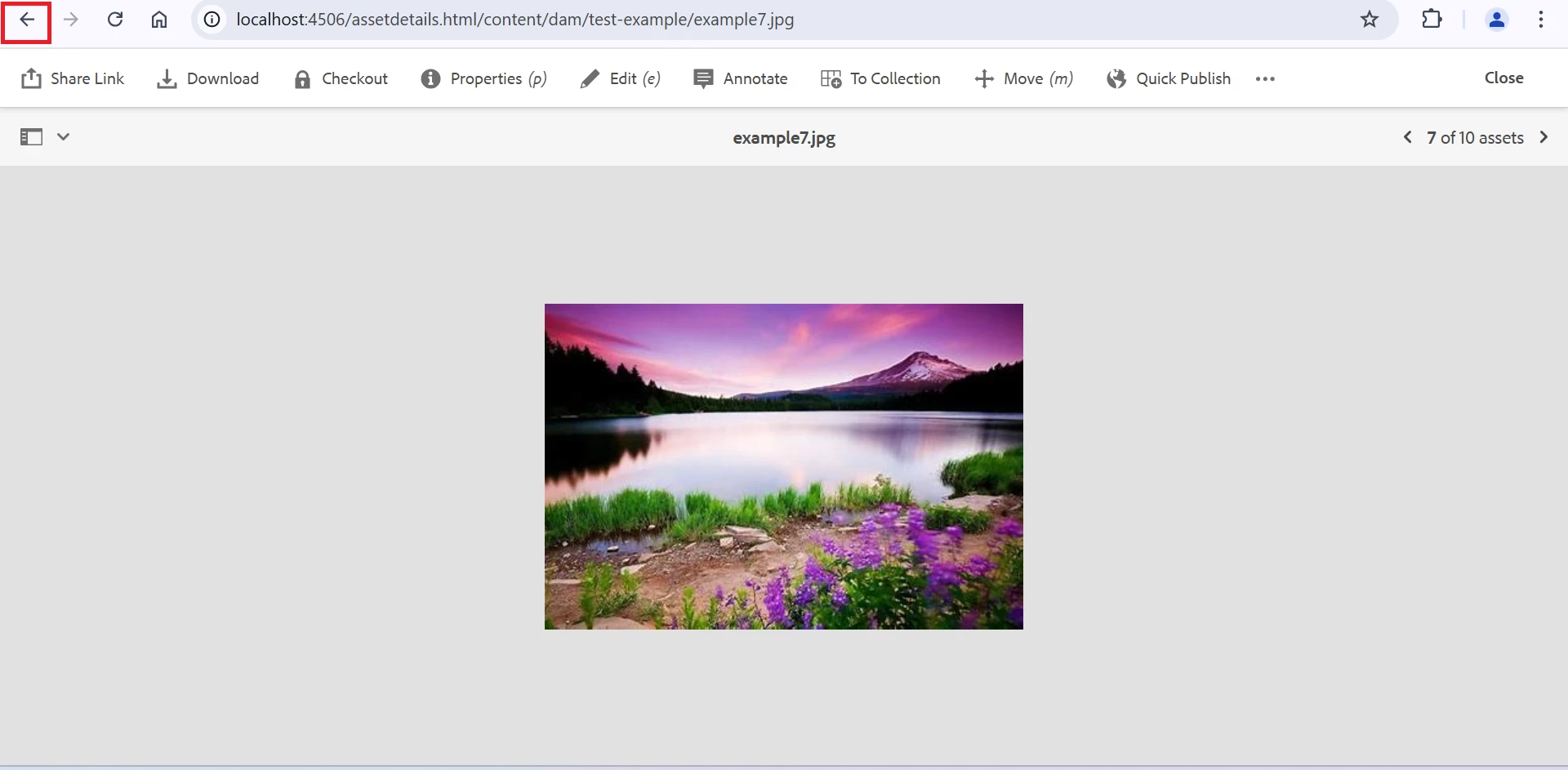
 

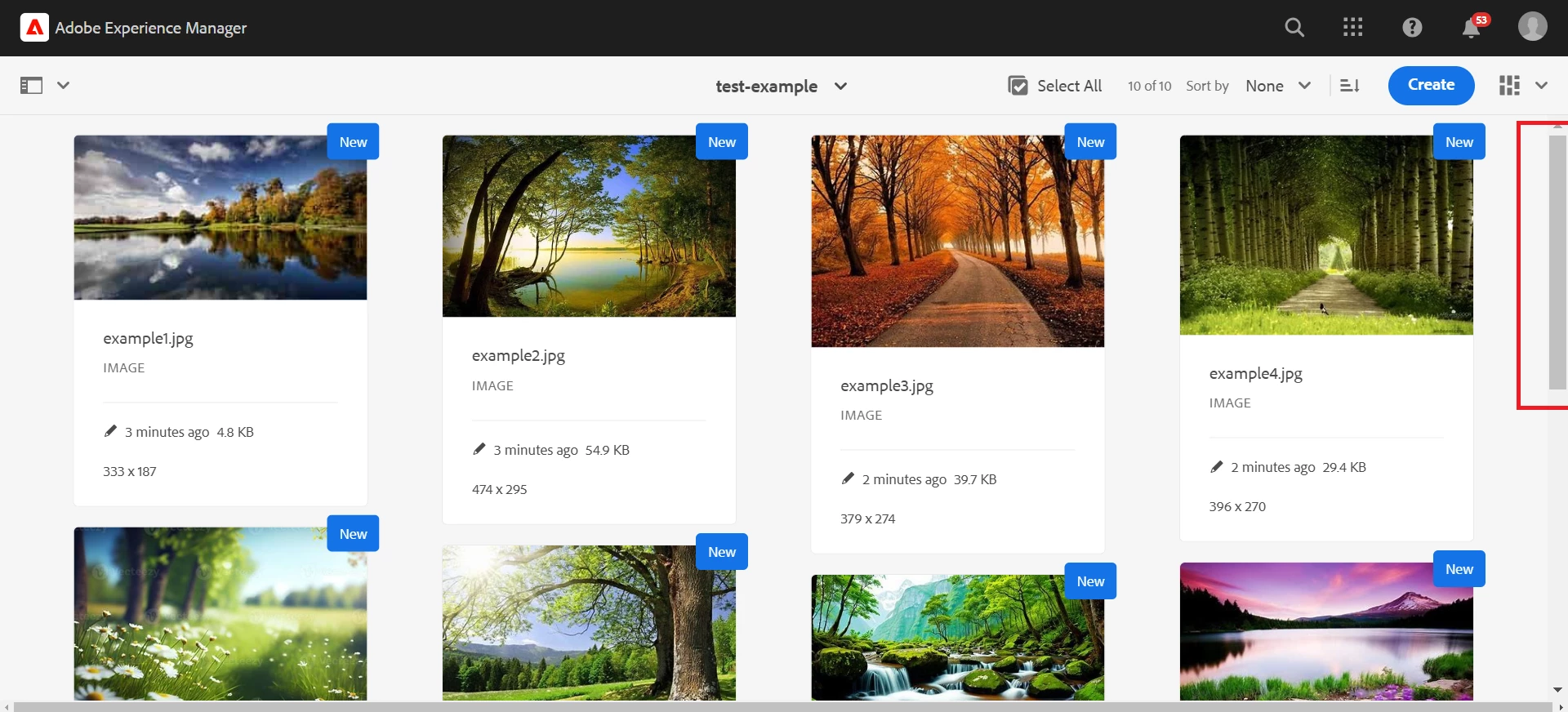
Step 3: The scroll bar goes to the top.

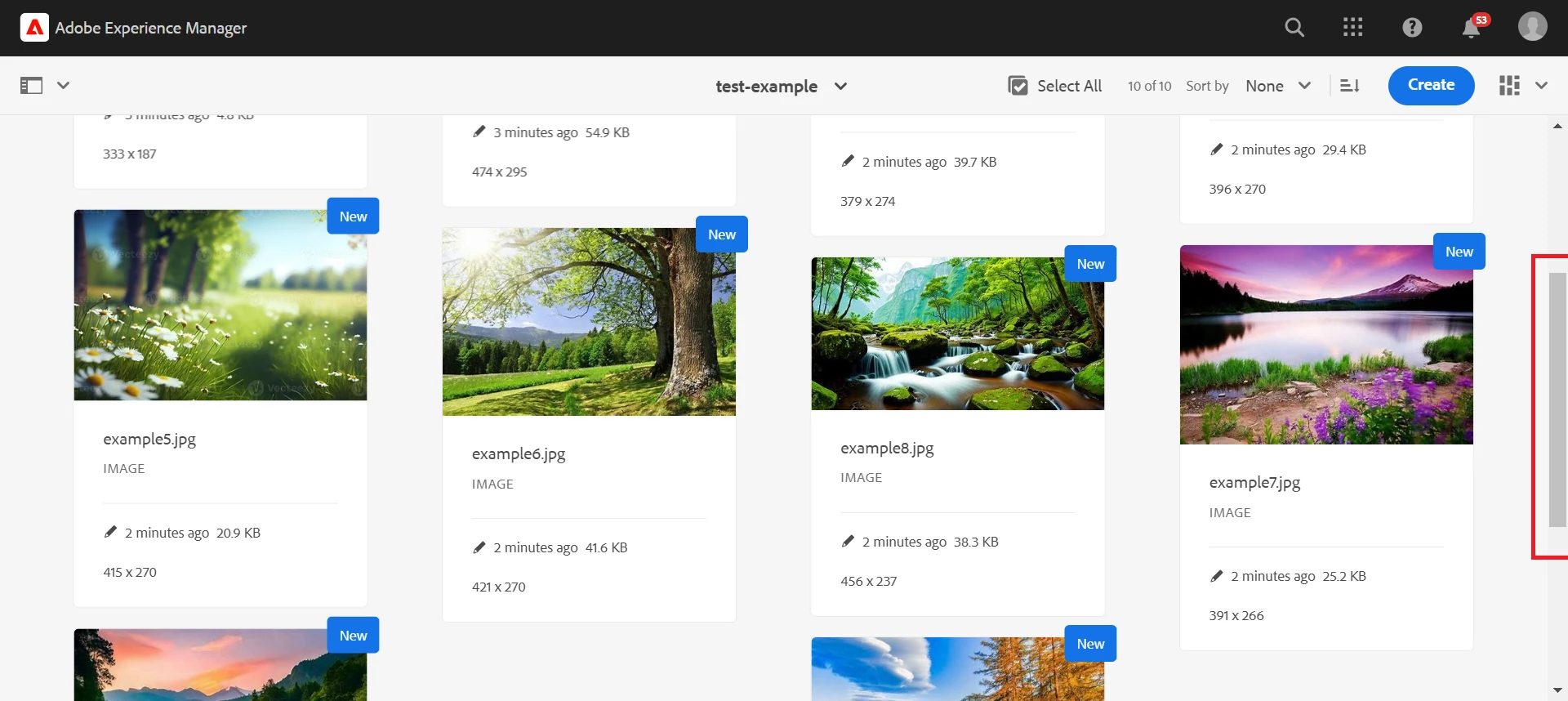
Step 4: However, we want the functionality where the scroll bar remains at the asset that was clicked earlier.

We would appreciate your assistance in implementing this feature.

Thanks & Regards,
Vishal Jain

2 replies

Saravanan_Dharmaraj
Community Advisor
Community Advisor
March 24, 2025

@vishal33  My suggestion would be raising it as RFE with Adobe. I see the issue when you have lots of assets in a folder and the UI brings back to top of the folder, then the user has to scroll back to that position. As far as i know the clients normally wont work on fixing the console or enhance it since its the core product UI unless otherwise Adobe suggests how to customize it.  


Adobe provides the documentation at high level

https://experienceleague.adobe.com/en/docs/experience-manager-65/content/implementing/developing/extending-aem/customizing-consoles-touch


Its upto you to whether add the script to identify the scroll position and saving it in cookie or local storage and retrieving it and take the user to the scroll position like this example

https://stackoverflow.com/questions/42604384/html-js-go-back-to-previous-page-in-the-same-scroll-position


other options to suggest to authors are if the number of assets are more , the content authors should use the filtering on left rail or try to list view which reduces the view for more assets. 


Hope that helps!


kautuk_sahni
Community Manager
Community Manager
April 2, 2025

@kamal_kishor, @rajashankar, @timo_hh, @imran__khan, @priyankaku This question could use some expert insight—would love to hear your thoughts if you can take a look!

Kautuk Sahni