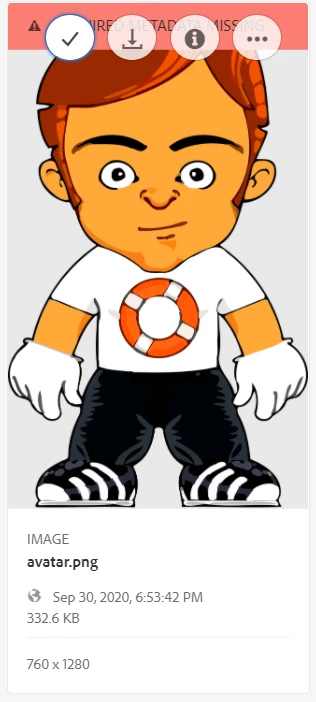
How to disable download icon for an asset in AEM 6.5? | Community
Skip to main content
This post is no longer active and is closed to new replies. Need help? Start a new post to ask your question.
Best answer by arunpatidar

If you want to disable it for all the users then you can simply write CSS.


button._coral-ActionButton._coral-ActionButton--quiet._coral-QuickActions-item[title="Download"] { display: none; }


2 replies

arunpatidar
Community Advisor
arunpatidarCommunity AdvisorAccepted solution
Community Advisor
November 23, 2020

If you want to disable it for all the users then you can simply write CSS.


button._coral-ActionButton._coral-ActionButton--quiet._coral-QuickActions-item[title="Download"] { display: none; }


Arun Patidar
Vijayalakshmi_S
Level 10
November 23, 2020

Hi @sudeshna1992,

Adding to @arunpatidar's solution, if you are to disable based on user permissions, then we need to overlay and then write render conditions. (OOB Privilege type can be used)

Sample implementation for reference:

/libs/cq/gui/components/renderconditions/canreadworkflowmodels/canreadworkflowmodels.jsp