How to Customize the URL and Embed Buttons in AEM Dimensional Viewer for 3D Assets
Query:
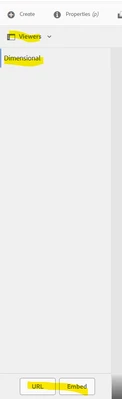
In AEM, when using the Dimensional Viewer for 3D assets in DAM, we navigate to the asset's detail page, select Viewers → Dimensional Viewer, and see two buttons — URL and Embed. Clicking the URL button provides a link like https://s7.scene7.com.
Where can I find the actual code or configuration responsible for generating these URL and Embed buttons, so I can modify the output URL to use https://abc.com instead of https://s7.scene7.com
Regards,
Srinivas