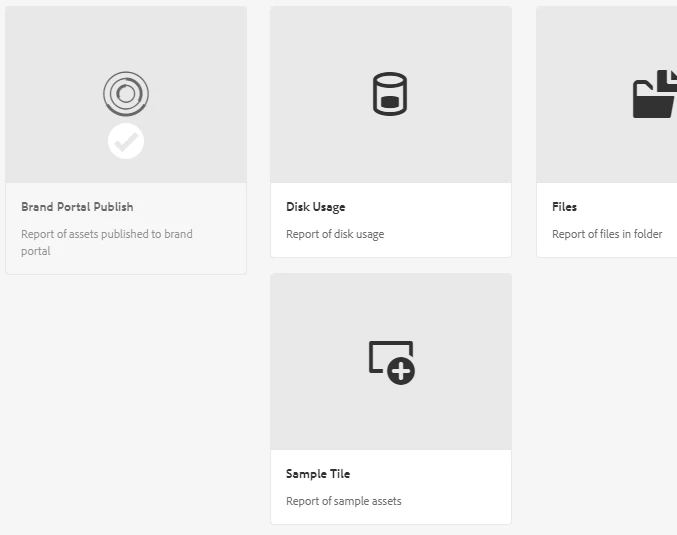
how to add custom report tile to the report wizard screen. | Community
Skip to main content
This post is no longer active and is closed to new replies. Need help? Start a new post to ask your question.
Best answer by BipinCh1

Hi @ssawaikar , If you want to add the another tile to the create report, you have to overlay this path /libs/dam/content/reports/availablereports from libs and add the extra tile type similar to the other tile type used in the libs thus adding the extra tile.


2 replies

BipinCh1Accepted solution
Level 3
May 28, 2022

Hi @ssawaikar , If you want to add the another tile to the create report, you have to overlay this path /libs/dam/content/reports/availablereports from libs and add the extra tile type similar to the other tile type used in the libs thus adding the extra tile.


sunil_kumar_
Level 5
May 31, 2022

Hi @ssawaikar ,
After adding node under overlaid path, you may only see only your tile. You may need to other existing nodes too.