What are the calculation rules for total spent time? | Adobe Higher Education
Skip to main content
Level 2
November 21, 2024
Pregunta

What are the calculation rules for total spent time?

  • November 21, 2024
  • 2 respuestas
  • 1229 visualizaciones

Hello,

   I am currently subscribing to data from a data feed, loading it into a database via SFTP for analysis. I would like to ask about the calculation rules for the 'total spent time' metric. Which fields are used and what logic is applied to calculate it? I need to ensure that it aligns with the values in the workspace.
 

2 respuestas

leozh1Autor
Level 2
November 21, 2024

My current calculation rules are:

page_name            post_cus_hit_time
page A                          11:00

page B                         11:01

page C                         11:03


page A total spent time is 11:01- 11:00 = 1 minutes

page B total spent time is 11:03-11:01= 2 minutes

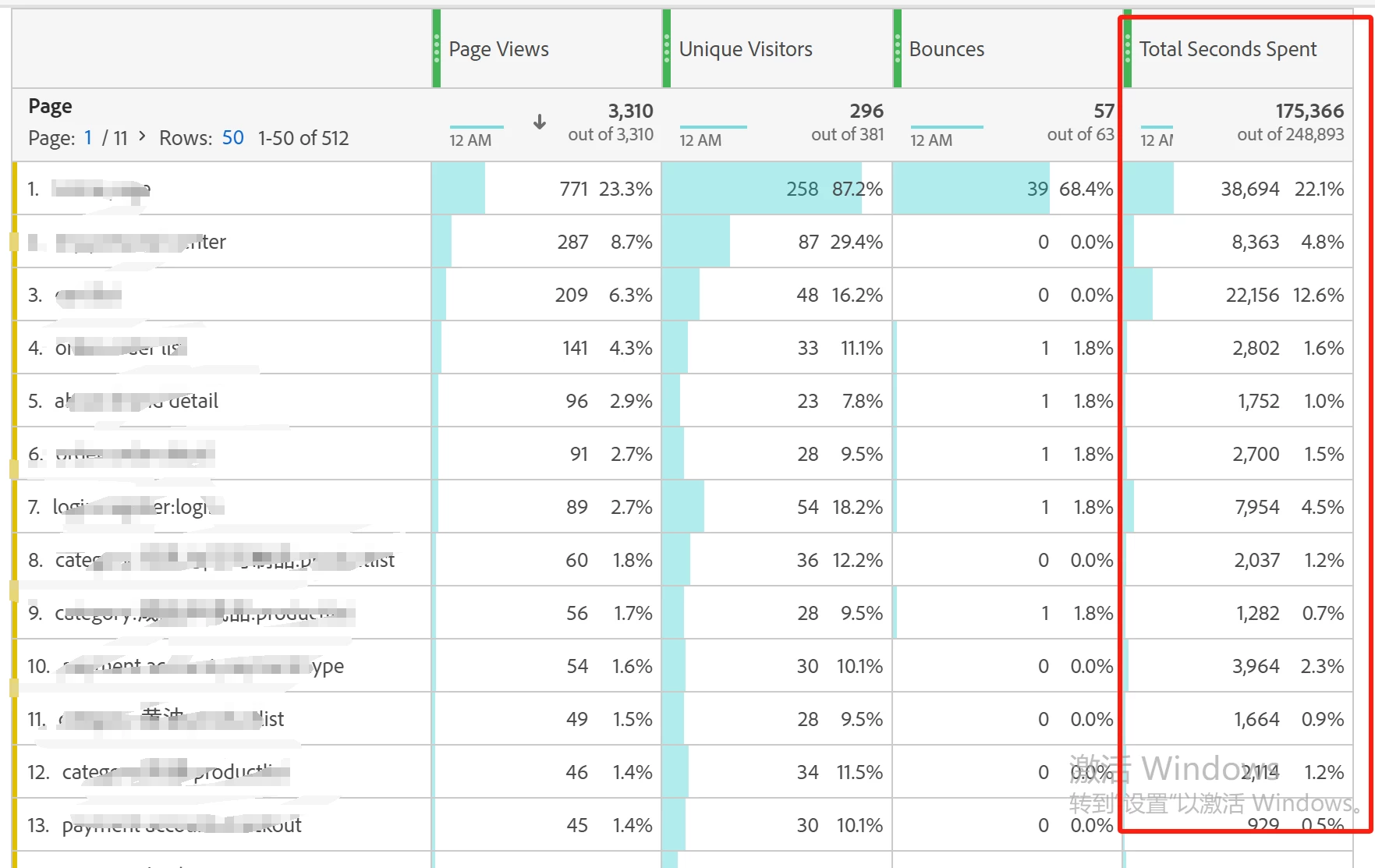
However, this result is different from the one in the workspace.

leozh1Autor
Level 2
November 22, 2024

Persisted variables, such as eVars, count towards total seconds spent. Traffic variables, such as props, include seconds spent across subsequent link tracking calls.


Hello, I found that eVars and props are also included in the total spent time. Currently, my calculation rules only use post_visid_high, post_visid_low, post_pagename, visit_num, visit_page_num, and cust_hit_time_gmt to calculate spent_time. How should I calculate the corresponding spent_time for eVars and props?

leozh1Autor
Level 2
November 25, 2024

Hello,


     Persisted variables, such as eVars, count towards total seconds spent. Traffic variables, such as props, include seconds spent across subsequent link tracking calls.


      https://experienceleague.adobe.com/en/docs/analytics/components/metrics/total-seconds-spent


      My current calculation rules are:

page_name            post_cus_hit_time
page A                          11:00:10

page B                         11:00:20

page C                         11:00:25


page A total spent time is 11:00:20- 11:00:10 = 10s

page B total spent time is 11:00:25-11:00:20= 5s

However, this result is different from the one in the workspace.


      I found that eVars and props are also included in the total spent time. Currently, my calculation rules only use post_visid_high, post_visid_low, post_pagename, visit_num, visit_page_num, and cust_hit_time_gmt to calculate spent_time. How should I calculate the corresponding spent_time for eVars and props?


MandyGeorge
Community Advisor and Adobe Champion
November 25, 2024

@leozh1 I've merged this new question with your previous one since they're the same. 


@leozh1 wrote:


I found that eVars and props are also included in the total spent time. Currently, my calculation rules only use post_visid_high, post_visid_low, post_pagename, visit_num, visit_page_num, and cust_hit_time_gmt to calculate spent_time. How should I calculate the corresponding spent_time for eVars and props?

If I understand what you're trying to do correctly, you want to calculate the time between instances of an evar firing and not necessarily the page. You could replace the page dimension with the evar # that you're interested in. Using the evar column, not the post_evar column, will show you the hits where the value fired. You then just do the same calculation that you would with page name, using the time stamp between the two. 


Note, if you try to use the post_evar column, this will include any hits where the value persisted and not just those where it actually fired.