Solved
URL Parsing in Tag for Analytics
Good afternoon.
I would like to know how to parse the URL in the TAG and send it in separate variables to Analytics.
Thanks.
Good afternoon.
I would like to know how to parse the URL in the TAG and send it in separate variables to Analytics.
Thanks.
I generally use Custom Code Data Elements for that... how good are you with JavaScript, and how complex are your parsing rules?
If you just want a simple part 1, part 2, part 3, etc IF it exists, then you could so something like:
var pathName = _satellite.getVar('urlpath');
pathName = pathName.replace(/\/*$/, "").replace(/^\/*/, "");
var pathNameArray = pathName.split('/');
var urlPart = "";

if (pathNameArray[0]){
    urlPart = pathNameArray[0];
}

return urlPart;
The first part just gets the Path Name from another Data Element for Path Name (or you could pull that using JS, but if you already have it, might as well use it)
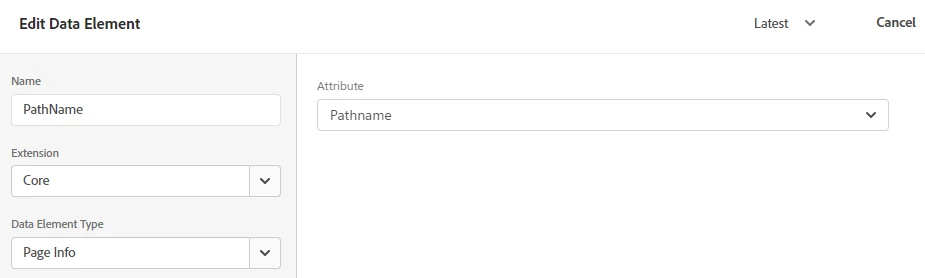
The second line just removes the leading and trailing / from your path (when you split the path, you won't end up with empty objects)
Next, we are going to split the URL into an array on "/" - basically making each part of the URL it's own object.
All of the above code will be in each Data Element... the next part has the variations.
First, we just initiate a urlPart variable, so that when we run the return statement, the variable is defined, and if you happen to be on the home page, with no path parts, it will just be an empty value, or when you are pulling part 3, and you only have 2 parts, again, it returns an empty string.
Now, for each Data Element, we want to check IF there is a URL part at the position, arrays are zero-indexed... so "0" is actually part 1, "1" is actually part 2, etc
If there is a value in the part, set the urlPart variable to the value.
Enter your E-mail address. We'll send you an e-mail with instructions to reset your password.