Setting Adobe Data Layer Extension to pick up another datalayer name | Community
Skip to main content
Xingu13
Level 2
May 31, 2024
Question

Setting Adobe Data Layer Extension to pick up another datalayer name

  • May 31, 2024
  • 2 replies
  • 865 views
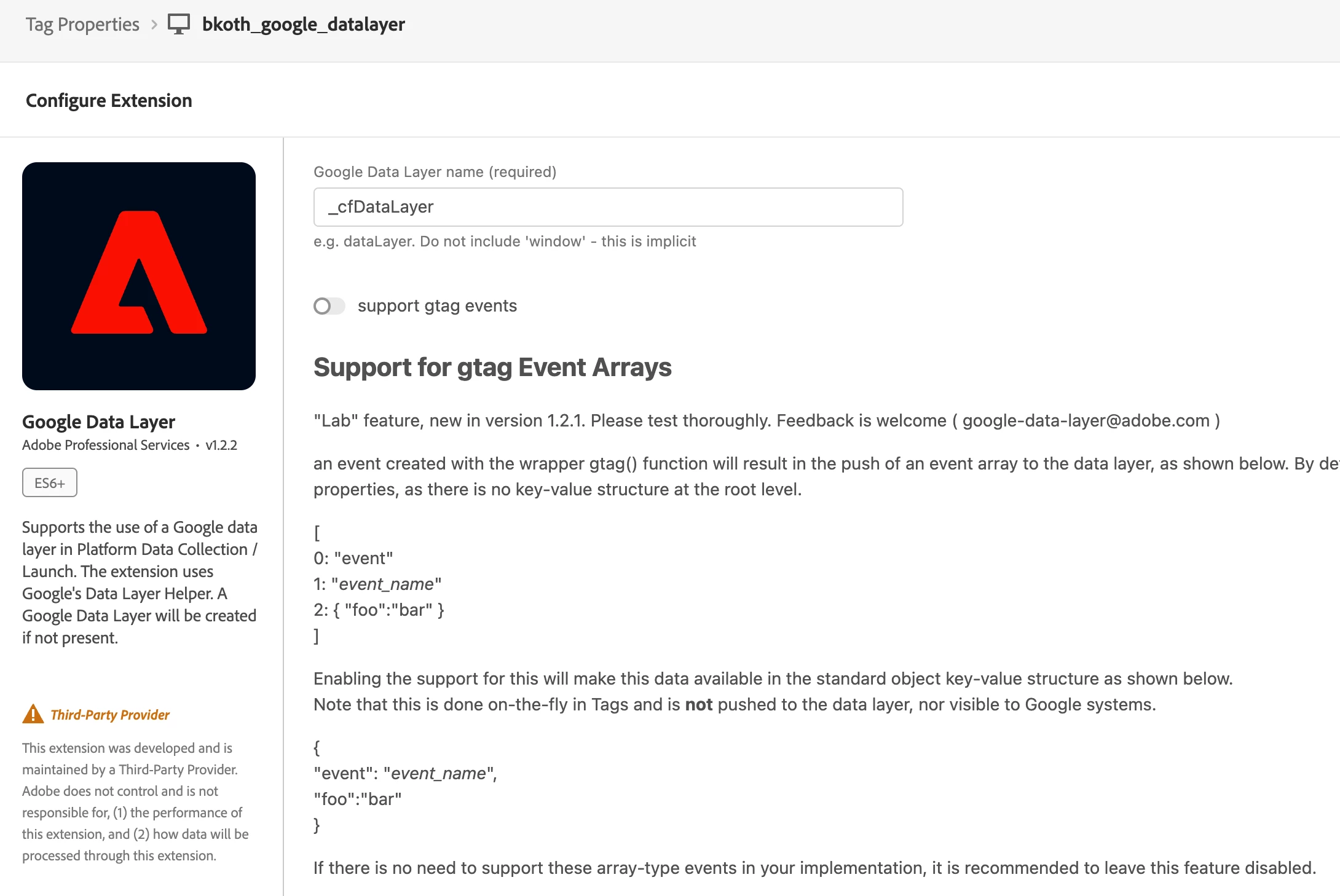
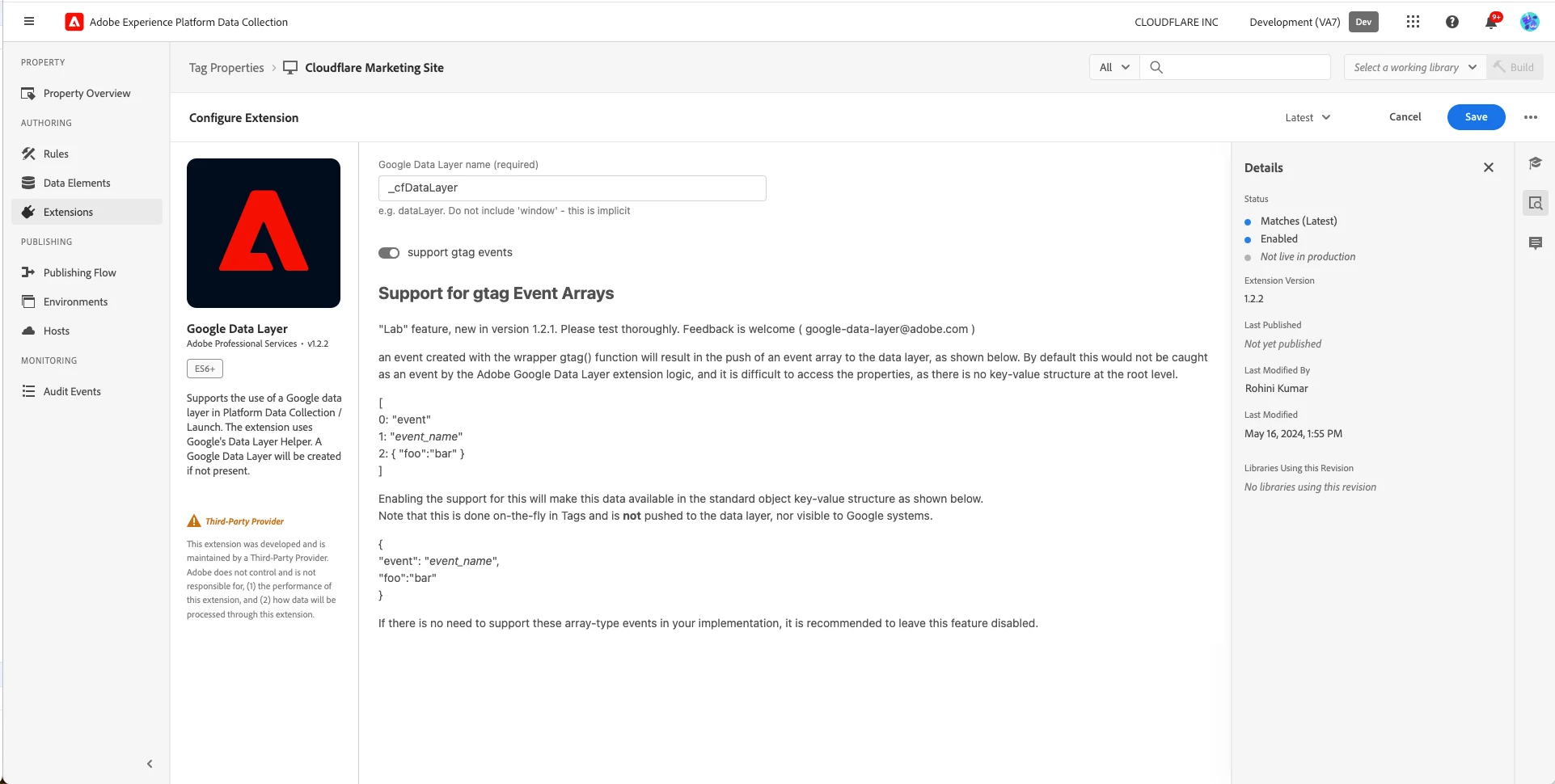
I have a question on the datalayer as our site has two datalayers (dataLayer and _CfDataLayer). When we set up the Google Data Layer extension, we set the data layer name to be _cfDataLayer as our most up-to-date data push, while we clean up the default dataLayer at the moment. 
However,despite the configuration in Adobe Data Collection to use updates made to _cfDataLayer, Adobe Data Collection seems to pick up the old default dataLayer and respond to updates made to it as opposed to _cfDataLayer. Is there anyway that we can configure this to pick up the designated datalayer name? 
 
This post is no longer active and is closed to new replies. Need help? Start a new post to ask your question.

2 replies

Ankit_Chaudhary
Community Advisor
Community Advisor
June 1, 2024

could you provide a little more context on what updates you are trying to made to _cfDataLayer and how?

bjoern__koth
Community Advisor and Adobe Champion
June 1, 2024

Hi @xingu13 

works fine for me.


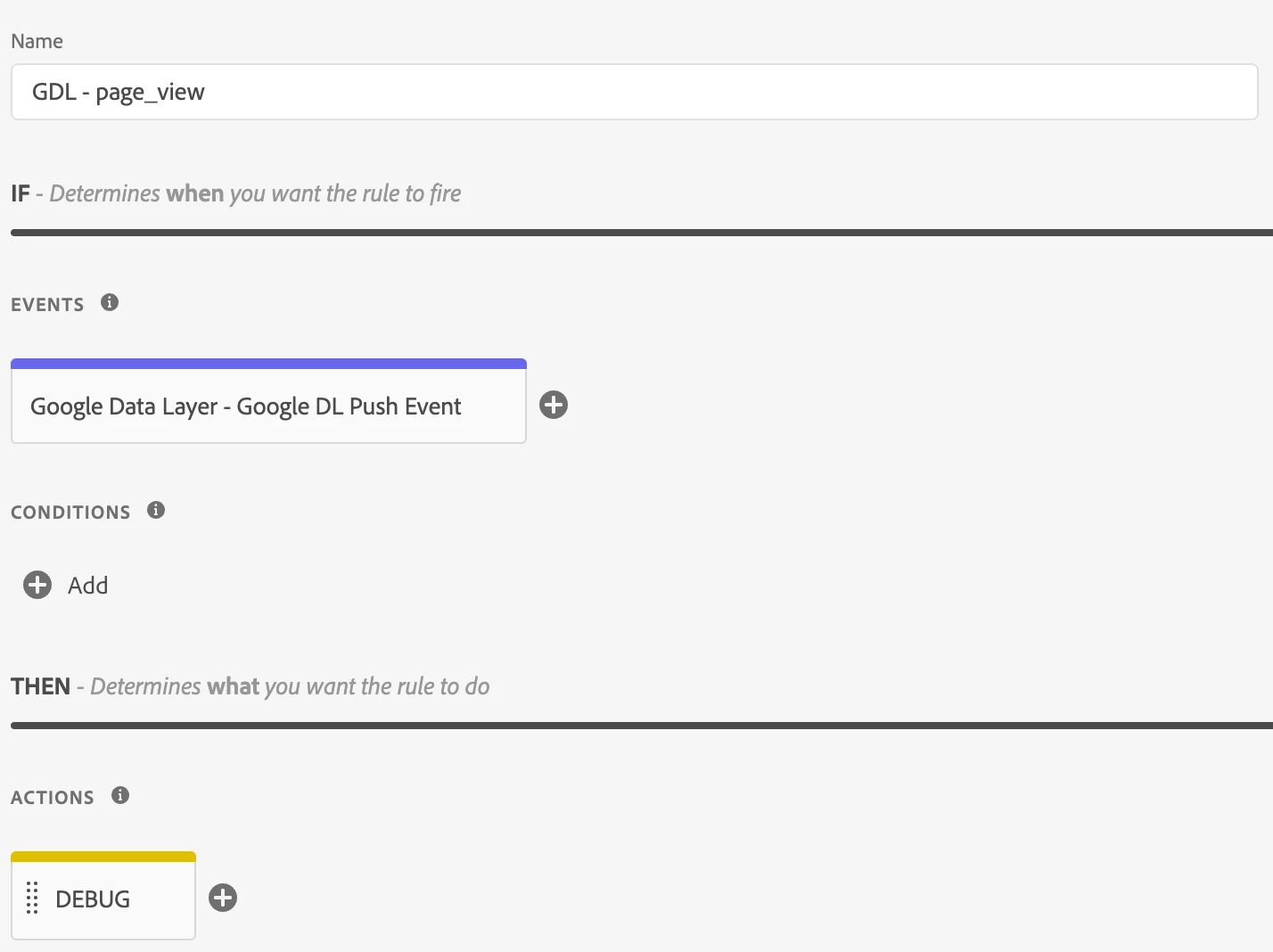
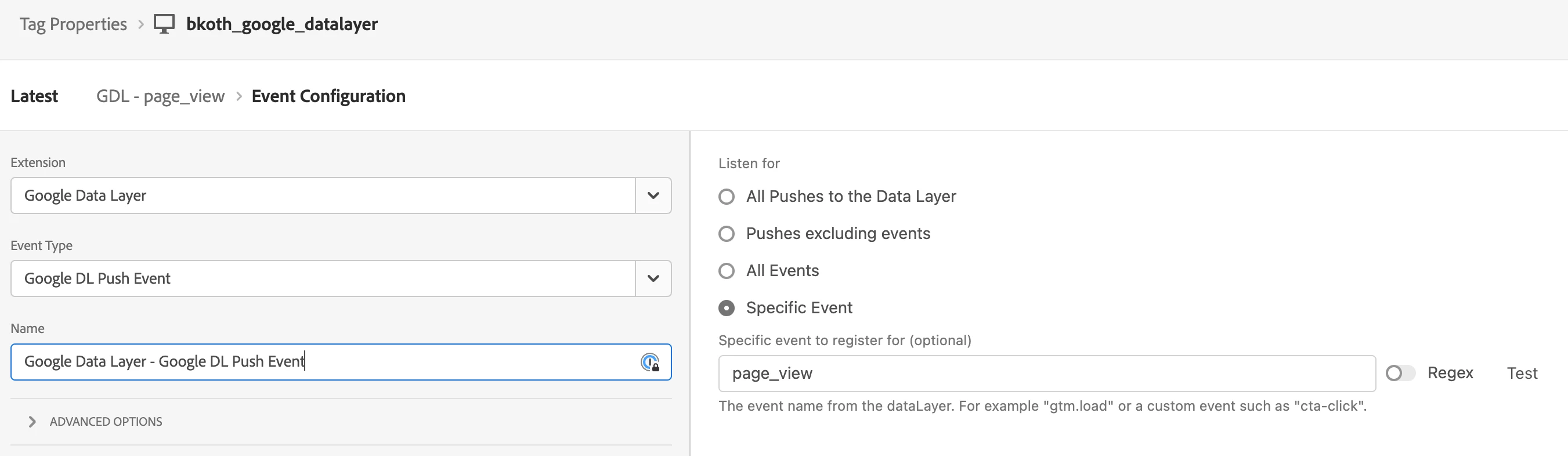
My setup


Rule: "GDL - page_view"


with a debug action


_satellite.logger.debug(">>> page_view");


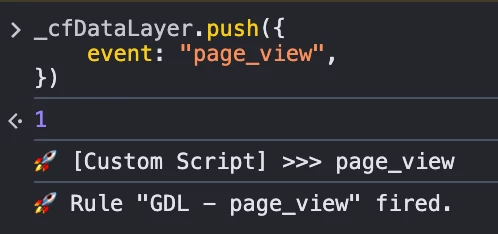
And on my test page, I push a page_view event.

_cfDataLayer.push({ event: "page_view", })


Can you be more specific what does not work for you?


Cheers from Switzerland!