


New
Schedules workspace projects - improve "failed" option
when a scheduled report failed to be delivered, it get's marked as failed as shown here:
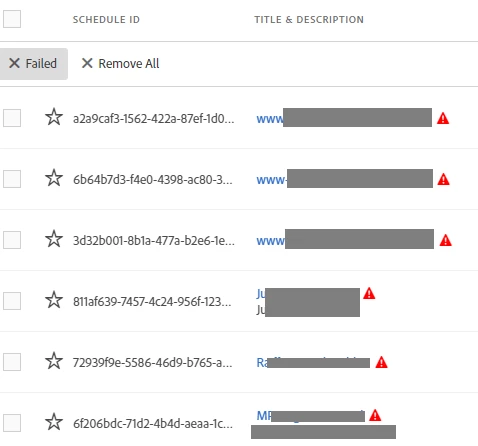
i see the following problems and improvements:
- Reason for failure: currently i see no reason why the schedule failed or which recipients didn't get the scheduled project
- Date of failure: i can't see any date when the failure appeared
- Expiry of message: if the same schedule has a new run without a failure, the above messages stay as "failed", even when all recipients get the desired workspace project
- Message system: the owner of the scheduled project doesn't get a message that there was a failure. as the owner of the schedule it would be nice to see a message by email (or marketing cloud notification) that a schedule had a failure
- visibility (red sign): the red sign only appears when the filter "failed" is marked. the sign should be on the main schedule as well! if a failure appears it looks as the system generates an additional entry for the failed report which is only available/visible when filtered for "failed"
i love to see this feature, but in current mode it is just a waste of time looking at the data ...