Page URLs in Adobe Analytics
Hello,
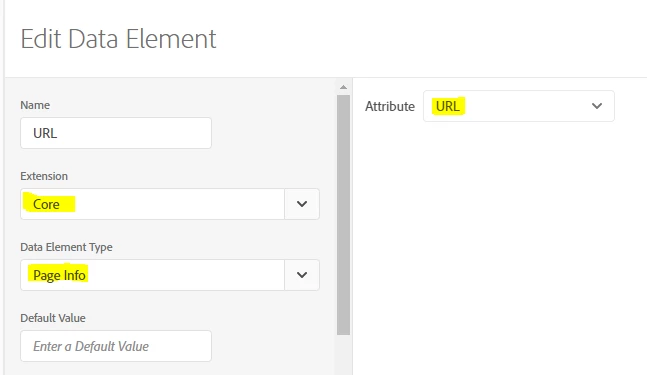
my website uses history fragments / hashes in URLs, so a typical URL would look like this:
https://www.example.com/portal/#/login
https://www.example.com/portal/#/home
etc
I try to track these URLs in Adobe Analytics. The issue is that in the reports the hash part of the URL is not displayed, it is for some reason truncated.
So I just see https://www.example.com/portal/ and I'm not able to distinguish one page from another.
1) Why is it happening and how to make AA display the whole URLs?
Trying to find a solution to the above issue, I started sending only the hash part to AA:
/login
/home
etc
But I've run into another issue: now I don't see any URLs at all, I just see Other in the reports:

2) Why AA is not showing the URL values I send and how to fix it?
Any hints appreciated 
Thanks a lot!