Line Visualisation not Working Since Update | Community
Skip to main content
Level 2
May 14, 2019
Solved

Line Visualisation not Working Since Update

  • May 14, 2019
  • 2 replies
  • 2514 views

Hi,

Since the recent update to line visualisations in Adobe workspace, these no longer appear to be working.

This through any method of generating (dragging in from components, right click> generate line & using insert >line.

When this is done, an empty visualisation appears as below, showing the correct headers, without generating the actual visualisation;
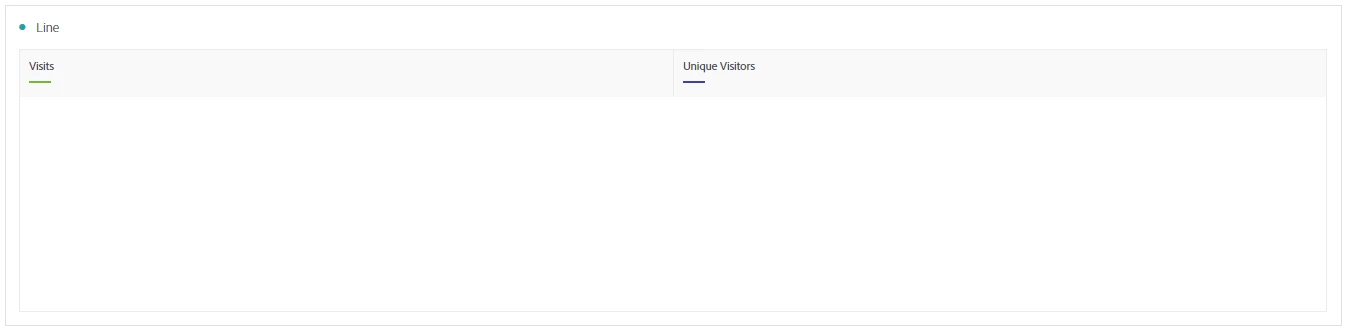
This is on every metric, segmented & unsegmented, and we could do with this issue resolving asap.

Thanks,

Chris

This post is no longer active and is closed to new replies. Need help? Start a new post to ask your question.
Best answer by KeriannSu

Looks like this is caused by the Tagtician Chrome extension. When workspace updates, it sometimes conflicts. The Tagtician folks are usually on it pretty quickly. I usually just keep my Tagtician disabled by default.

2 replies

KeriannSuAccepted solution
May 15, 2019

Looks like this is caused by the Tagtician Chrome extension. When workspace updates, it sometimes conflicts. The Tagtician folks are usually on it pretty quickly. I usually just keep my Tagtician disabled by default.

December 2, 2019

@@Chris.LeylandI had the same issue for a month. I updated to latest Chrome version, and cleared my cache and cookies and start working after all. I hope it does the trick with you