Segment names in UI (RTCDP) | Community
Skip to main content
Level 2
August 12, 2022
Question

Segment names in UI (RTCDP)

  • August 12, 2022
  • 2 replies
  • 2331 views

Hi all,

I noticed that the UI of the Segments list in RTCDP is very poorly designed and I am hoping for a hack from someone on this.

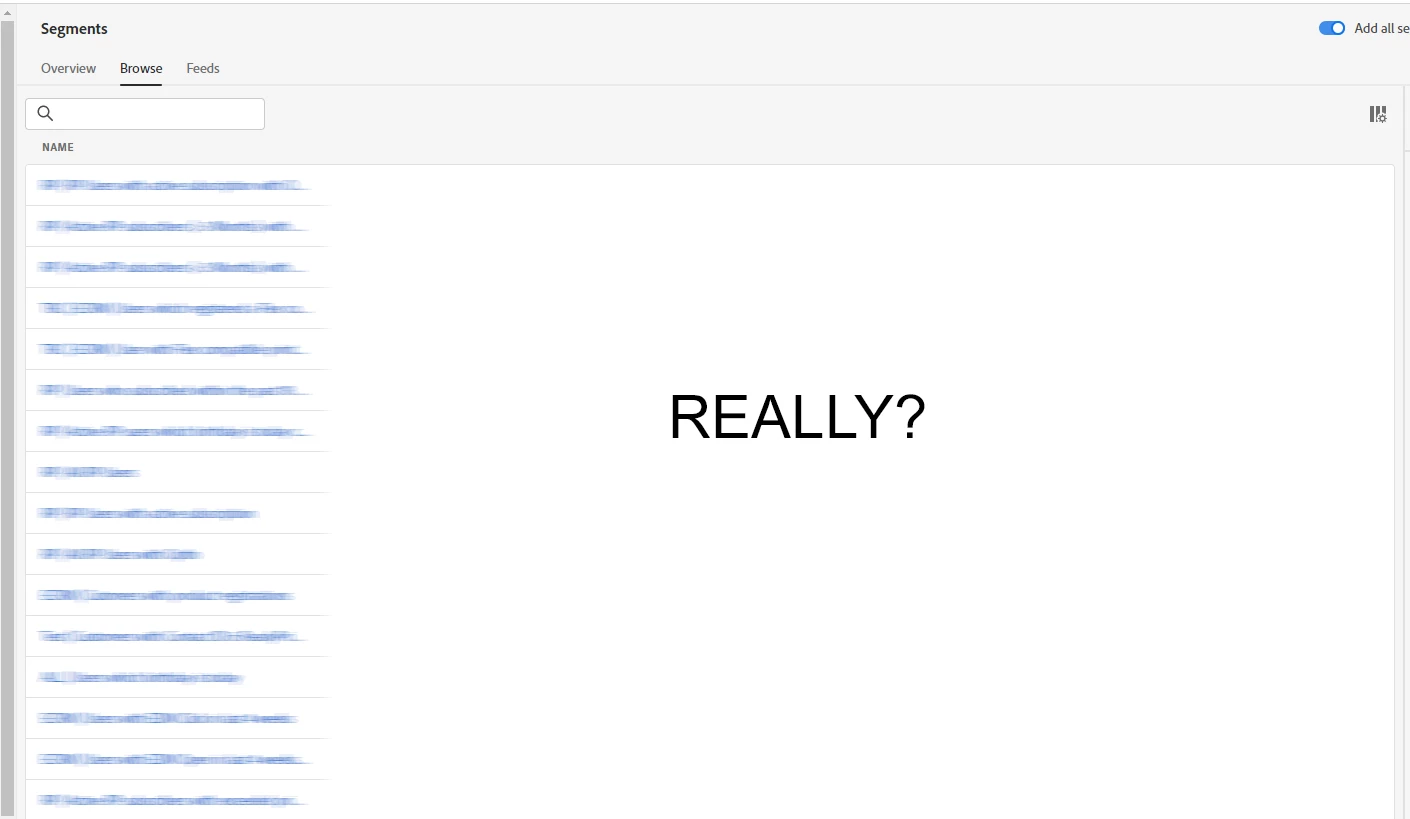
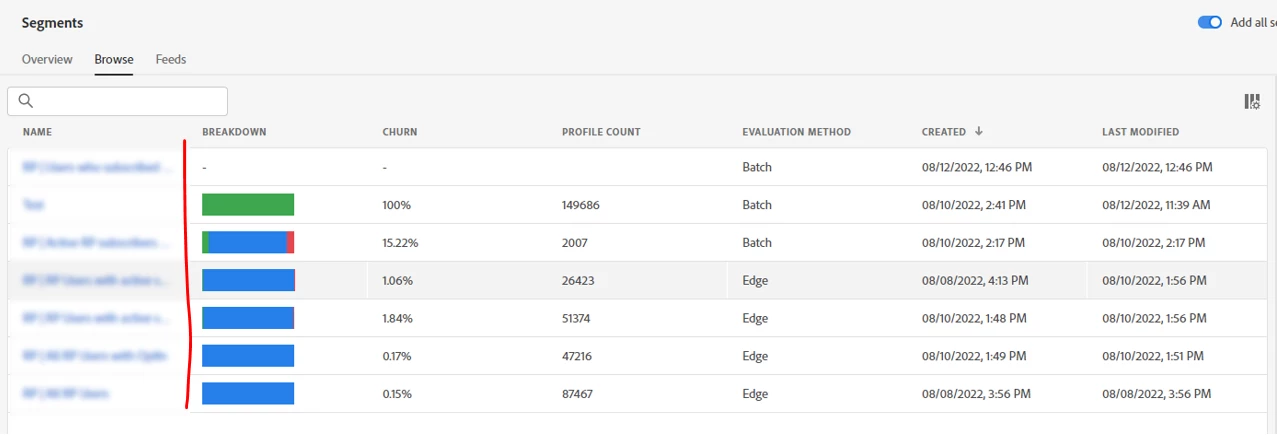
The Name column is so small in widths that you cannot read most of the segment names and there is no way to change the column size. 


This may be ok if you have a handfull of segments but anything above 20+ segments will be unusable with the current view. Even when you disable columns for the list this is not saved and next time they will display again having you to replicate this over and over again.


Anyone else experiencing this and is there a fix for that? Allowing you to change column sizes by drag and drop would be good enough to solve this.



This post is no longer active and is closed to new replies. Need help? Start a new post to ask your question.

2 replies

Danny-Miller
Adobe Employee
Adobe Employee
August 12, 2022
Anil_Umachigi
Adobe Employee
Adobe Employee
August 13, 2022

@stefanf4441679  I can relate to this, if you have ever worked on Audience Manager the same was the case and was never really fixed. Hopefully the adobe team does make a change here, in addition segments are also missing folders to organise them. 

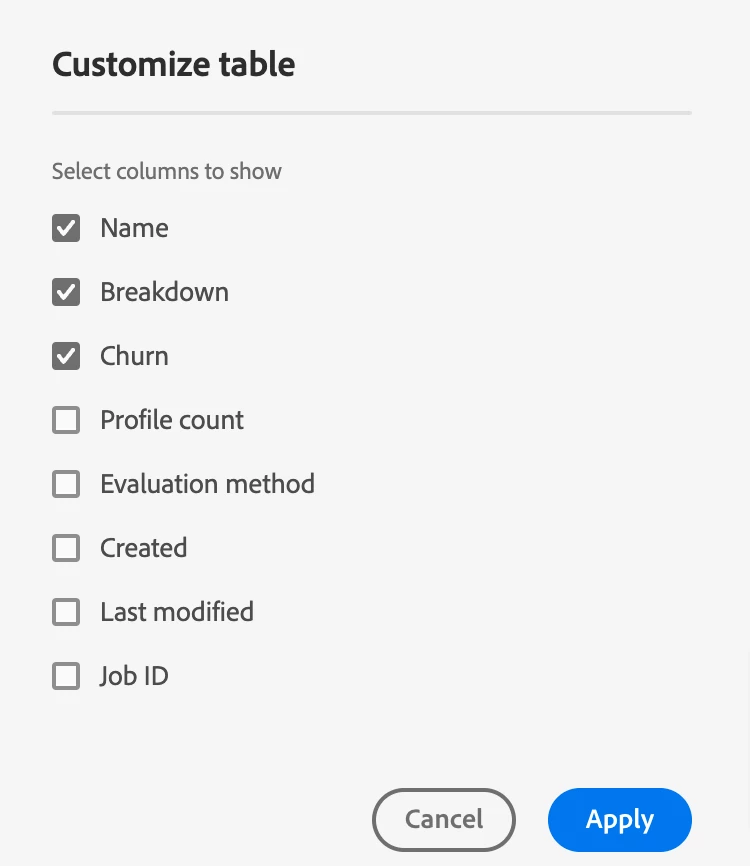
Meanwhile here's what you could do, click on cog for table settings and uncheck couple of columns to get full view of the name column


Level 2
August 16, 2022

It appears that an update has been rolled out today. The table now looks much more user friendly, the name column is much bigger by default and the "Customize table" function has also received a UX update which includes that any changes you do are saved.


Good job

Level 2
September 14, 2022

Oh wow, my interface suddenly switched back to the original poor UX again after it being very much improved for a few weeks.


I am back to fixed column widhts and a forgetful "Customize table" function..  


It makes the whole segment exporer almost unusable. Even when hiding all other columns, I cant read the full segment names.


I was definitively seeing an improved UX for some time so I assume there was some sort of A/B test going on.

If anyone from Adobe can kick me out of the control group again I'd be really happy please!