Profile Event View Sorting and pagination | Community
Skip to main content
Indra-2
Community Advisor
Community Advisor
July 13, 2024
New

Profile Event View Sorting and pagination

  • July 13, 2024
  • 6 replies
  • 1097 views

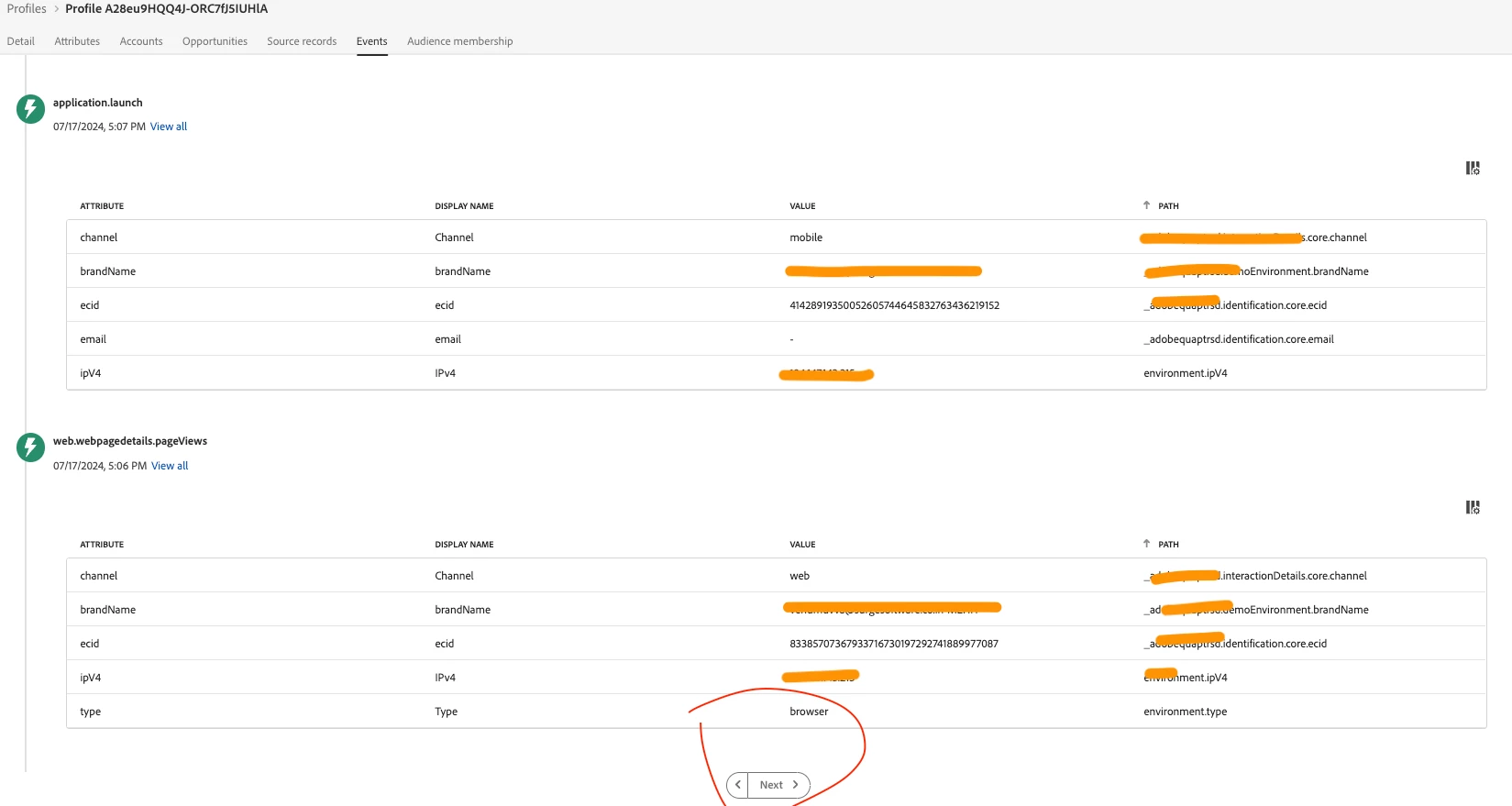
Description -When you go to the profile and select one profile and go to Events tab. We see events old events first, if we have bunch of events it is very difficult and time consuming to see the latest events.

Why is this feature important to you - To save time when we want to see the profile events.

How would you like the feature to work - we should have sorting feature on events and pagination as well .

Current Behaviour -When you go to the profile and select one profile and go to Events tab. We see events old events first, if we have bunch of events it is very difficult and time consuming to see the latest events. 

6 replies

kumarsameer
Adobe Employee
Adobe Employee
July 15, 2024

Hi @indra-2 ,

This is contrary to what I have observed on the platform. Could you please double-check if the events are displayed in chronological order from oldest to newest? In the provided screenshot, it is not clearly evident since both events have the same timestamp.

Additionally, pagination is already implemented on the platform, and the 'View JSON' functionality is available for easy download and analysis.

Thanks!

brekrut
Adobe Employee
Adobe Employee
July 15, 2024

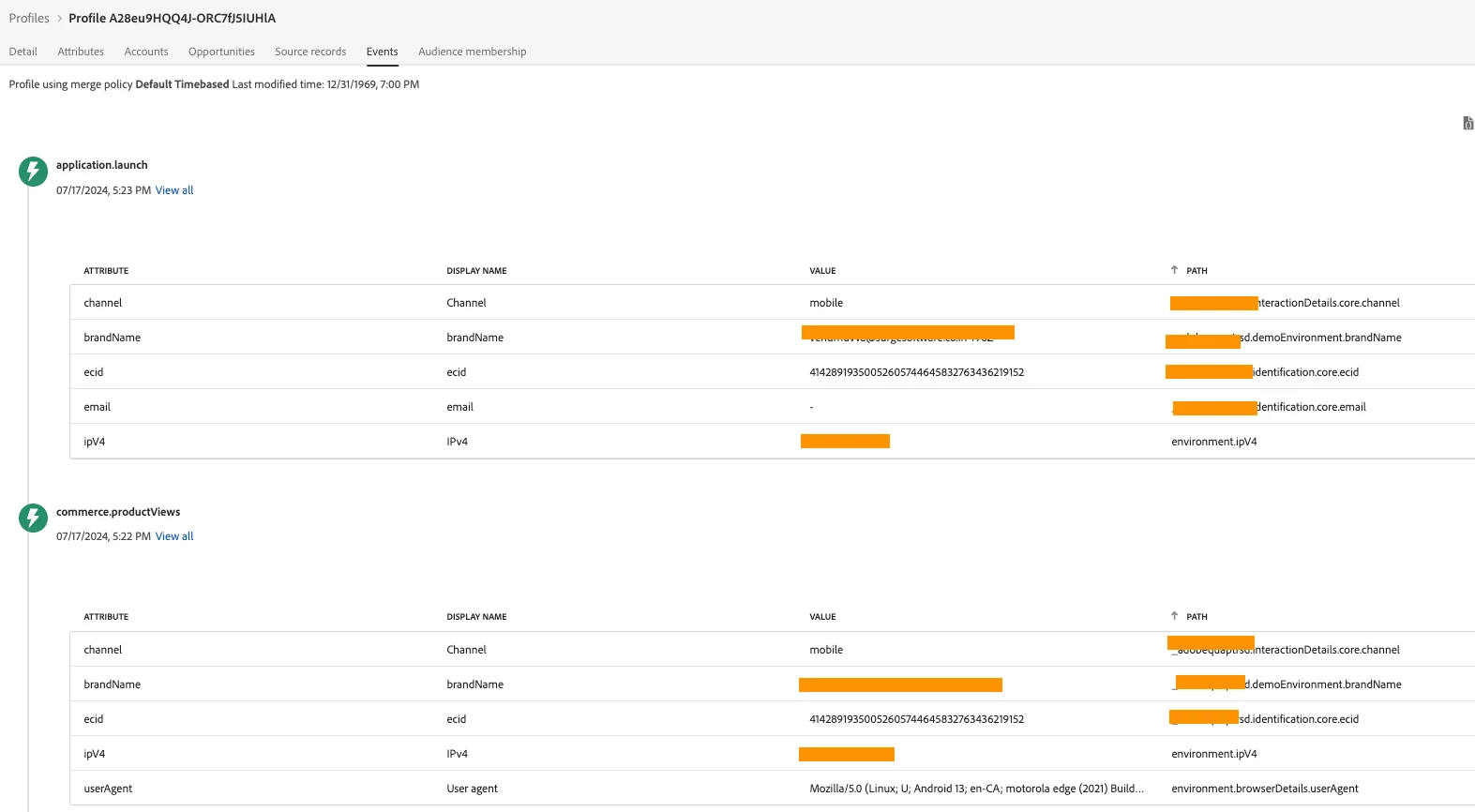
@indra-2  I would agree, please double check within the UI section of the profile view the newest events are listed first to the oldest.


Please provide a screenshot where the timestamp of the event is listed oldest to newest in the UI.

Indra-2
Community Advisor
Indra-2Community AdvisorAuthor
Community Advisor
July 18, 2024

Yes, I see now Newest events first but still pagination is missing, I would love to see pagination, what if we have thousands of events , we cannot scroll down and click next ,

Indra-2
Community Advisor
Indra-2Community AdvisorAuthor
Community Advisor
July 18, 2024

Indra-2
Community Advisor
Indra-2Community AdvisorAuthor
Community Advisor
July 18, 2024
_Manoj_Kumar_
Community Advisor
Community Advisor
July 29, 2024

Yes, There is no direct option to jump to page number lets says 5. Also, just by looking at the data you can't tell the page number you are on.


Some sort of data filtering would also help. Like filtration on event Type and event date


     Manoj     Find me on LinkedIn