
Frage
Initializing app builder project failing because of limited permissions under C:/users folder in windows 11
Hi Team,
I am trying to initialize an app builder project using aio cli commands . After following the initial steps like selecting org , project , template etc when it is trying to bootstrap the project , I am getting an error.
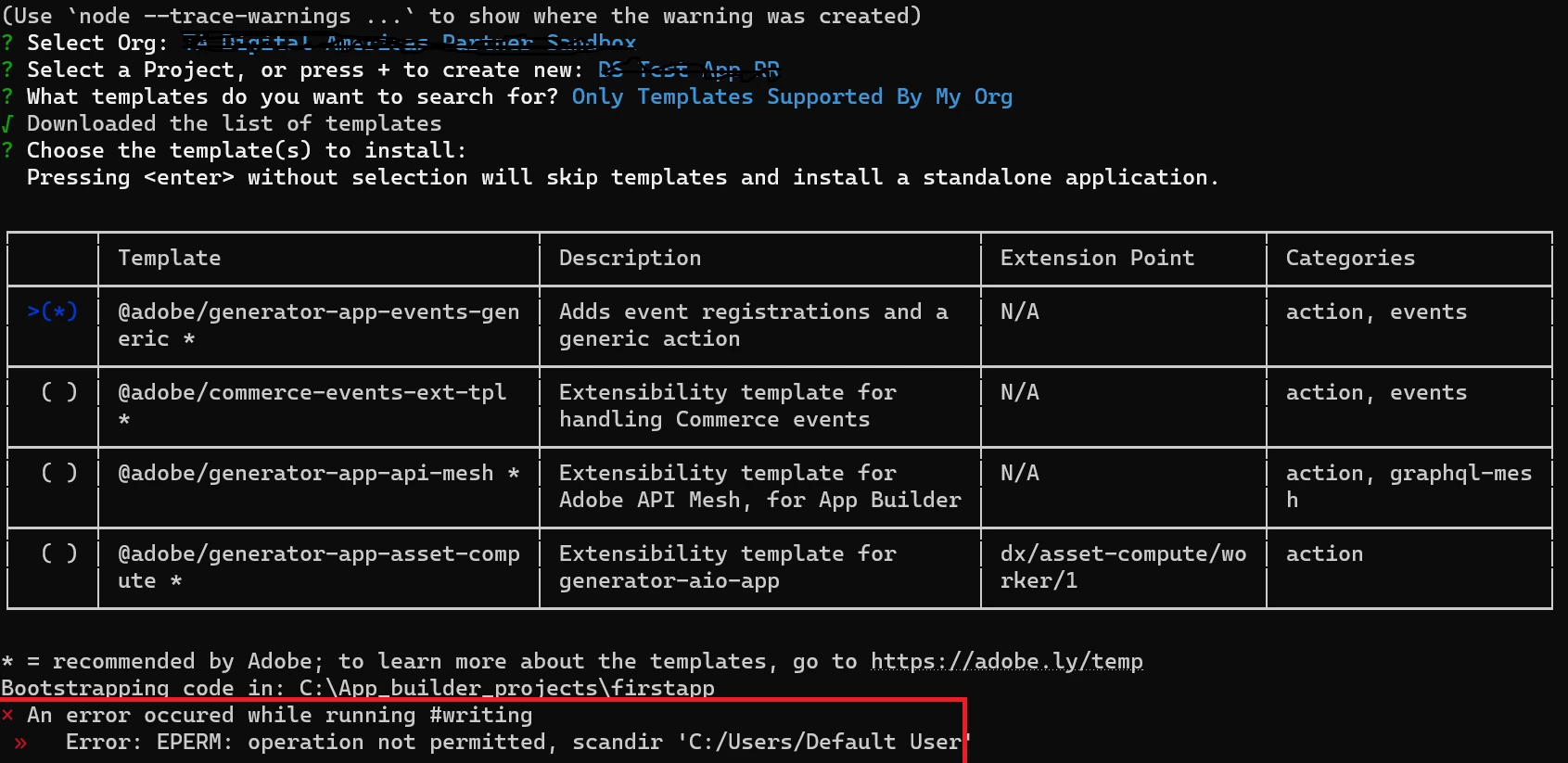
recently there has been some changes in my organization and because of that we don't have admin access . So I don't have access to this default user folder but somehow this process is trying to scan this folder not sure why . Although I am trying to generate the project under C:\App_builder_projects folder and my local user folder is also different than default user folder.
It used to work previously when I had admin access and I had build one app for custom asset compute worker but now it is not working .