
RTE tools disappear | Community
Skip to main content
chirran414
Level 4
April 27, 2018
Solved

RTE tools disappear

  • April 27, 2018
  • 5 replies
  • 3744 views

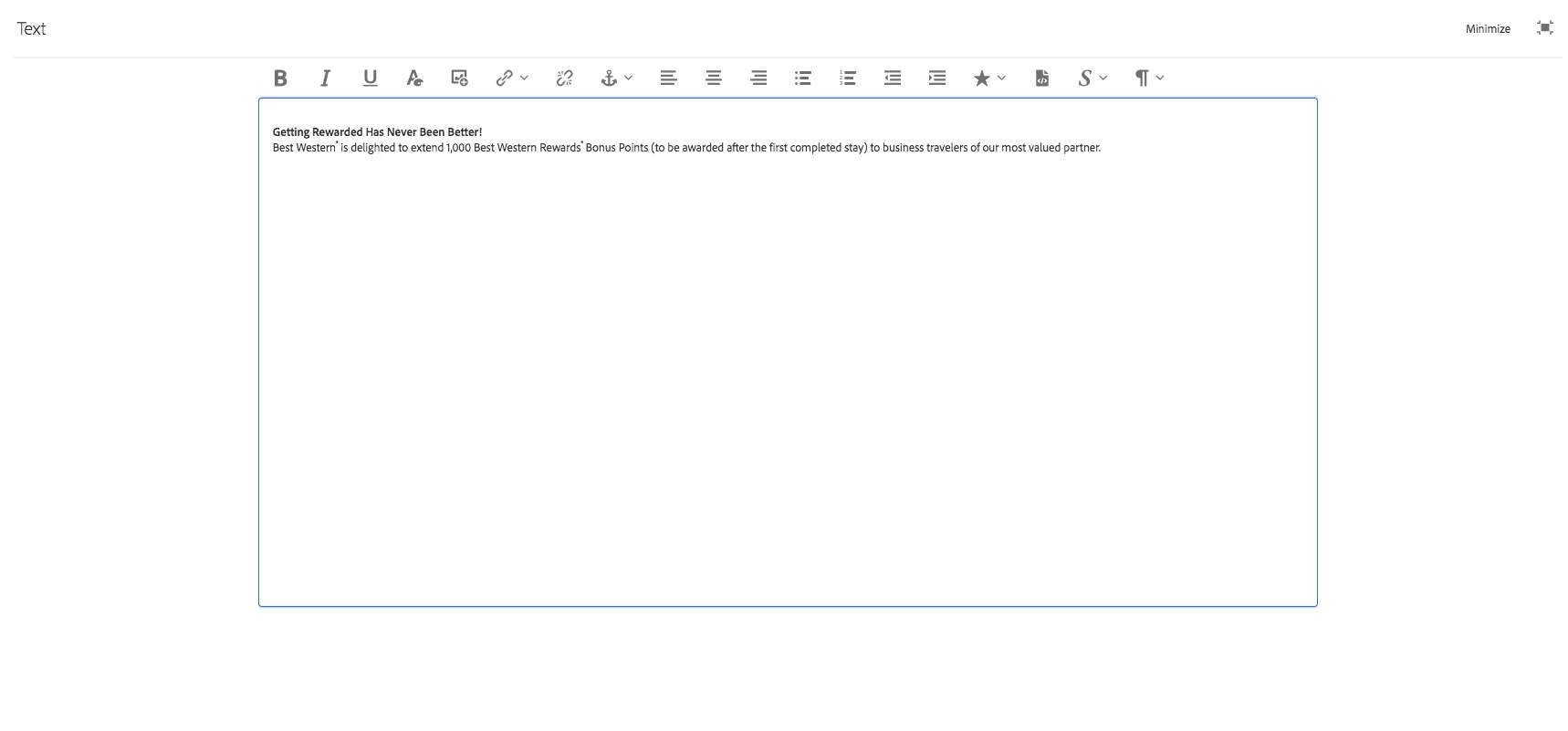
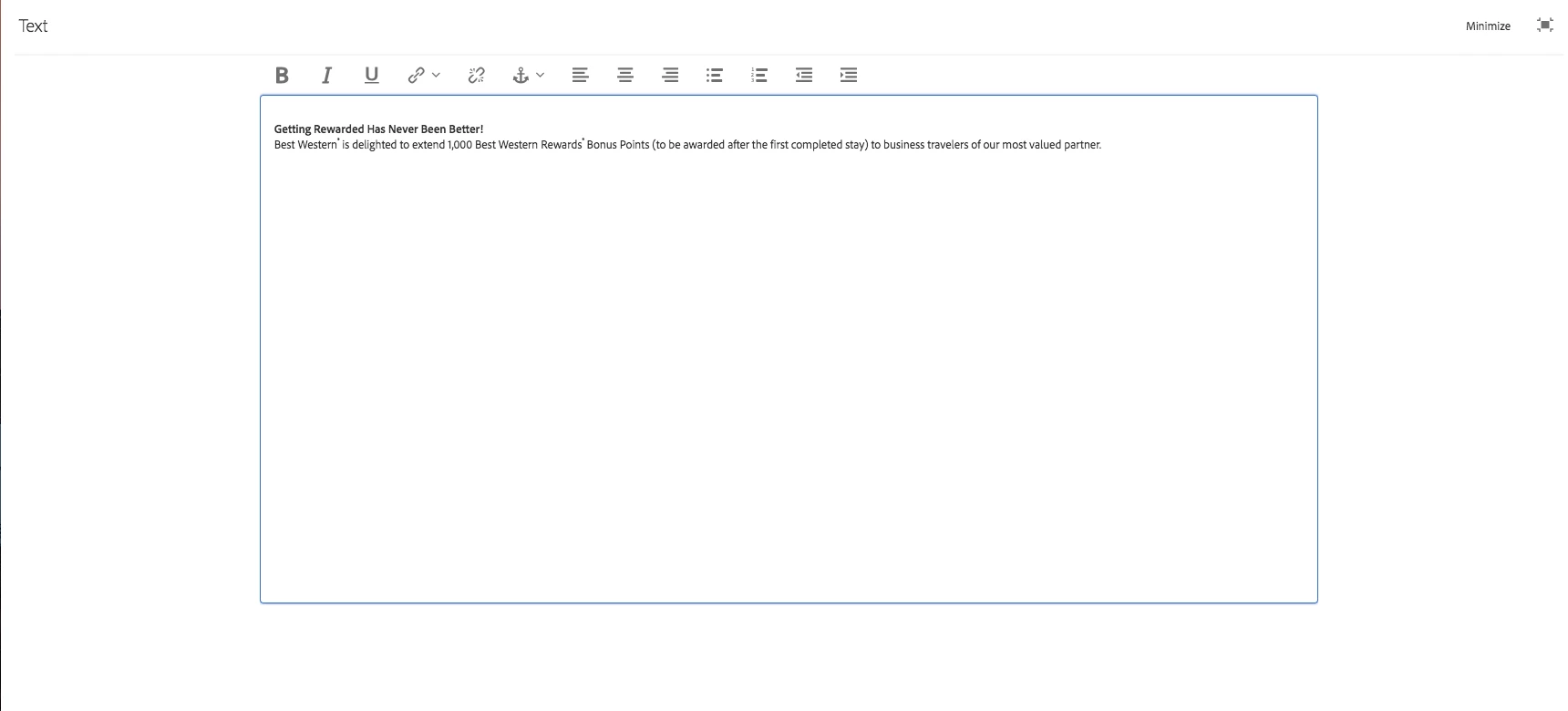
Do tools disappear - Tools did disappear after going in and out of Rich Text Editor component more than 2 times basically when you hit X button to close RTE and open it again it is happening . See screenshot below. It is happening in AEM 6.3 SP1 and SP2 as well. Does anyone have similar issue please let me knowto fix it.
Thanks,

Narayana

This post is no longer active and is closed to new replies. Need help? Start a new post to ask your question.
Best answer by kautuk_sahni

It is a know issue with one of the case of Custom RTE. Please reach out to the support and ask for the fix.

Give them reference number as CQ-4233633.

-kautuk

5 replies

Nirmal_Jose
Adobe Employee
Adobe Employee
April 29, 2018

is this happening on your OOTB RTE or a custom one?

chirran414
Level 4
April 30, 2018

Custom RTE.

smacdonald2008
Level 10
April 30, 2018
kautuk_sahni
Community Manager
kautuk_sahniCommunity ManagerAccepted solution
Community Manager
May 8, 2018

It is a know issue with one of the case of Custom RTE. Please reach out to the support and ask for the fix.

Give them reference number as CQ-4233633.

-kautuk

Kautuk Sahni
Adobe Employee
May 8, 2018

Hi,

Even i faced the same problem but we resolved this issue by following this steps.

Rte Fixes: so that plugins dont disappear

Firstly you need to have this

1)aem-service-pkg -6.3.1 --sp1

2)cq-6.3.0-featurepack-20593-1.8 -- fp1

3) Install AEM CFP 6.3.1.2​ by following the steps in this link.

4) Go to this location and change a line in CRXDE

/libs/clientlibs/granite/richtext/js/rte/CUI.RichText.js/

config = config ? config : {}; //instead of this

config = $.extend(true, {}, config); //use this

So, they released a CFP 6.3.1.2 to fix this issue but still you need to change one line as mentioned in the 4th step to fix this completely.