How can I hide Sites, Projects and Experience Fragments on AEMaaCS Start page?
Working in AEMaaCS and need to hide the Projects, Sites and Experience Fragments options on the AEM Start page (aem/start.html) shown below:
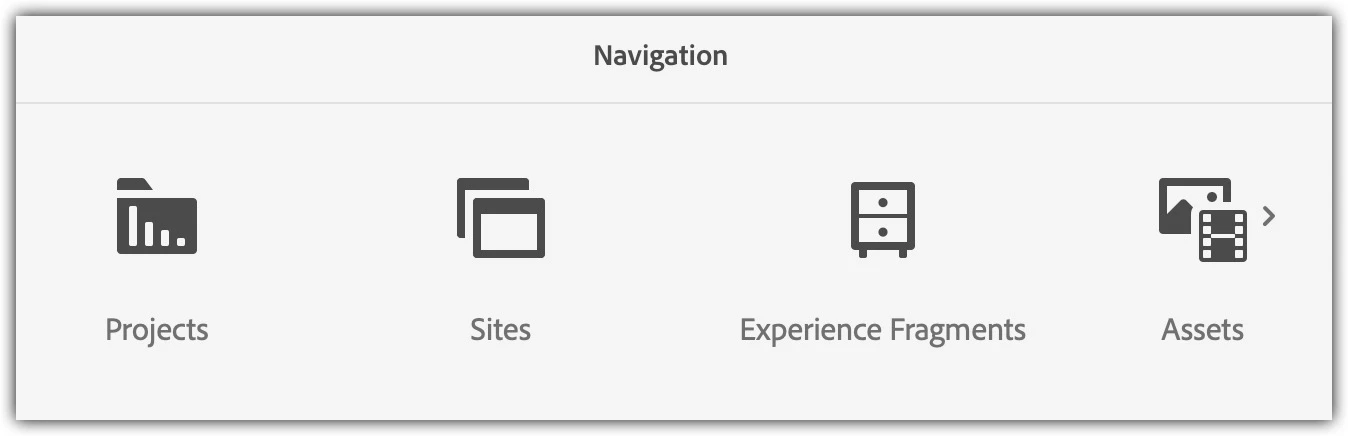
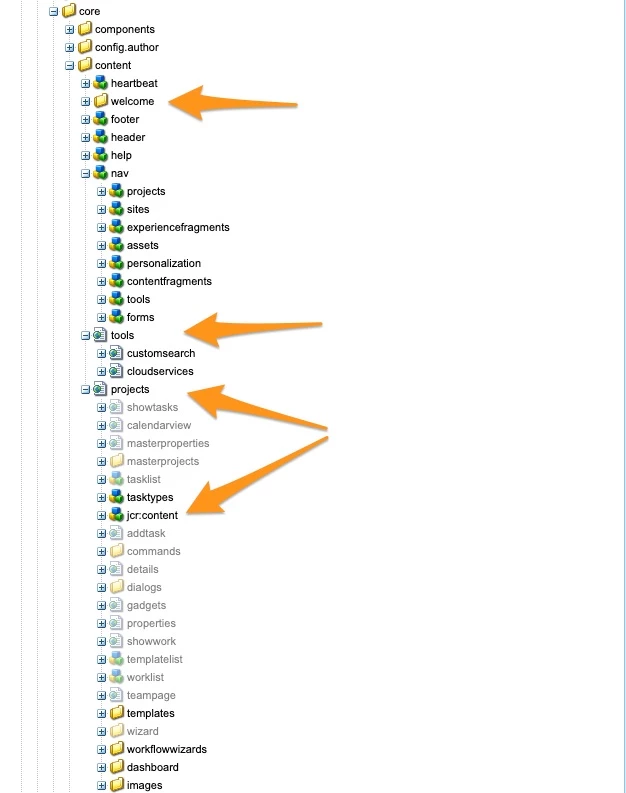
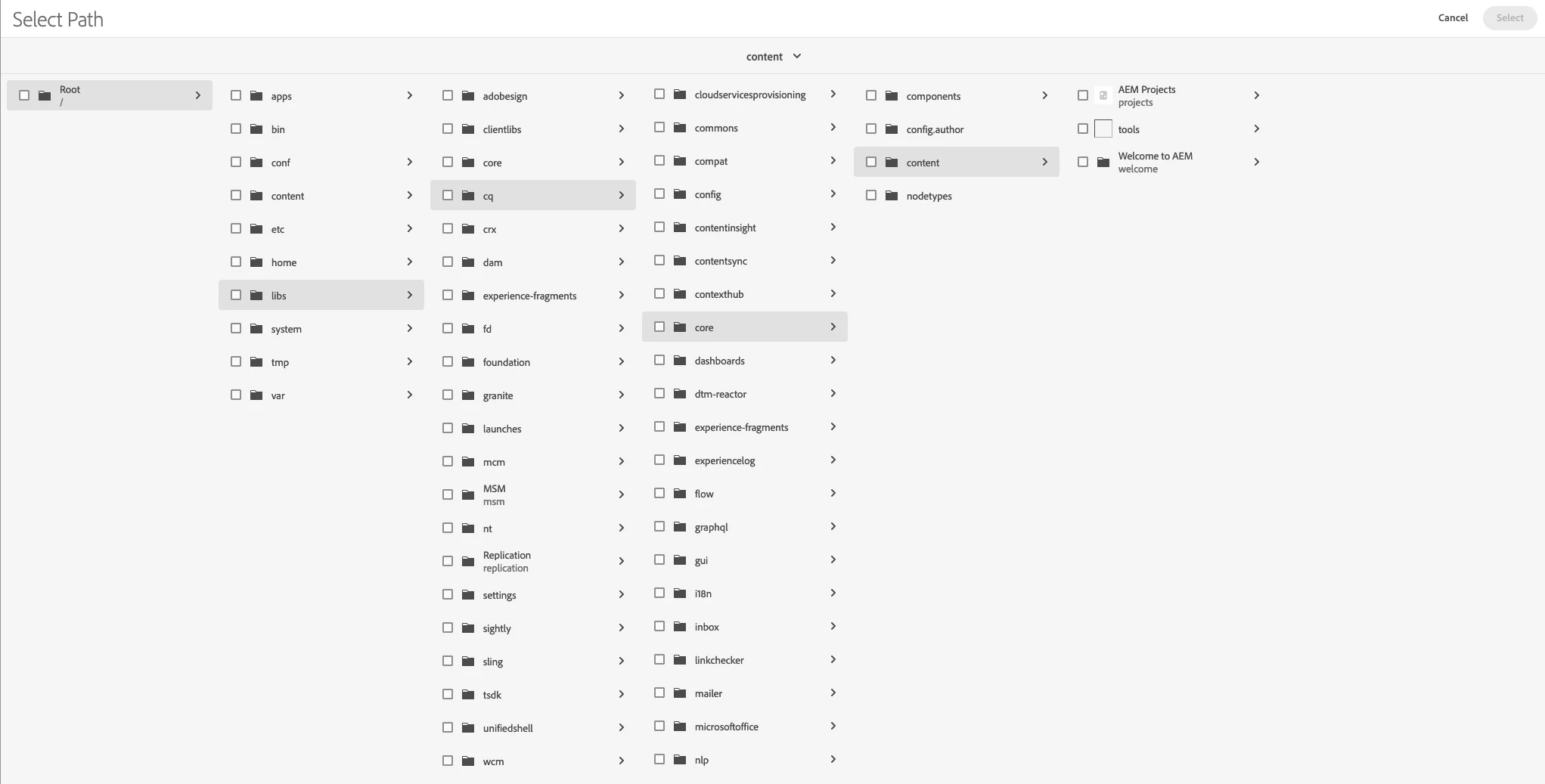
In the non-cloud AEM experience you can hide these types of things easily through ACLs by creating a deny for the paths /libs/wcm/core/content/sites and /libs/cq/core/content/nav/sites to hide Sites, for example.
Can this also be done on the Cloud through ACLs or does it require code changes? I get an error as an Administrator when trying to set an ACL on the paths listed above.
Edited to add: On this same project we will also need to hide some of the items under the Tools (hammer) menu. We would like one user group to only see Tools > General and Tools > Assets, with the other options hidden. Then under Tools > General we only want them to see the Tagging tile and nothing else.
Any help would be greatly appreciated!
Thanks!