In addition to what @joerghoh has mentioned I could find some relevant blogs which might help you in addressing your issue.
https://gauravsachdeva.com/2021/07/12/aem-rollout-option-missing-for-one-country-live-copy/
https://with-example.blogspot.com/2015/03/cq-rollout-option-is-not-listing-all-livecopy.html
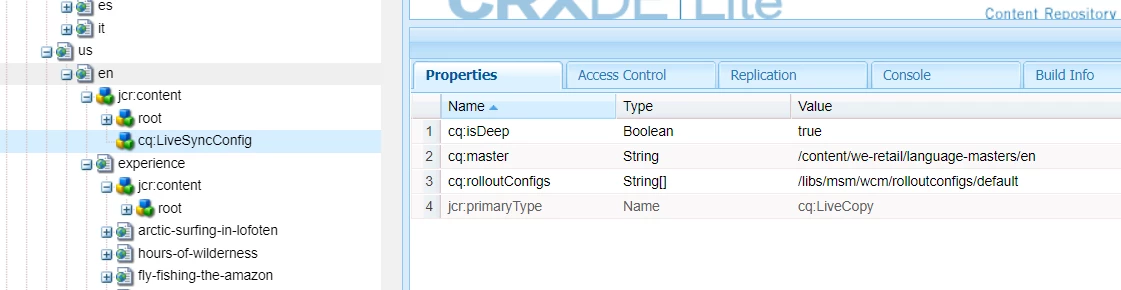
Basically the cq:excludedPaths is added to any root cq:LiveSyncConfig of your Live Copies when the users delete a live copied page from the Live Copies rather than from the Blueprint. I tried to replicate this issue for you. Below are the steps I followed
- I created a page under /content/we-retail/language-masters/en/experience. My new page is test-page
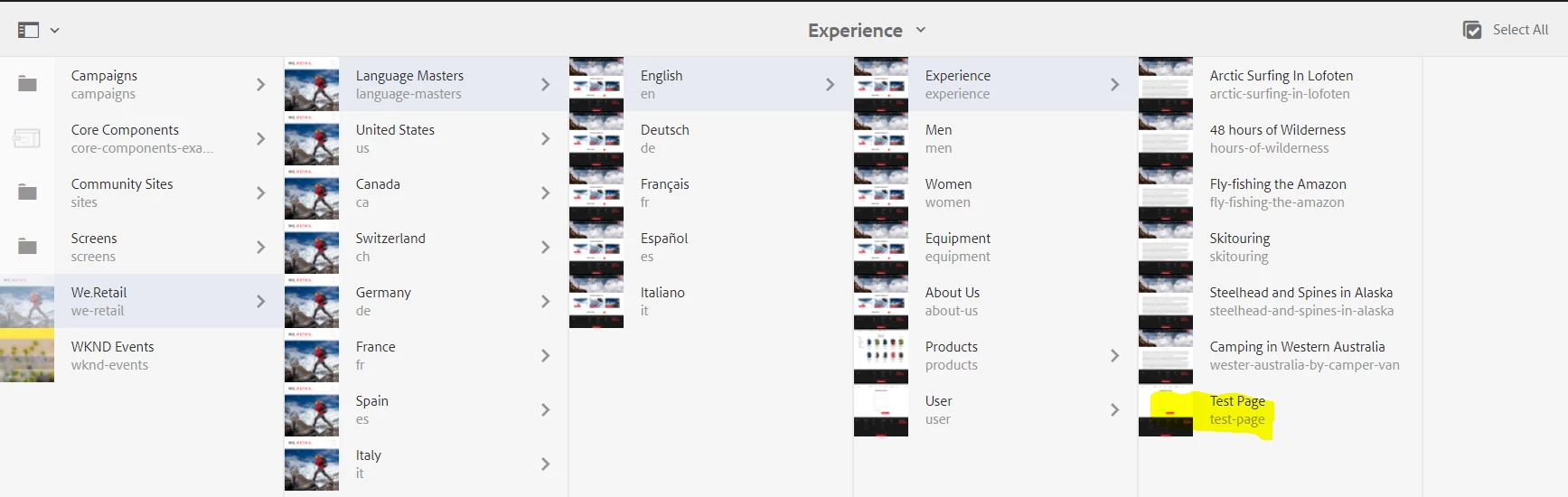
2. I rolled out this new page to my language nodes
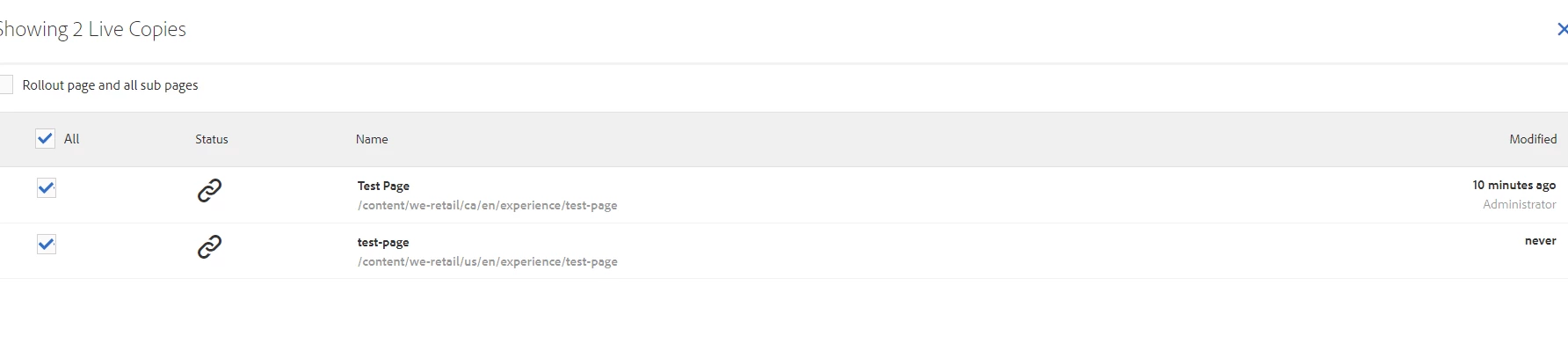
3. It was created under 2 live copies
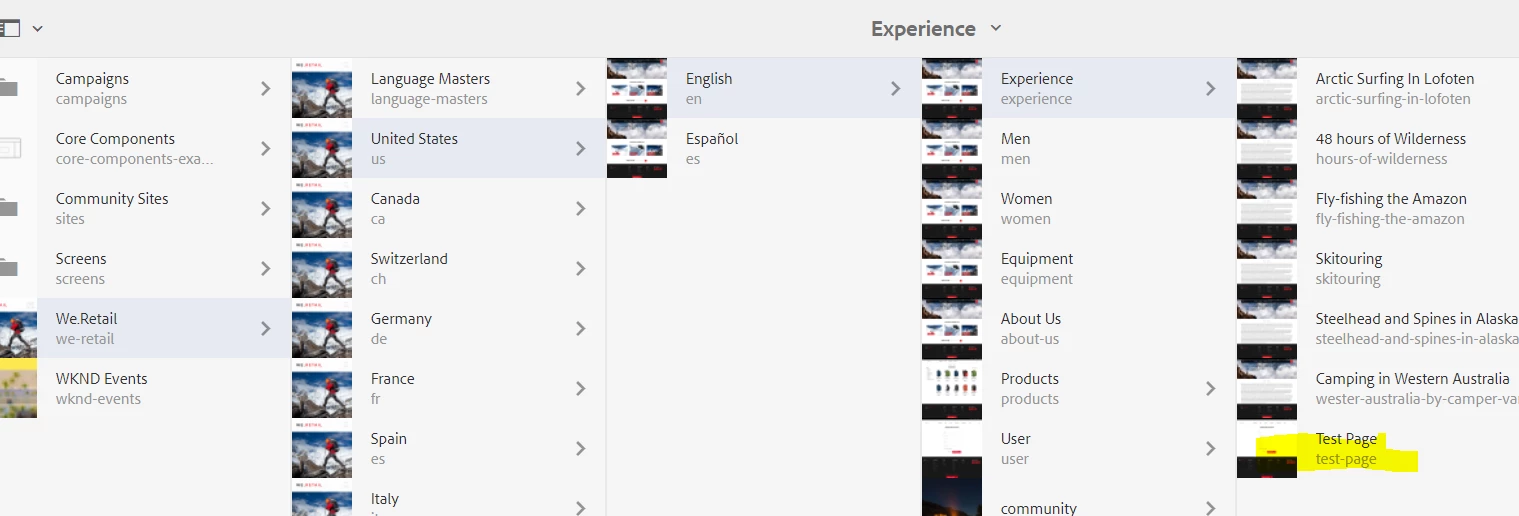
Below screenshot shows the one created under us/en
Below is the cq:LiveSyncConfig node from the us/en
4. Now I deleted the test-page from under us/en which is a LC . /content/we-retail/us/en/experience/test-page
5. Once I delete this and if you check the cq:LiveSyncConfig of the us/en ; you will see that a new property called cq:excludePaths is added with this deleted path
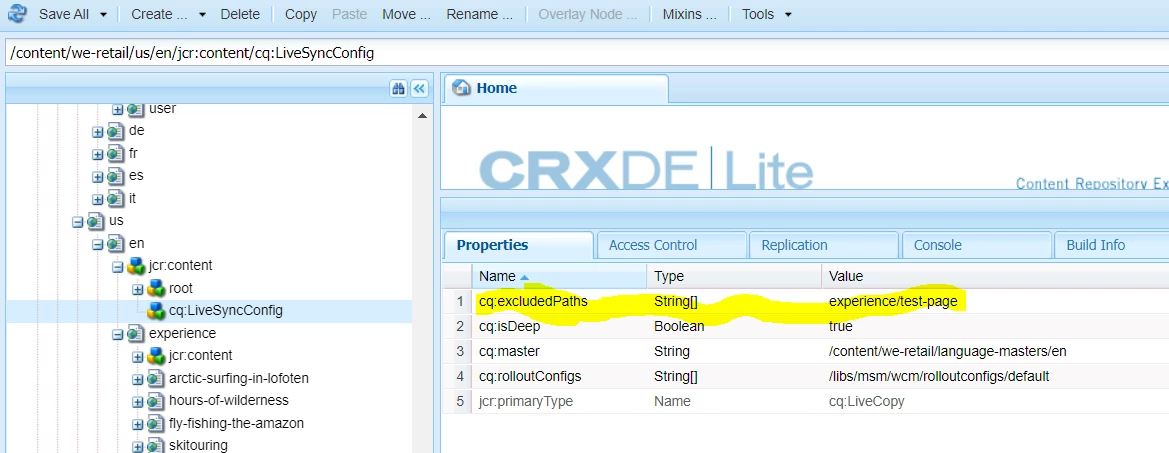
Now if you try to rollout your pages , this exclude property set will prevent it from rolling out to the us/en

The only solution is to remove the paths from these nodes or to remove the property altogether and the best approach would be go with your First Option where you can write a script and remove either the required paths from this property or the property itself according to your requirement.
Hope this helps. Let me know if you need anymore information
Thanks
Veena