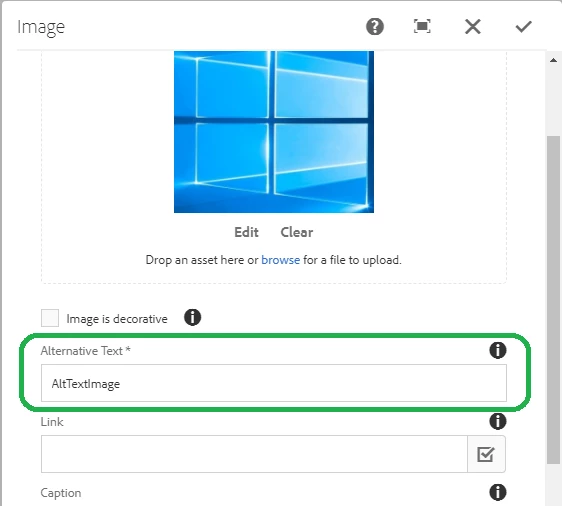
AEM 6.2 Alt Text for Images
Hello All,
We are trying to edit the alt-text for images but the modifications are not reflecting. Following is the scenario I am doing
I am uploading an image in DAM. Now if I use the image on the component and view the page-source the alt-text property is not coming.
Next I am replicating the image but still the alt-text property is not showing.
Now I try to edit the properties of the image. Basically, I am editing the title property of the image as shown in the image below.
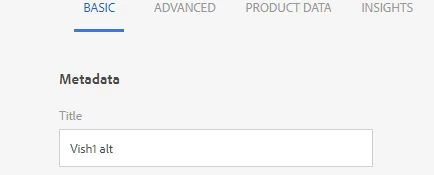
At this point, I see that there is a new property cq:name created in the jcr:content node of that image and the value of cq:name is set to the filename of the image but not the title that I am editing.
Now, whenever the cq:name property is there to the jcr:content then the alt text property is being shown in the front end.
So looks like basically cq:name is the alt text value. But, how do we modify this value and also why is the property not set by default and requires a trigger to set the property(i.e. trying to edit the title field in image properties). Although I am not sure if there is another way the cq:name is being created(may be some workflow running in the background). In either way how can we get the desired alt text to be shown in front end?
thanks,
Vish