

Tag Based Browsing of Assets
| Request for Feature Enhancement (RFE) Summary: |
AEM Assets supports
Other DAM systems offer a third alternative:
In these systems the tag hierarchy would be rendered as if it was a folder and users can naturally browse through the folders. Whenever you'd "browse" to the next tag, the UI would display the assets tagged with these current tag.
Yes - in principle AEM supports that case already: You can a) Open the filter b) Click on a tag filter c) Browse to the tag you want to search for d) Select that tag e) Submit the search form.
"Real" tag based browsing is a one-step interaction, only. You would "open" a tag from the "hierarchy" side rail - and AEM would implicitly display all assets with that tag. Imagine it as implicit search-as-you browse: product (select * where tag ~ /product/*)
It should be made an option if the browsing has taxonomy or directory semantics. Taxonomy semantics means — narrowing down the search results to more specific categories as we walk down the branch in the tree. Imagine it like Directory semantics means displaying what is exactly associated with the tag (not with sub-tags). (
This is a feature that would reduce a lot of headaches when migrating from a legacy DAM system to AEM Assets, https://medium.com/@achimkoch/how-not-to-migrate-asset-taxonomies-to-aem-a2f74fa203dd |
| Use-case: | |
| Current/Experienced Behavior: | Either browse for folders or filter for tags |
| Improved/Expected Behavior: |
Display tags as if they were a multi-homed folder hierarchy and update the result set as you browse |
| Environment Details (AEM version/service pack, any other specifics if applicable): | |
| Customer-name/Organization name: | |
| Screenshot (if applicable): | 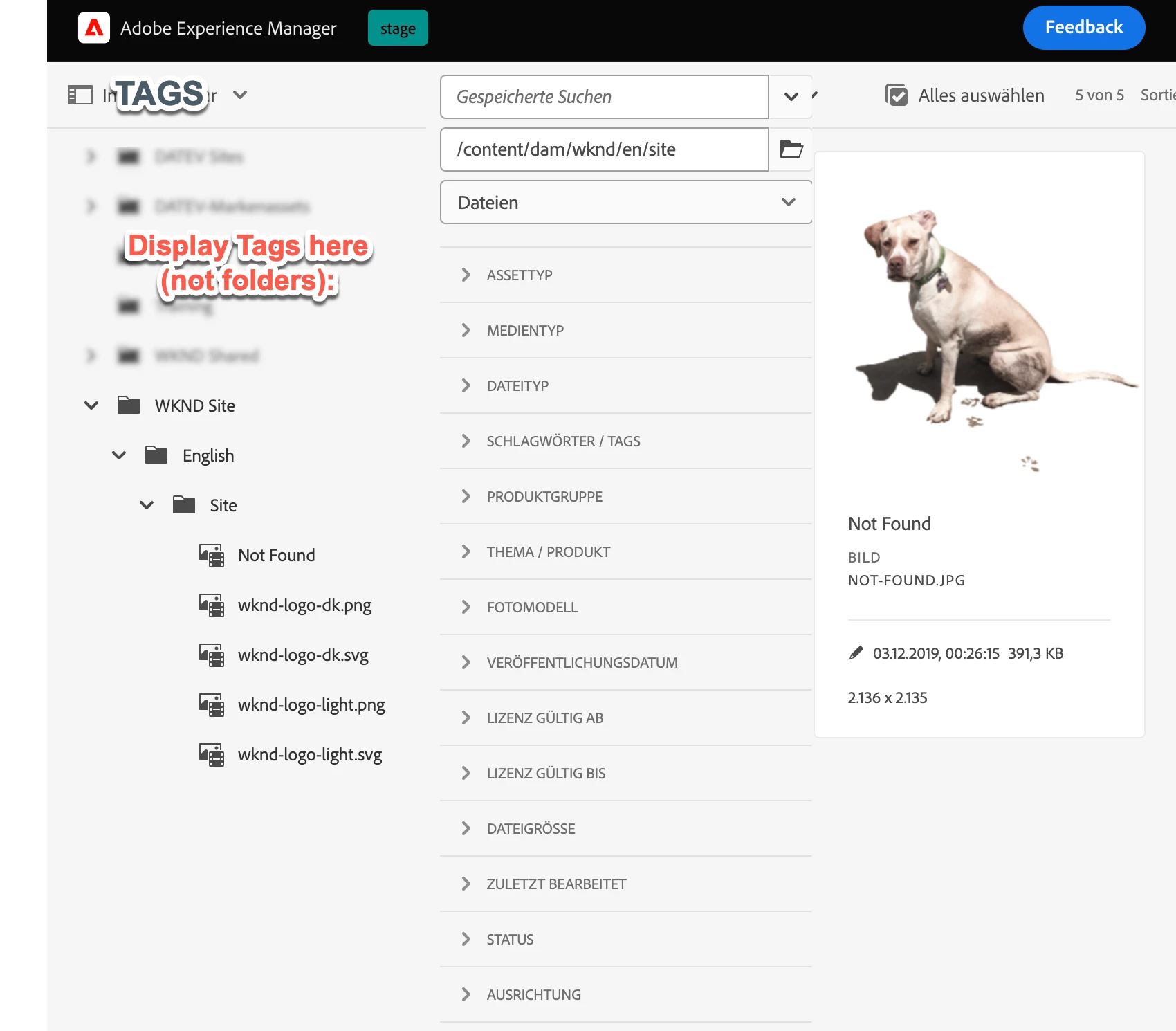
Sketch how a tag based browser could look like. |
| Code package (if applicable): |