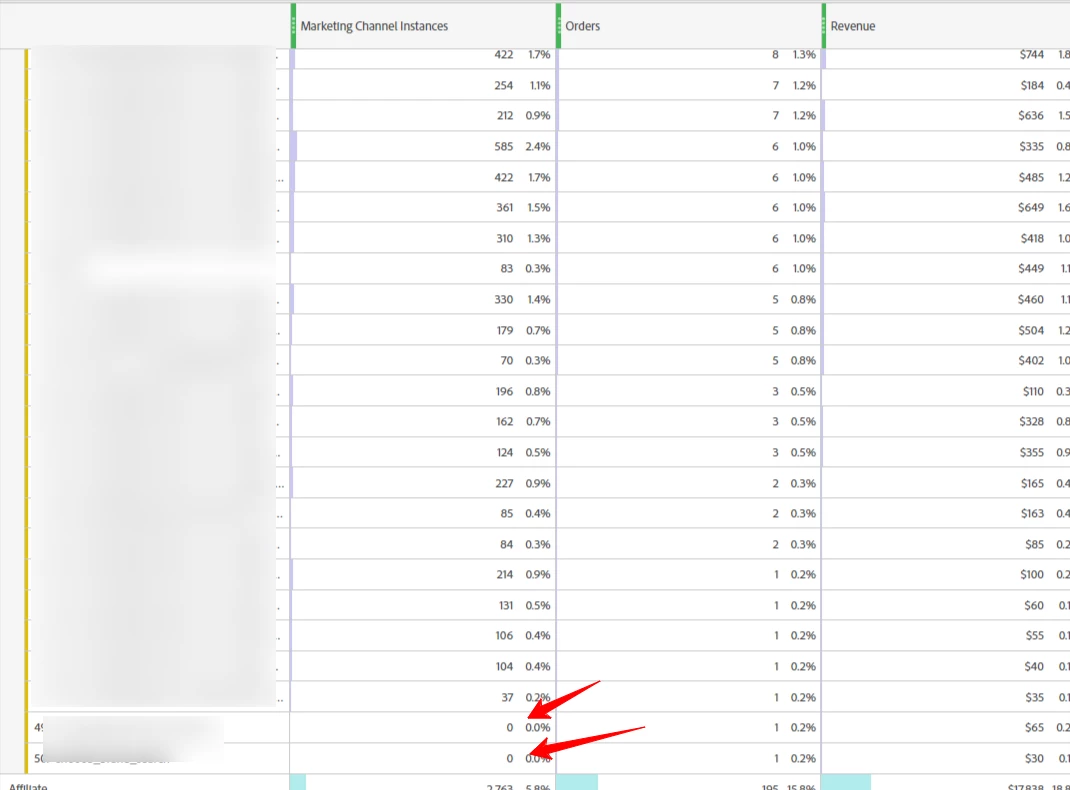
excluding zero marketing channel instances in your report, you can apply a filter to the report to only show data with values greater than zero.
Here are the steps to apply this filter:
- In Adobe Analytics, navigate to your Workspace project where you have your report.
- Click on the panel containing your report breakdown.
- Click the 'Filter' icon (looks like a funnel) located in the panel's header.
- In the filter settings, select 'Advanced Filters'.
- Choose the 'Greater than' option in the dropdown menu.
- In the input field, enter '0' (without quotes).
- Click 'Apply' to update the report.
This will filter out marketing channel instances with zero values, and only display instances with values greater than zero. This way, you can focus on the performance of marketing channels that have been attributed to user visits.
I hope this helps! If you have any other questions or need further clarification, feel free to ask.