Failed to load page | Community
Skip to main content
August 4, 2022
Solved

Failed to load page

  • August 4, 2022
  • 2 replies
  • 4235 views

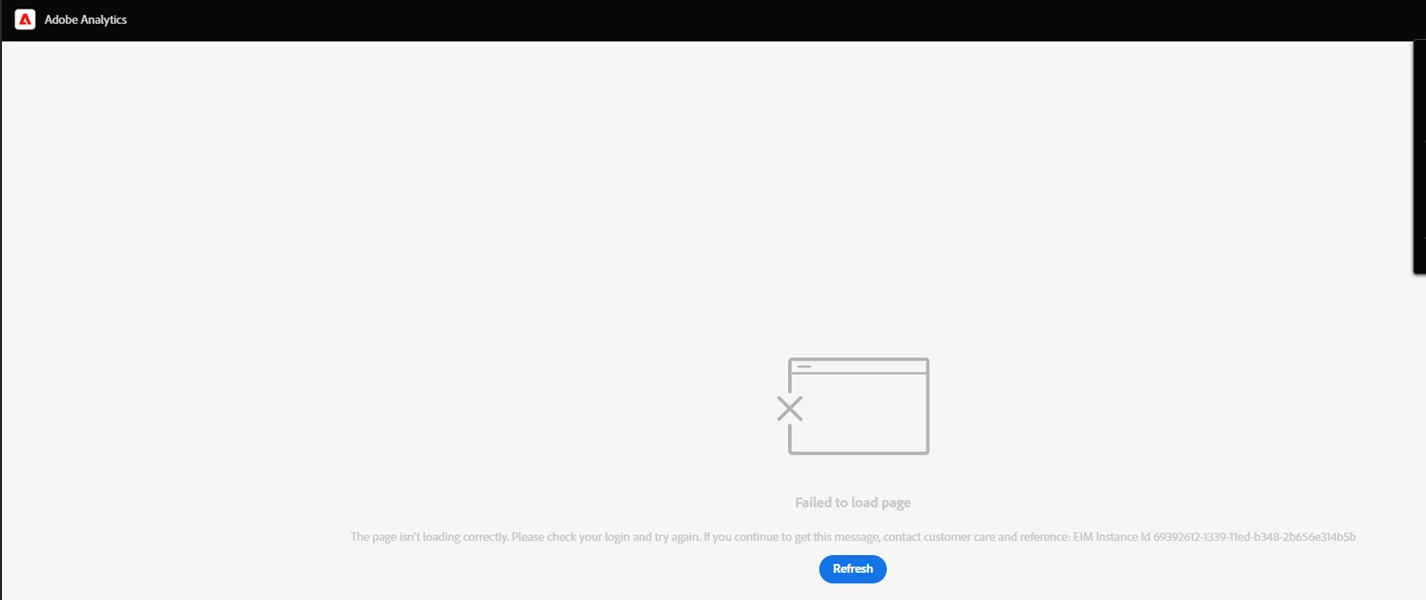
The last period I and a lot of people I am working with are receiving this message "Failed to load page" after logging in to Adobe Analytics. It doesn't matter if we use a different browser. It is the same. Could you please help us and let us know how we can fixed this:
 

Thanks,

This post is no longer active and is closed to new replies. Need help? Start a new post to ask your question.
Best answer by nilotpal

Please raise a ticket with Adobe Analytics team so that they can investigate the issue on their end.


Some prechecks that you might want to do on your end are:


1. You have proper permissions in Admin Console.

2. Check the expiry of user accounts in Analytics UI (Analytics Users & assets).

3. Check if the correct account type (Personal/Company) was selected while logging in to Adobe Analytics.


If any of these doesn't help, raise a Client Care ticket. 

2 replies

nilotpal
Adobe Employee
nilotpalAdobe EmployeeAccepted solution
Adobe Employee
August 4, 2022

Please raise a ticket with Adobe Analytics team so that they can investigate the issue on their end.


Some prechecks that you might want to do on your end are:


1. You have proper permissions in Admin Console.

2. Check the expiry of user accounts in Analytics UI (Analytics Users & assets).

3. Check if the correct account type (Personal/Company) was selected while logging in to Adobe Analytics.


If any of these doesn't help, raise a Client Care ticket. 

Jennifer_Dungan
Community Advisor and Adobe Champion
August 4, 2022

Another thing to check is if you are using a VPN that your company VPN rules haven't been changed causing some resources to not properly load?

yuhuisg
Community Advisor
Community Advisor
August 5, 2022

Try this:

  1. Sign out of Adobe.
  2. In your browser, delete all cookies from adobe.com or any Adobe-related domains.
  3. Sign into Adobe.

Sometimes, some cookies remain lingering in your browser despite signing out, and those cookies could cause problems with certain Adobe products. Deleting all Adobe cookies is a pretty good way of signing in with a "clean slate".

August 9, 2022

Thanks for all the tips, but unfortunately the issue still seems to exist. How can I raise a Client Care ticket?

nilotpal
Adobe Employee
Adobe Employee
August 9, 2022

Hi @oguzgunal86 ,


You can raise a client care ticket through Admin Console provided you have Support Admin right in your Organization. 


This can be done by logging in to Admin Console, Go to Support and Create a Case.


Alternatively, you can ask the Support Admin in your Org to log a ticket on your behalf and add you as a watcher.


You can also call on Adobe Support phone number and request help: https://helpx.adobe.com/entp/enterprise-phone-numbers.html. 


Hope this is helpful.