VML-Based Email Button Changes Color when Clicked
Hi all,
I'm using the following VML code in my email for the CTA button:
<!--[if mso]>
<v:roundrect xmlns:v="urn:schemas-microsoft-com:vml" xmlns:w="urn:schemas-microsoft-com:office:word" href="https://sensus.com" style="height:50px;v-text-anchor:middle;width:230px;" arcsize="0%" strokecolor="#0072ce" fillcolor="#0072ce">
<w:anchorlock/>
<center style="color:#ffffff;font-family:sans-serif;font-size:14px;font-weight:bold;">PLC Migration</center>
</v:roundrect>
<![endif]-->
<a href="https://sensus.com" style="background-color:#0072ce;border:1px solid #0072ce;border-radius:0px;color:#ffffff;display:inline-block;font-family: Helvetica,Arial,sans-serif;font-size:14px;font-weight:bold;line-height:50px;text-align:center;text-decoration:none;width:230px;-webkit-text-size-adjust:none;mso-hide:all;">PLC Migration</a>
The button looks fine when I send a test to my gmail account, but when I click on the button in Outlook 2013 the color changes to pink (see below).
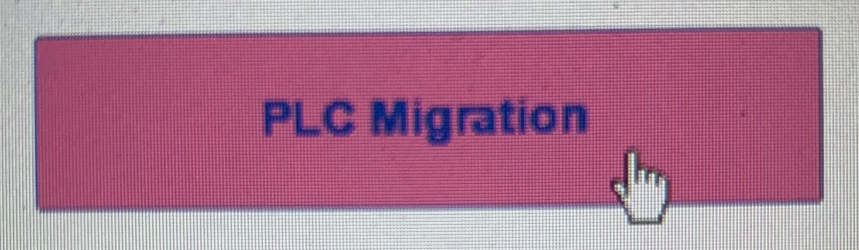
Ideally, the button color wouldn't change once it's clicked - am I missing something in the code or is this more specific to the email client?
Thanks,
Tom