Invalid Encoding Error Message when uploading .CSV list | Community
Skip to main content
Level 2
March 15, 2024
Solved

Invalid Encoding Error Message when uploading .CSV list

  • March 15, 2024
  • 1 reply
  • 3231 views

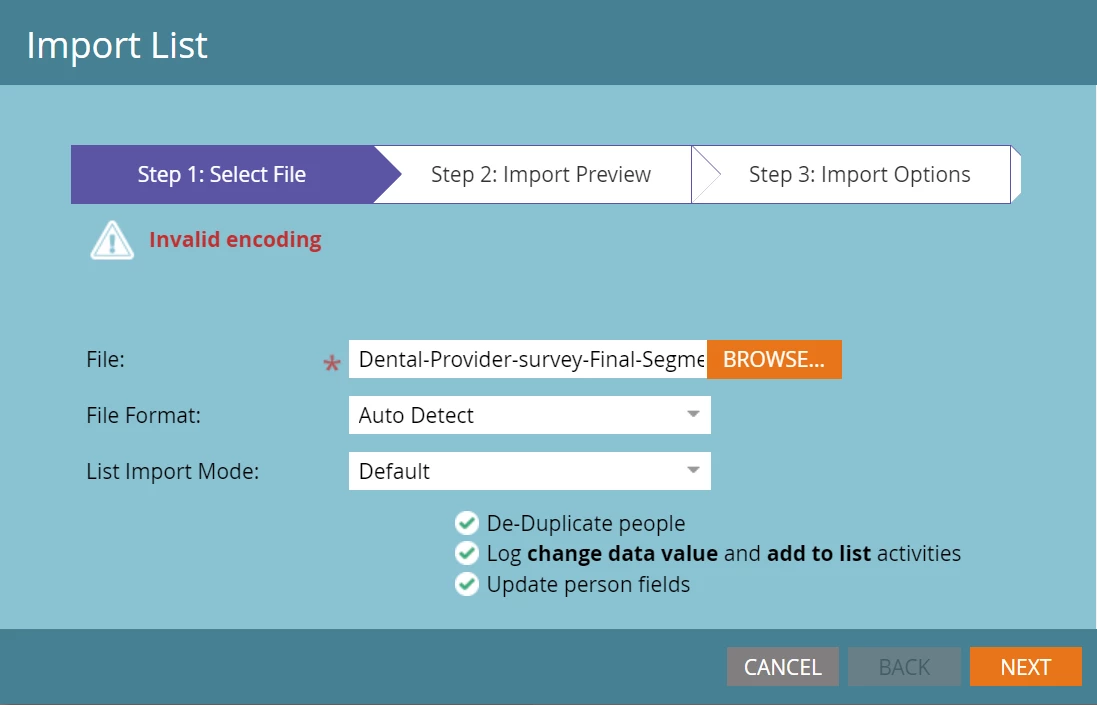
I am trying to upload a .csv file of email addresses into Marketo and keep getting an "invalid encoding" error message. Not sure why this is?
This post is no longer active and is closed to new replies. Need help? Start a new post to ask your question.
Best answer by SanfordWhiteman

This can signal

  • a UTF-8 or UTF-16 encoding problem (i.e. the way characters are stored)
  • a CSV formatting problem (bad commas, quotes, etc.)


Create a CSV with sample data that triggers the error and attach that file.

1 reply

SanfordWhiteman
SanfordWhitemanAccepted solution
Level 10
March 15, 2024

This can signal

  • a UTF-8 or UTF-16 encoding problem (i.e. the way characters are stored)
  • a CSV formatting problem (bad commas, quotes, etc.)


Create a CSV with sample data that triggers the error and attach that file.

Level 2
March 18, 2024

Saving as a CSV UTF-8 file helped resolve the issue, thanks!

SanfordWhiteman
Level 10
March 18, 2024

OK, good to hear. To be clear, Marketo supports UTF-8 and UTF-16 encoding (the standard “Unicode” encoding used by Excel, for example, is UTF-16LE and it works fine). But if you were trying to use, say, ASCII encoding with characters outside the ASCII set that would obviously be a problem.