Question
Enter a non-breaking space (nbsp) from wysiwyg without editing the html?
How may we enter a non-breaking space (nbsp ) from the wysiwyg without clicking "Edit HTML" to edit the html directly?
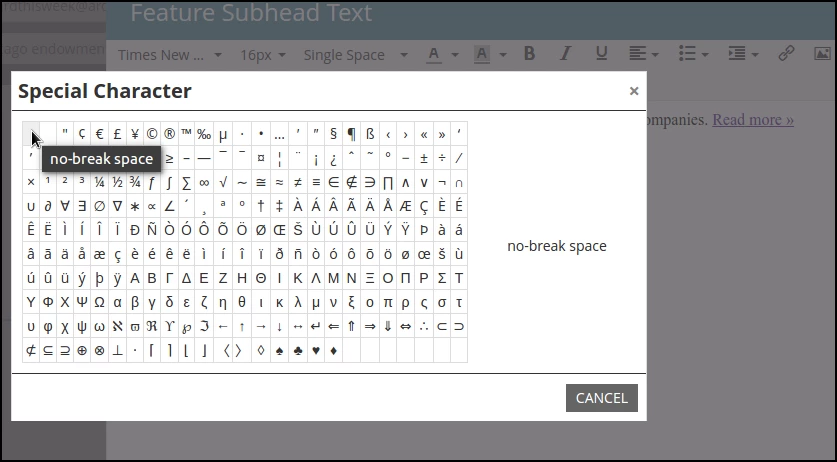
If I select the "Special Character" (Omega) and click the first option in the grid, "no-break space", nothing is entered.
Typing two spaces adds 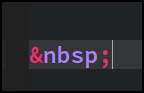 after the first space, but deleting either space removes the non-breaking space, and leaves the breaking space.
Clients we have built templates for need to be able to enter non-breaking spaces without editing the html directly.