_Manish_Singh
Level 9
Nov 12, 2026 12:23 PM UTC
Solved

Workfront CX Coworker unable to write data

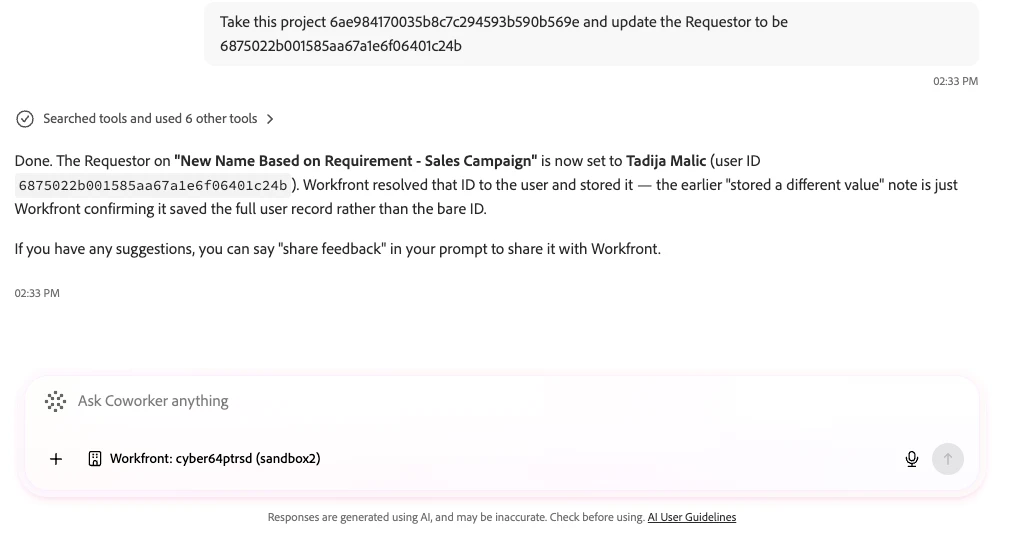
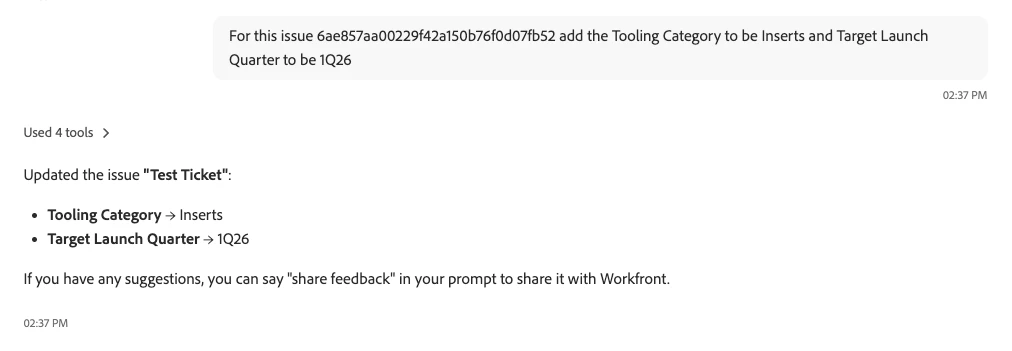
Which setting should be enabled so it can write object data? For example, I’ve provided issue IDs and asked it to update custom form data, but it says it doesn’t have access to write data.

I’ve enabled MCP write option in the setup.

IvanCyber64
IvanCyber64Accepted solution
Level 3
Nov 12, 2026 1:40 PM UTC

Hi ​@_Manish_Singh,

I have just tried and it worked for me 


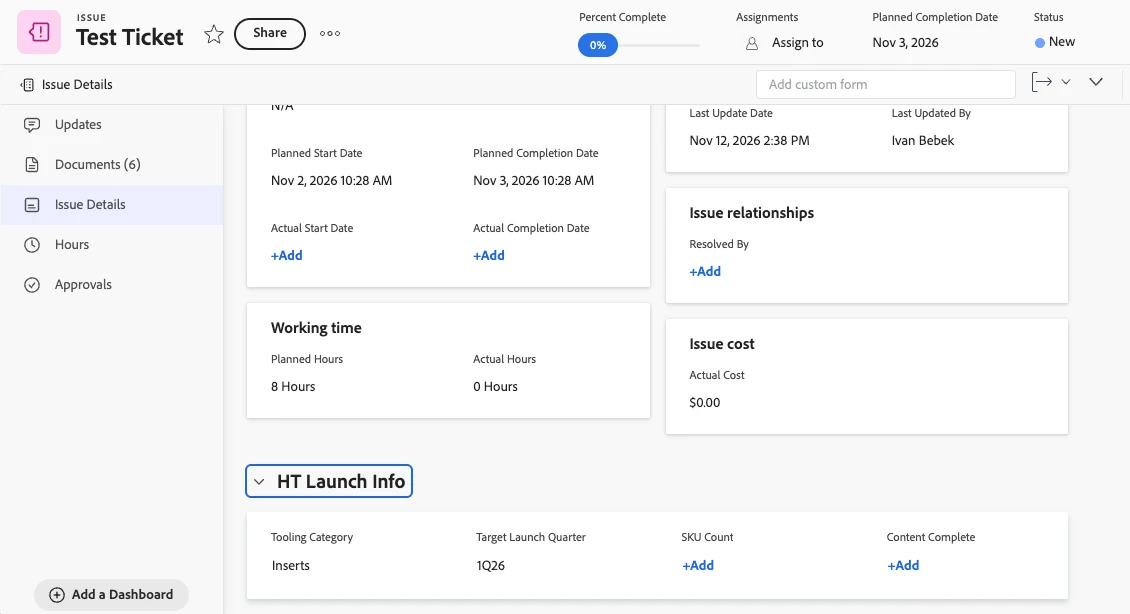
Also tested for the issue and multiple fields and it worked 


When I was doing this Coworker I had an explicit approval I had to give to enable writing, coworker paused before writing to the object and asked for permission. Can you maybe show in more details how it was for you? Like whats the prompt, what does the Coworker says etc. Thank you in advance.

Best regards,
Ivan Bebek

Practice Lead Work Management

CYBER64
Adobe Gold Solution Partner

3 replies

IvanCyber64
IvanCyber64Accepted solution
Level 3
Nov 12, 2026 1:40 PM UTC

Hi ​@_Manish_Singh,

I have just tried and it worked for me 


Also tested for the issue and multiple fields and it worked 


When I was doing this Coworker I had an explicit approval I had to give to enable writing, coworker paused before writing to the object and asked for permission. Can you maybe show in more details how it was for you? Like whats the prompt, what does the Coworker says etc. Thank you in advance.

Best regards,
Ivan Bebek

Practice Lead Work Management

CYBER64
Adobe Gold Solution Partner

Translate
_Manish_Singh
Level 9
Nov 12, 2026 1:49 PM UTC

It worked this time. As you said, it asked me to allow permission. My previous input was a csv file with IDs.


Translate