Level 6
Sep 6, 2022 5:10 PM UTC
Solved

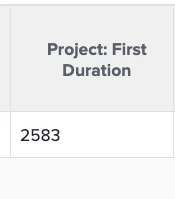
What does the number displayed for "Project First Duration" represent?

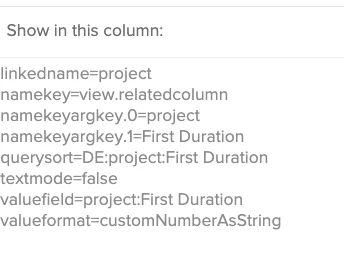
I am following Example of Velocity Reporting, August 14, 2019  - so, a lot of calculation - planned vs actual vs baseline (first duration) - but it doesn't display number of days or hours - calculations are working but I can't explain what is being pulled in reality 


Work-to-Commit Ratio Format:Number Calculation: ROUND(DIV(Actual Duration,First Duration),1)


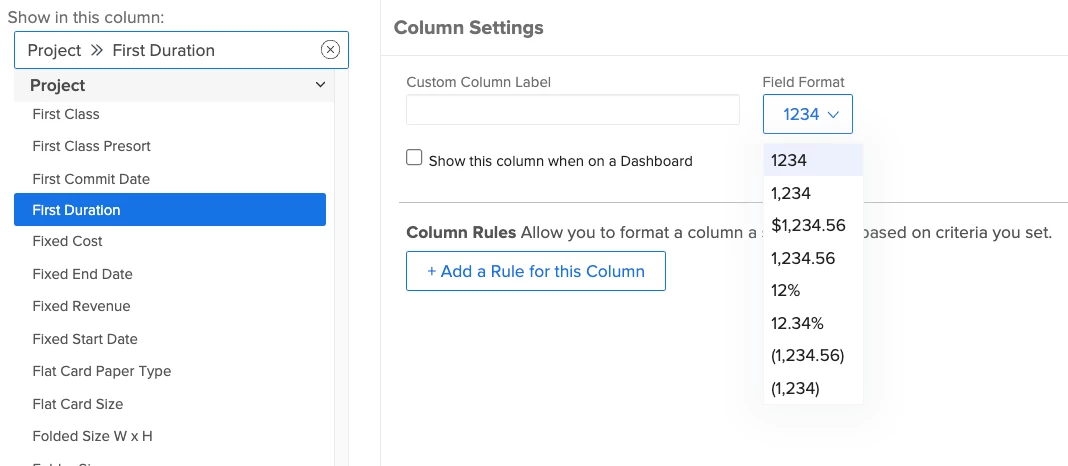
see screen shot(s) - first duration column is just allowing a number of percentage
This post is no longer active and is closed to new replies. Need help? Start a new post to ask your question.
Kurt_Jones
Kurt_JonesAccepted solution
Adobe Champion, Community Advisor, UG Leader
Sep 8, 2022 7:02 PM UTC

Tegwyn, it looks like that First Duration is a custom field.  You would need to look under custom reports->fields to see what information it might be pulling.

If my response answered your question, please mark it answered, so others can find the answer

1 reply

Kurt_Jones
Adobe Champion, Community Advisor, UG Leader
Kurt_JonesAdobe Champion, Community Advisor, UG LeaderAccepted solution
Adobe Champion, Community Advisor, UG Leader
Sep 8, 2022 7:02 PM UTC

Tegwyn, it looks like that First Duration is a custom field.  You would need to look under custom reports->fields to see what information it might be pulling.

Translate
If my response answered your question, please mark it answered, so others can find the answer