Level 10
Jan 20, 2023 7:29 PM UTC
Solved

Task Name Won't Retain in a Report

I am trying to make a Task Report that has ONE filter - Task Name Equals Webinar.


Every time I try to make that filter it won't accept this. I have dozens of projects that meet this criteria, yet it automatically changes from Task Name to Task ID. I cannot get Task Name to stick. What is going on?
This post is no longer active and is closed to new replies. Need help? Start a new post to ask your question.
Sheri_WhittenAccepted solution
Community Advisor
Jan 25, 2023 9:51 PM UTC

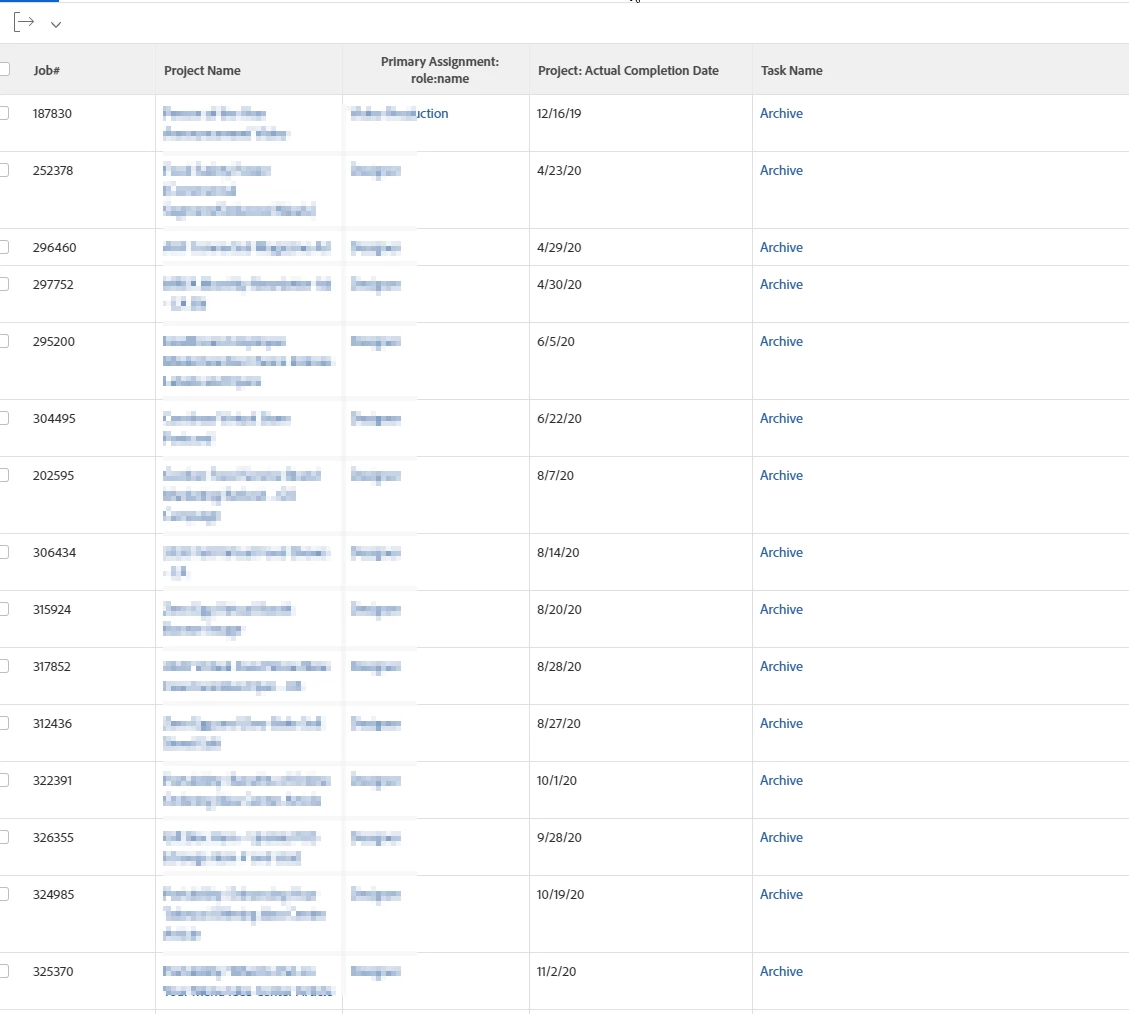
Here's what I did for that type of filter for our tasks named "Archive". I initially created the task report filter with the standard builder, and picked Task >> Name = Archive, which then switched it to ID upon saving and returned one result. Which makes sense because, as Skye mentioned, there is a unique ID assigned to everything. Then I switched my filter to Text Mode, changed ID to name and then my report returned all the tasks that were named "Archive". Maybe that would work for you?


name=Archive
name_Mod=in


9 replies

skyehansen
Adobe Champion and Community Advisor
Jan 20, 2023 8:13 PM UTC

I think the name filter is kind of like a typeahead field. In those cases, using "equals" will enable you to pick exactly one existing Webinar task, and it will then translate to task ID.


If this is the case, you should probably use "contains" which will be much less specific.

Translate
JillAcAuthor
Level 10
Jan 20, 2023 8:20 PM UTC

That makes sense, but not what I want. Is there a way to get a task name report? Will all tasks that have taskname=Webinar have the same ID? When I select one from the dropdown it limits it to one project from 2018!

Translate
skyehansen
Adobe Champion and Community Advisor
Jan 20, 2023 8:25 PM UTC

every task has a different ID. This is why you have to go with "contains Webinar" rather than "equals Webinar", or use something else, like "everything with the same template task ID", for example.

Translate
Jason_JB
Level 5
Jan 23, 2023 2:18 PM UTC

I agree with the frustration on this one and Skye's approach.

We added a custom field to our projects that we call "task - event".  This is a picklist field that we can then use for reporting, updates, etc of a specific type of task.  Some examples we have flagged are project plan set, "start of build", and "go-live".

Translate
Sheri_WhittenCommunity AdvisorAccepted solution
Community Advisor
Jan 25, 2023 9:51 PM UTC

Here's what I did for that type of filter for our tasks named "Archive". I initially created the task report filter with the standard builder, and picked Task >> Name = Archive, which then switched it to ID upon saving and returned one result. Which makes sense because, as Skye mentioned, there is a unique ID assigned to everything. Then I switched my filter to Text Mode, changed ID to name and then my report returned all the tasks that were named "Archive". Maybe that would work for you?


name=Archive
name_Mod=in


Translate
JillAcAuthor
Level 10
Jan 27, 2023 5:17 PM UTC

You are a genius! That worked!

Translate
Community Advisor
Jan 27, 2023 8:36 PM UTC

So glad that worked for you, Jill!  😀

Translate