Level 3
August 18, 2026
New

Suppress or disable Adobe event or marketing popups

  • August 18, 2026
  • 3 replies
  • 51 views

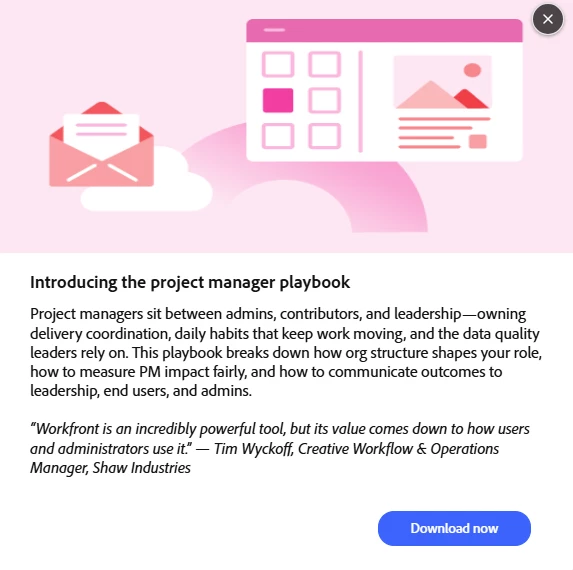
Our users have been getting these marketing popups quite regularly in Workfront. A lot of these events are aimed at Admins or users who have very different roles in Workfront. 


Is there a way we can disable these messages? If not, can a toggle be added?


    3 replies

    KatherineLa
    Community Advisor
    Community Advisor
    August 19, 2026

    I have sent tickets in to Support in the past and insisted that they be disabled. Spam advertising my entire org like freemium-ware is tacky at best.

    user01245Author
    Level 3
    August 19, 2026

    Was support able to help you?


    Every time they push out a new notification like this, I’m getting users asking me, “Should I go to this?” The answer to which is almost always “No.” 

    I’d be more OK with it if they only showed them to people with Admin roles, but to be visible to all users seems misguided.  

    CarolCaruso
    Level 2
    August 21, 2026

    I’m being put in an awkward position due to all the questions coming to me asking for the features these pop ups give. Many my company doesn’t subscribe to. Coming to those with admin permissions would make more sense than flooding all users with them.