Improve UI When Editing a View
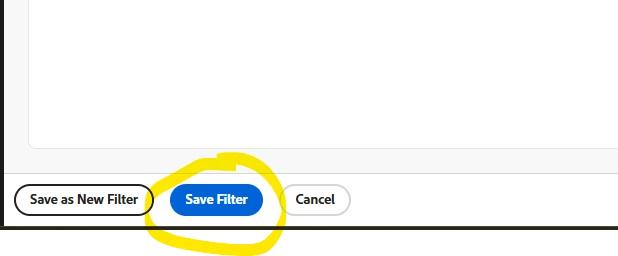
Description - If you go to settings > interface and then try to edit a filter or a view, there is no responsiveness when you click "save filter." Though this is the tiniest thing, I get no confirmation visually that my changes have actually been applied and I have to close the window/open the filter or view back up to verify or just trust that it was applied.
Why is this feature important to you - Would improve UX when editing views and filters.
How would you like the feature to work - 1) Ideally when I hit "save filter" the window would close, and I'd get the little pop up confirming my changes have been applied, similar to when you save a custom form edit. 2) But I'd take anything really! A check mark to appear upon hitting save. A pop up confirming my changes have been applied. Anything!
Current Behaviour - When you click "save filter" nothing happens- I therefore end up clicking it like 5 times thinking it isn't responding to me 😉