Rejecting a proof in a multi-stage workflow
Hi everyone,
Hoping someone can help me out here. I’ve been tasked to figure out how to create a multi-stage proofing workflow but if an approver in stage 1 rejects the proof, stage 2 and any subsequent stages will not be activated.
I’ve tested this and it does not seem to work.
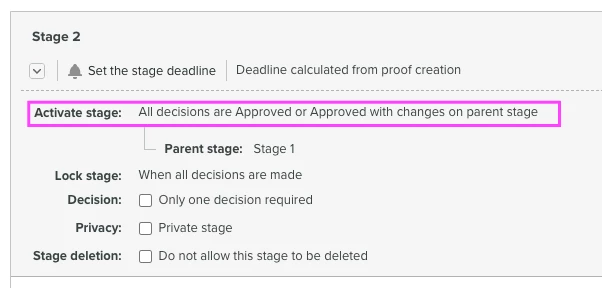
In my stage 2, I’ve made sure to select “All decisions are Approved or Approved with changes on parent stage” in order to activate Stage 2. I had one approver reject and one approver approve in stage 1 and stage 2 was still activated.
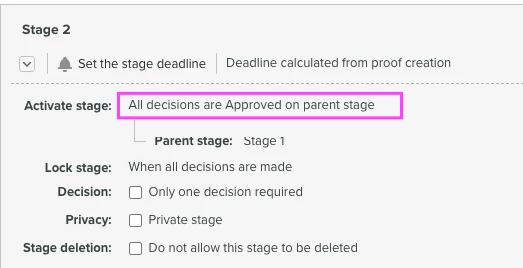
I had also tested using “All decisions are Approved on parent stage” to see if that would work but it did not. Stage 2 was still activated even when 1 approver rejects….
Any tips on what went wrong or how this should be set up differently? Any insights would be appreciated!
Thanks!