
Solved
Can't override blue rows on report
Hi all,
We are trying to create a task report filtered specifically to show “not ready” tasks so users can plan ahead. However, when changing the “Task » Can Start” from true to false it turns all of our reporting rows blue.

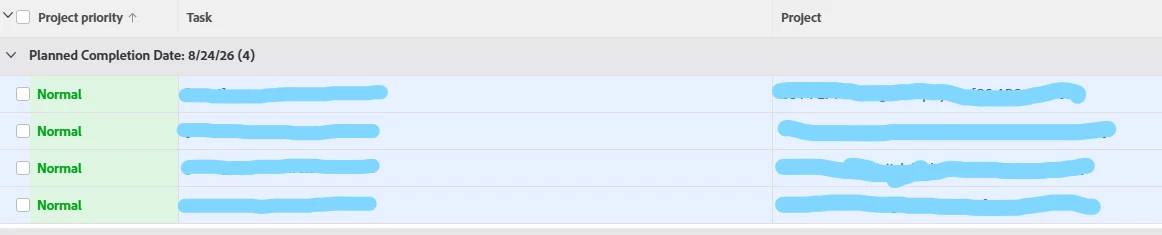
There is conditional formatting on the “priority” column as you can see, but there is nothing anywhere (including in those conditions) that uses blue or “apply to entire row.”
Even if I attempt to add a condition to override this to a white background, the blue remains. The only way to turn it off is to reset the “can start” filter to true.
Any ideas what could be causing this behavior? Is there some sort of global setting I’m missing? Totally stumped. Thanks in advance!