Target doesn't show neither previews nor modified experience | Adobe Higher Education
Skip to main content
dave772
Adobe Employee
Adobe Employee
August 25, 2022
Risolto

Target doesn't show neither previews nor modified experience

  • August 25, 2022
  • 1 risposta
  • 1585 visualizzazioni

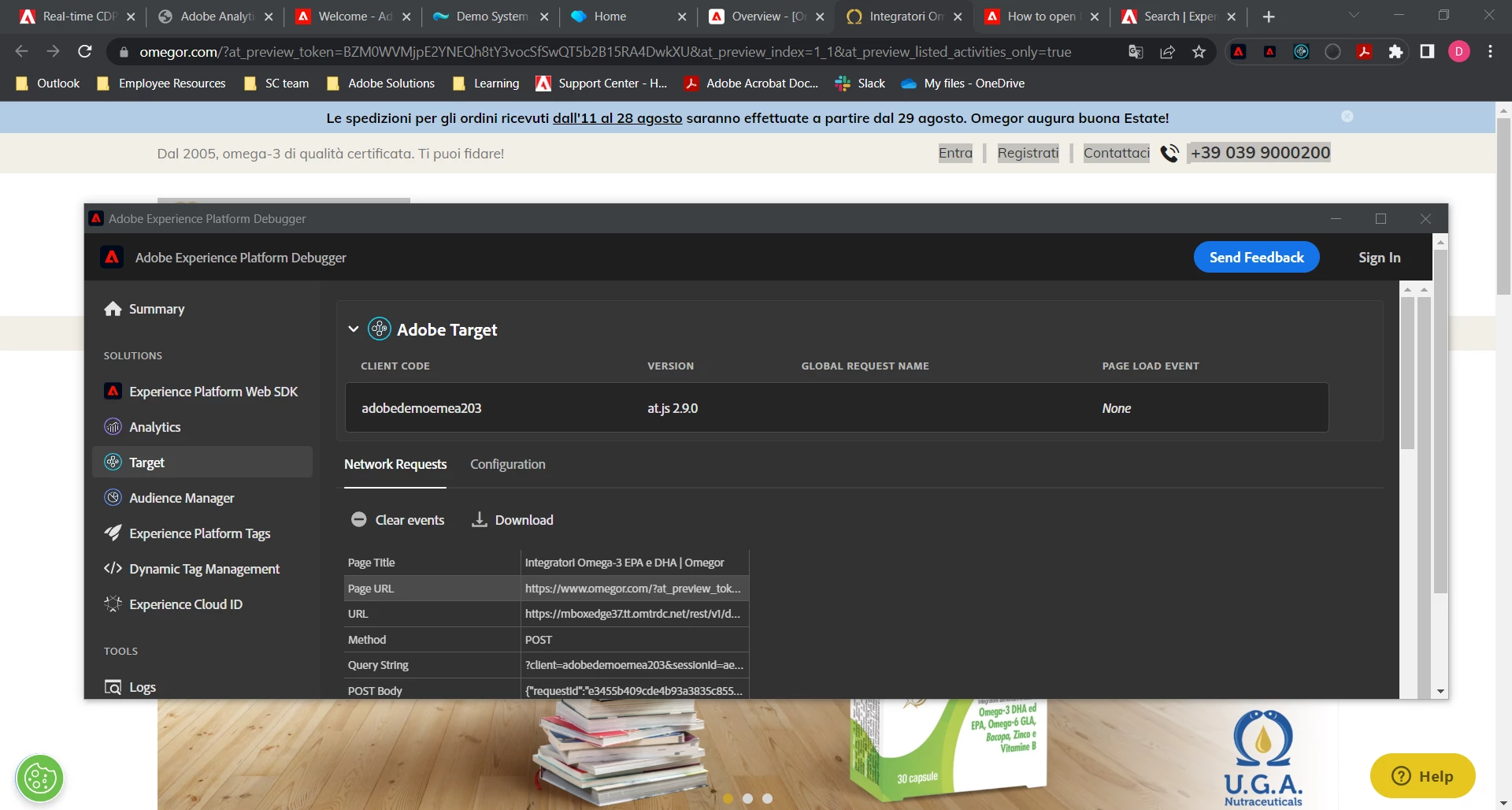
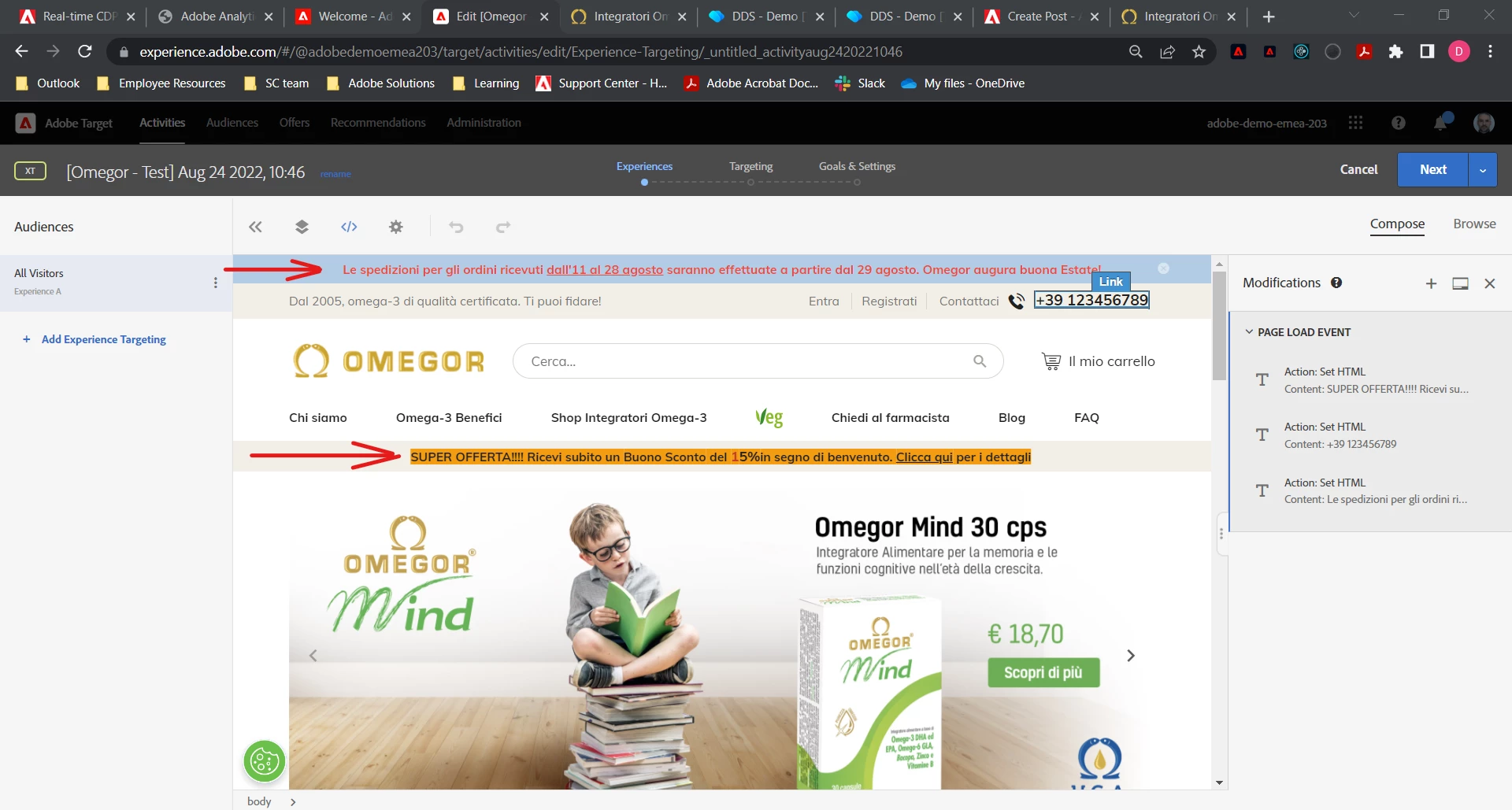
Hi everyone, I created a new activity on Target, to do some tests before a Demo I will have next week with a client
I used VEC Helper to ingest the target library, everything seems correct, but I don't see the experience on the client web site, this is the preview url: https://www.omegor.com/?at_preview_token=BZM0WVMjpE2YNEQh8tY3vocSfSwQT5b2B15RA4DwkXU&at_preview_index=1_1&at_preview_listed_activities_only=true 
 

Questo argomento è stato chiuso alle risposte.
Migliore risposta di Gaurav_Singh_02

@dave772 , Sorry my past comment got posted with incorrect ID. Reposting it with the correct account :

  I tried accessing the QA URL on my end but was unable to see any Target call (delivery request) in the network calls.


QA URL's should show the expected results as you are using All visitors audience segment.

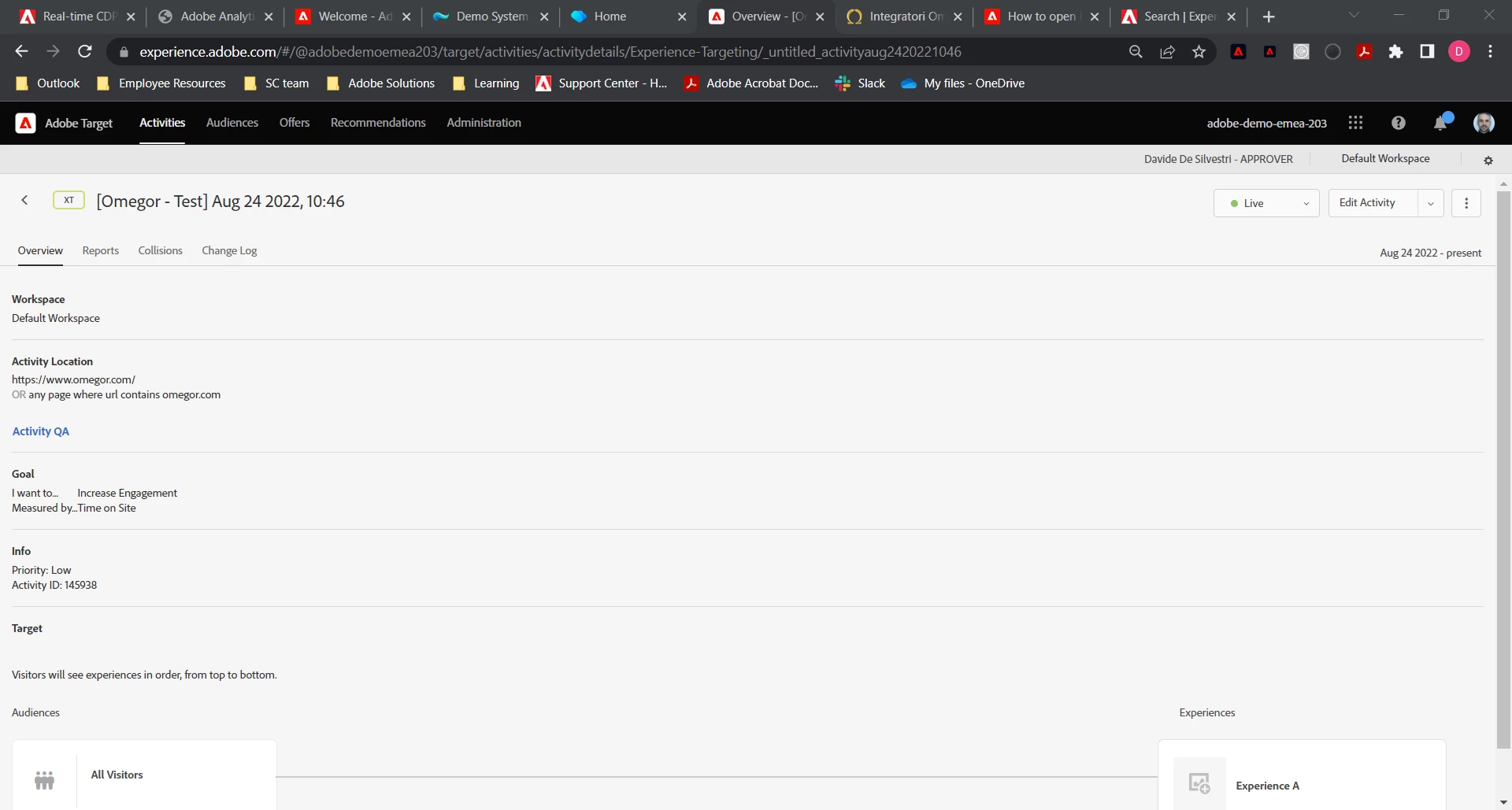
As per the screenshot it seems that the activity is already "Live" hence would recommend to try adding trace token on the page as described in this document : https://experienceleague.adobe.com/docs/target-learn/tutorials/troubleshooting/troubleshoot-with-tar... and then check for trace logs to look for exact reason of this behavior . You may also add "&mboxDebug=1" query parameter at the end of the pageURL (wth trace token) to check Adobe Target rendering status .


Hope this helps.

1 risposta

August 25, 2022

NA

dave772
Adobe Employee
dave772Adobe EmployeeAutore
Adobe Employee
August 25, 2022

Hi Alex, thanks for you answer. 

@dave772 I tried accessing the QA URL on my end but was unable to see any Target call (delivery request) in the network calls.

About this, you are right, I used the VEC Help Composer Plugin to inject the library to the website.

I will check the link you provided, thanks.

Kind regards,

Davide

Adobe Employee
August 25, 2022

@dave772 , Sorry my past comment got posted with incorrect ID. Reposting it with the correct account :

  I tried accessing the QA URL on my end but was unable to see any Target call (delivery request) in the network calls.


QA URL's should show the expected results as you are using All visitors audience segment.

As per the screenshot it seems that the activity is already "Live" hence would recommend to try adding trace token on the page as described in this document : https://experienceleague.adobe.com/docs/target-learn/tutorials/troubleshooting/troubleshoot-with-tar... and then check for trace logs to look for exact reason of this behavior . You may also add "&mboxDebug=1" query parameter at the end of the pageURL (wth trace token) to check Adobe Target rendering status .


Hope this helps.