Sending events to Target and measuring them in Analyticis | Community
Skip to main content
May 8, 2024
Solved

Sending events to Target and measuring them in Analyticis

  • May 8, 2024
  • 1 reply
  • 1478 views

Hi, the learning curve for Adobe Target and Adobe Analytics is proving to be tough, see if you can help me understand this case better:


I have created an activity called EVENT-TEST in Adobe Target, which is a simple AB test where a new button appears and fires an event if you press it.

This insertion of the button and the event is made from javascript (the website uses at.js). Therefore the EVENT-TEST activity is activated with a Page Load Event with a Custom Code where I use javascript. The event is triggered like this:


window.adobe.target.trackEvent({ "mbox": "test-clicked-cta", "params": { "testvariant": variant } });


I have seen that the event fires well in Adobe Target by QA url.


1. Here comes my first question, why to be able to measure this event I have to put it as -> Metric: Conversion and Action: Viewed an mbox? For me it makes more sense that a click on a button is an Engagement metric and not a Conversion, but I see that from Engagement I can't select this event ‘test-clicked-cta’.


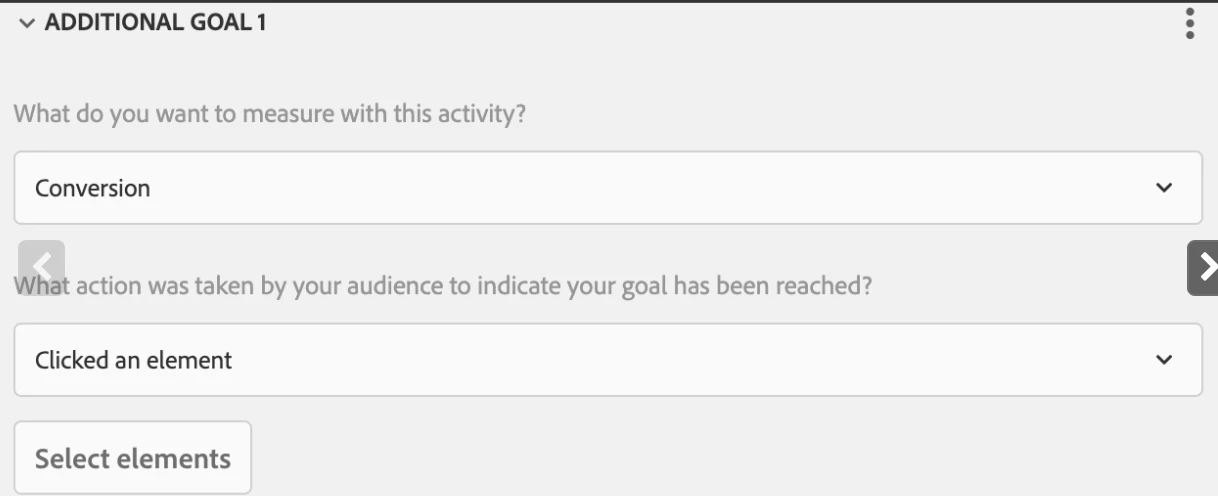
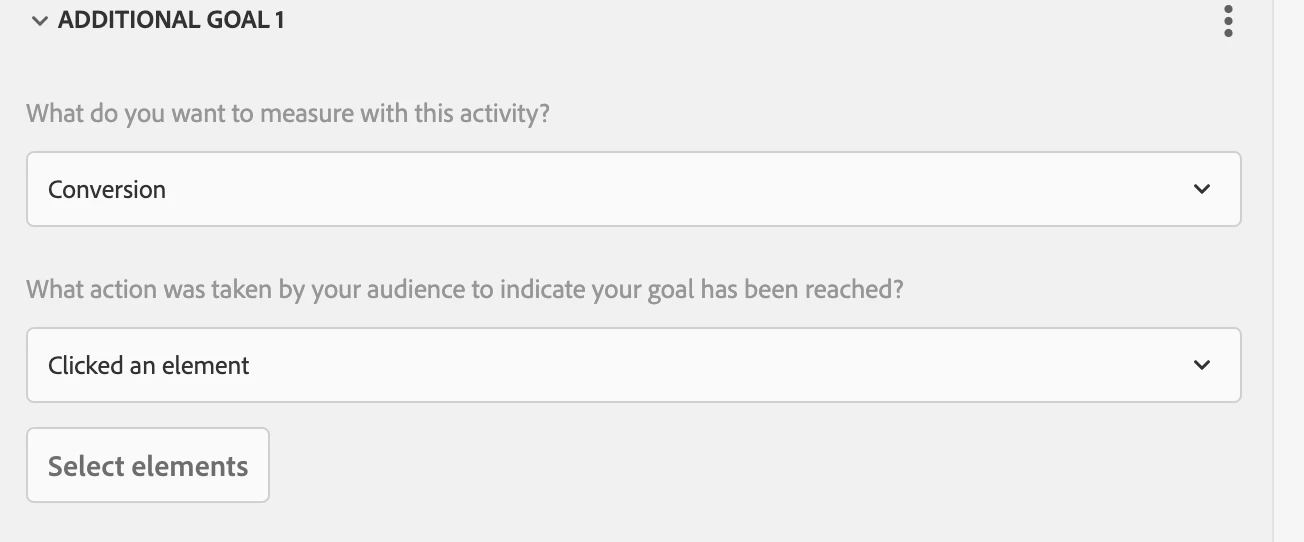
2. Second question: If you tell me this is a Metric: Conversion, then I would like it to be a ‘Clicked an element’. But I also don't have the option to select the custom test-clicked-cta I put in the javascript code:
 

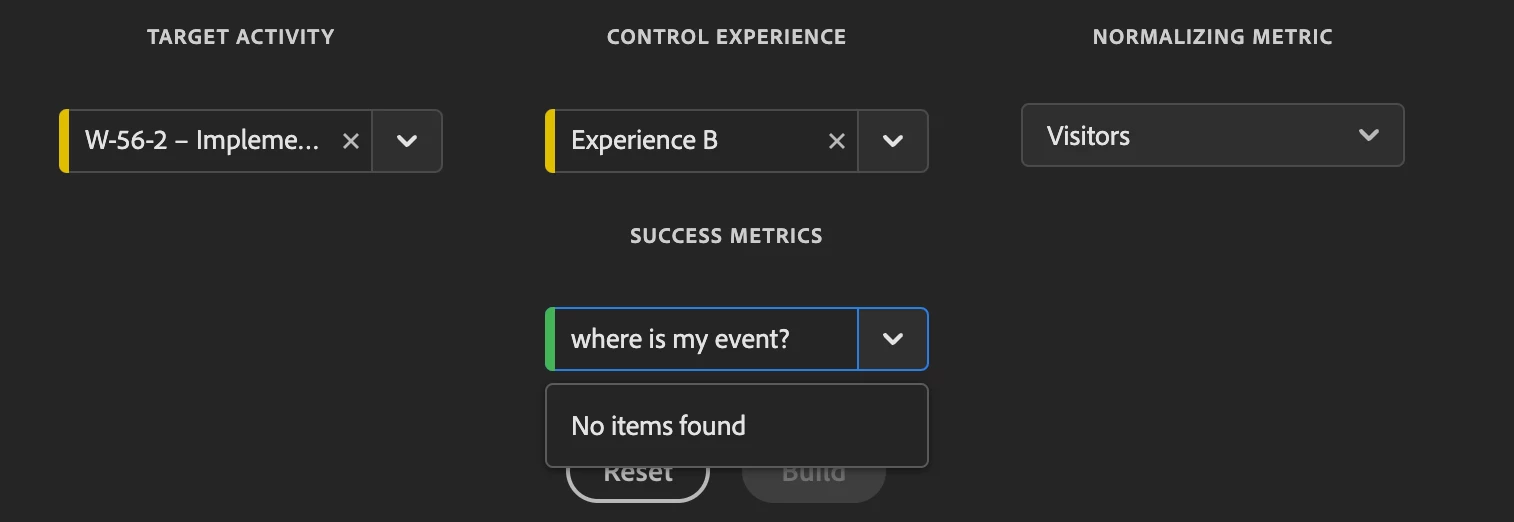
3. Final and most important question: where can I see my test-clicked-cta event reflected in Adobe Analytics, and can I really link that event to a metric?

Im using Analytics for Target:


Thank you very much

This post is no longer active and is closed to new replies. Need help? Start a new post to ask your question.
Best answer by pradnya_balvir

In my case I was added custom event 32 in adobe analytics and used that in Target for button click.

But if you are using conversion as a activity as per your requirement. Then select that button and capture that conversion as event.

As I explained use Adobe Analytics as a reporting source.


And in analytics report use "Activity Conversion" metrics for capturing this data.


1 reply

pradnya_balvir
Community Advisor
Community Advisor
May 9, 2024

Hi @yeahbuddy ,


If you want to pass that data to Adobe analytics, in Goals and Settings, add reporting source adobe analytics.

You can also define and capture the button/link click event in adobe analytics and use that for your engagement/goal purpose.


Refer Screenshot.


YeahBuddyAuthor
May 9, 2024

Thank you! Is what you have created in Adobe Analytics an Event? Or is it an eVar (Dimension)? In the client's Analytics I don't see where the events are created, maybe you haven't given me permissions to view and create them.

pradnya_balvir
Community Advisor
pradnya_balvirCommunity AdvisorAccepted solution
Community Advisor
May 10, 2024

In my case I was added custom event 32 in adobe analytics and used that in Target for button click.

But if you are using conversion as a activity as per your requirement. Then select that button and capture that conversion as event.

As I explained use Adobe Analytics as a reporting source.


And in analytics report use "Activity Conversion" metrics for capturing this data.