Hi @AvaniJa
If I read your question again then you’re looking or asking for the reason why a separate custom code is required in a form based activities.
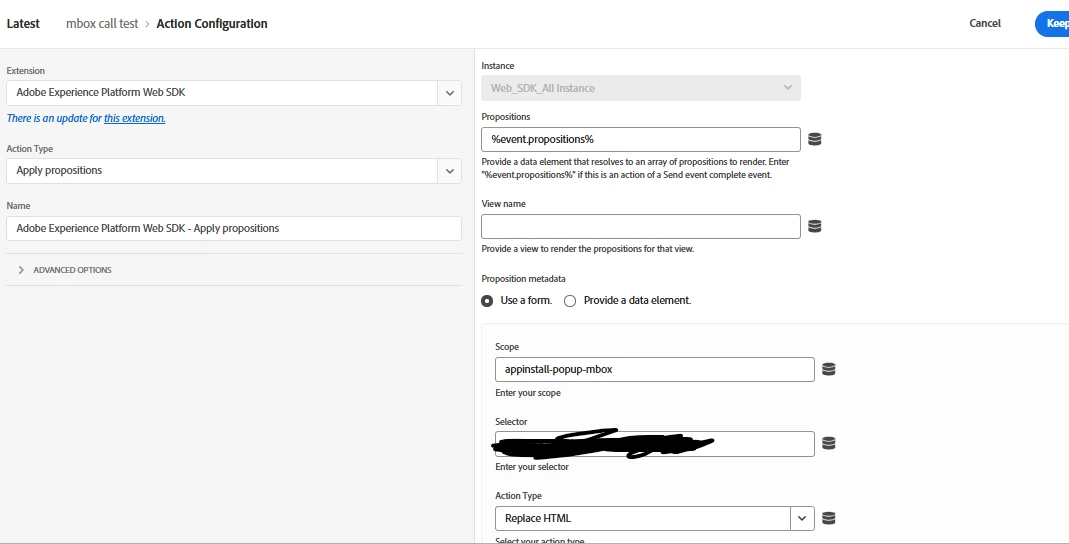
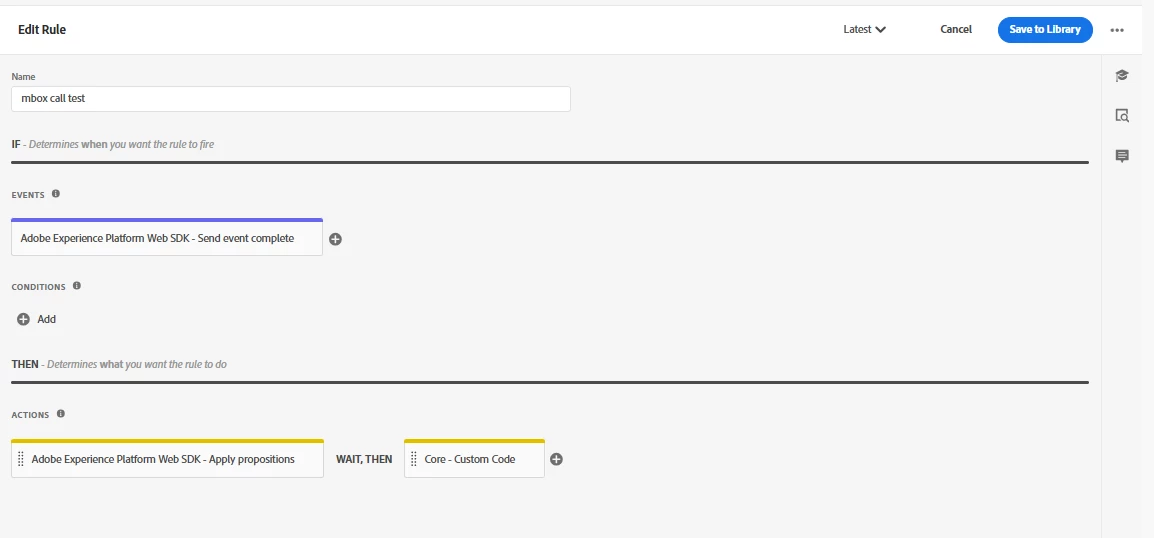
As per my understanding - Form-Based activities require explicit rendering logic when using custom scopes ( in your case it’s appinstall-popup-mbox) . so the behavior you're seeing is expected.
The fact that the proposition is visible in the Edge Network response means Adobe Target has successfully qualified the visitor and returned the personalized content. The missing piece is the rendering step.
With Web SDK, there is an important distinction between:
- Requesting propositions (
sendEvent) - Rendering propositions (
applyPropositions or custom rendering)
For propositions returned through a custom scope/mbox (for example, appinstall-popup-mbox), Web SDK does not automatically know where in the DOM the content should be placed. Therefore, even though the proposition is returned successfully, you must either:
- Map the content to a specific DOM element yourself (as you're doing now), or
- Build custom rendering logic that processes the returned proposition and injects it into the appropriate component.
So the custom code is not a workaround—it's typically required for Form-Based activities delivered through custom scopes.
Let us know if you still have further questions.
Hope this helps
Thank you