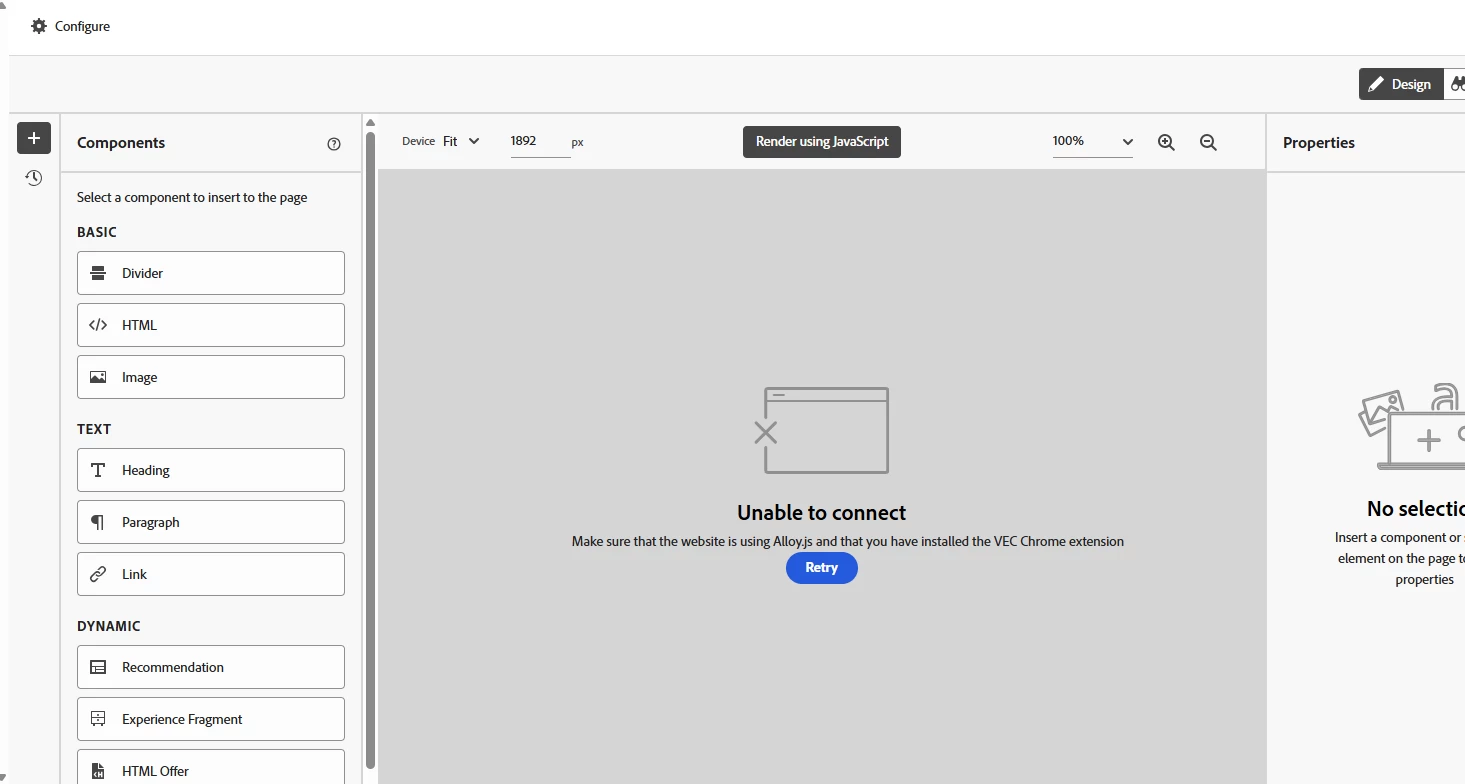
Chrome Adobe Experience Cloud Visual Editing Helper extension not working | Community
Skip to main content
This post is no longer active and is closed to new replies. Need help? Start a new post to ask your question.

1 reply

RaghavAggarwal
Level 2
July 22, 2025

Hi @subha2 ,
As you are using the latest extension, enable the EEC.
Steps to enable the EEC is Click on Configure -> Click on Page Delivery -> Enable EEC.
Also you can make the form based activity instead of VEC activity as the New Adobe Target UI has still some issues.