Level 2
Jul 16, 2020 5:08 PM UTC
Solved

Browse and navigatation is not working on VEC

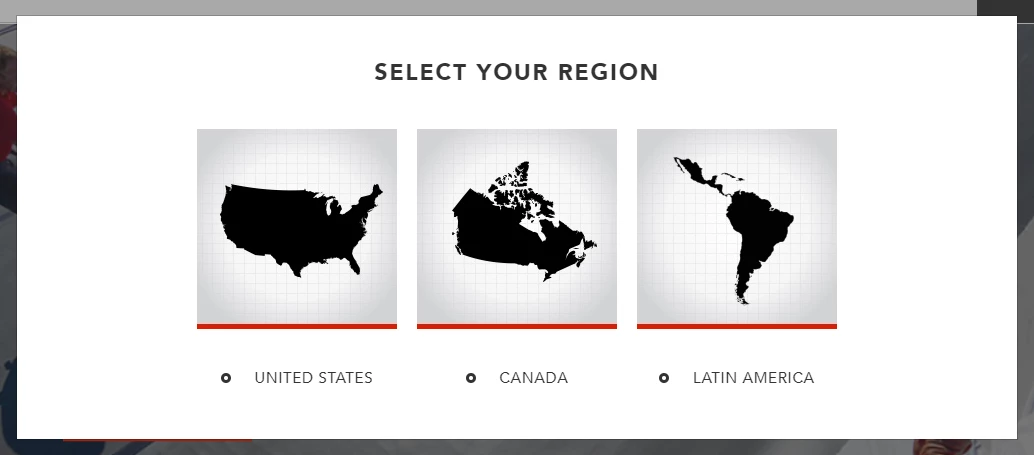
Using VEC, there is a overlay to select the region, when i select the page refresh and again it pop's op. 


Is there any solution?


This post is no longer active and is closed to new replies. Need help? Start a new post to ask your question.
ryanr7Accepted solution
Adobe Employee
Jul 16, 2020 11:16 PM UTC

Hi @bardiara 

In the VEC, once you load the page there should be 2 buttons in the upper right area: Compose and Browse. Clicking the Browse button should enable you to interact with the page. Once the pop up is gone and you are ready to compose experiences for the activity click the Compose button.

Hope that helps,

Ryan

1 reply

ryanr7Adobe EmployeeAccepted solution
Adobe Employee
Jul 16, 2020 11:16 PM UTC

Hi @bardiara 

In the VEC, once you load the page there should be 2 buttons in the upper right area: Compose and Browse. Clicking the Browse button should enable you to interact with the page. Once the pop up is gone and you are ready to compose experiences for the activity click the Compose button.

Hope that helps,

Ryan

Translate