
Troubleshooting Chronic Marketo Errors in Firefox
If you have a large database, use Firefox to access Marketo, and often get "band-aid errors" when trying to accomplish basic tasks (such as edit an email or look at a program), it may be an issue with the Firefox browser.
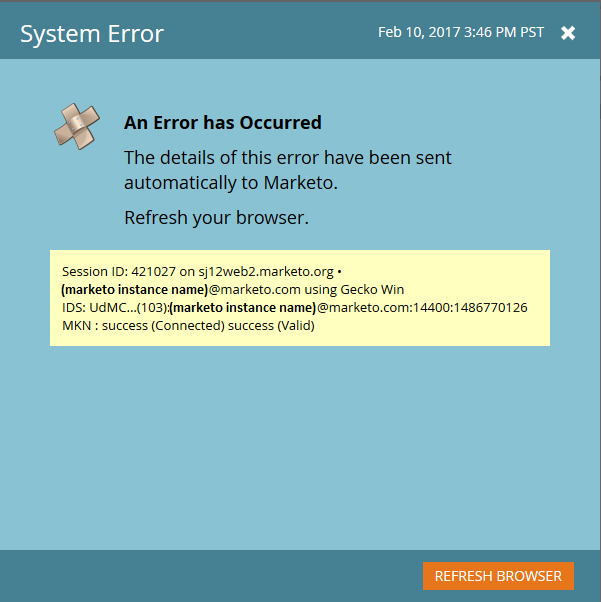
In some cases, the 32-bit version of Firefox is unable to accommodate a very large/complex Marketo instance. If this is the problem, installing the 64-bit version of Firefox should resolve the problem.
To check what version of Firefox you're using, follow the steps at Find what version of Firefox you are using.
To switch to the 64-bit version of Firefox, follow the steps at How to switch from 32-bit to 64-bit Firefox.