Subscribe to Salesforce Notifications
Marketo can send key employees notifications of any errors that occur during the Salesforce sync. Follow the steps below to get started.
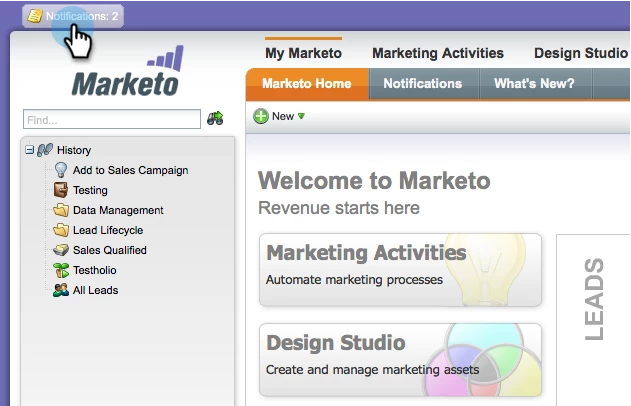
1. Click Notifications.
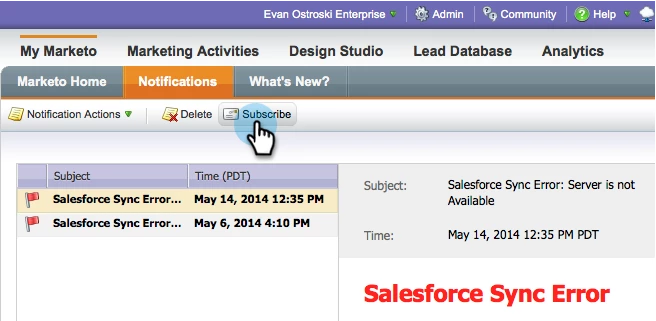
2. Click Subscribe.
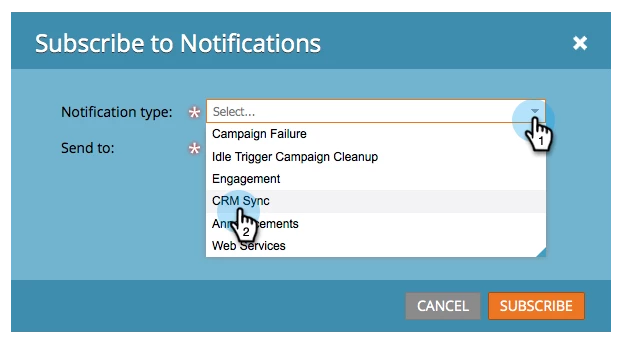
3. Open the Notification type drop-down, and select CRM Sync.
4. Enter the email addresses to subscribe, separated by commas, then click SUBSCRIBE.
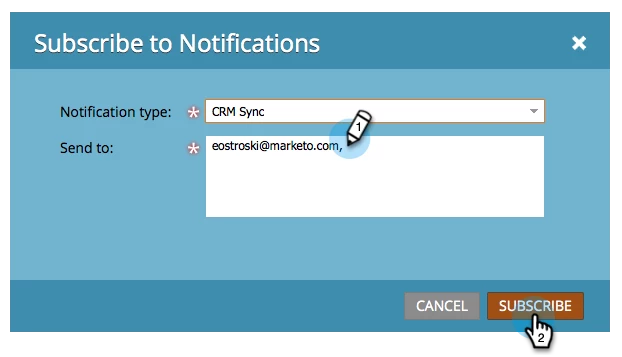
That's it! Those emails will now receive important notifications about any problems with the Salesforce Sync.