Submitting a Support Case to Marketo Support | Community
Skip to main content
August 28, 2015

Submitting a Support Case to Marketo Support

  • August 28, 2015
  • 8 replies
  • 72671 views


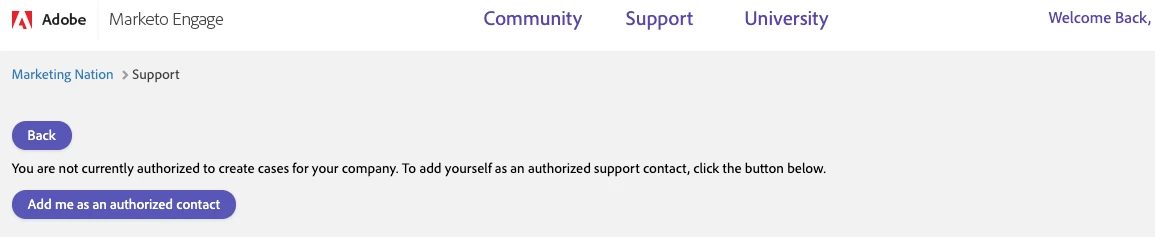
NOTE -  Only authorized support contacts from your organization can submit support cases. To tell if you are an authorized support contact or not, access the Support Tab and select Create Case.  If you are not an authorized contact, you will receive the below screen.  Please contact your Support Admin to be added to the Support Entitlement.


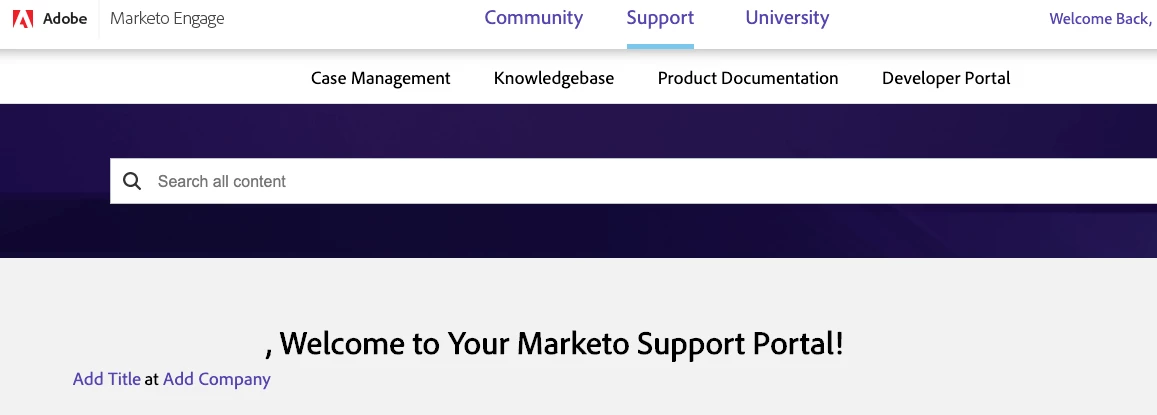
1. Go to Support.


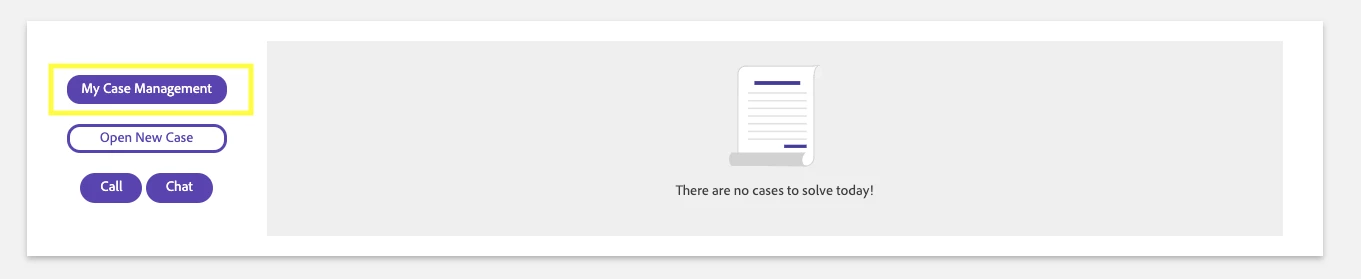
2.  Click My Case Management


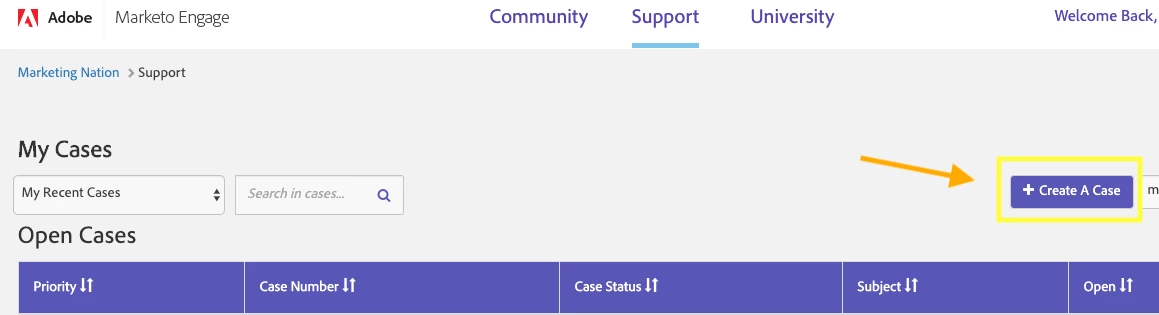
3. Click on +Create A Case


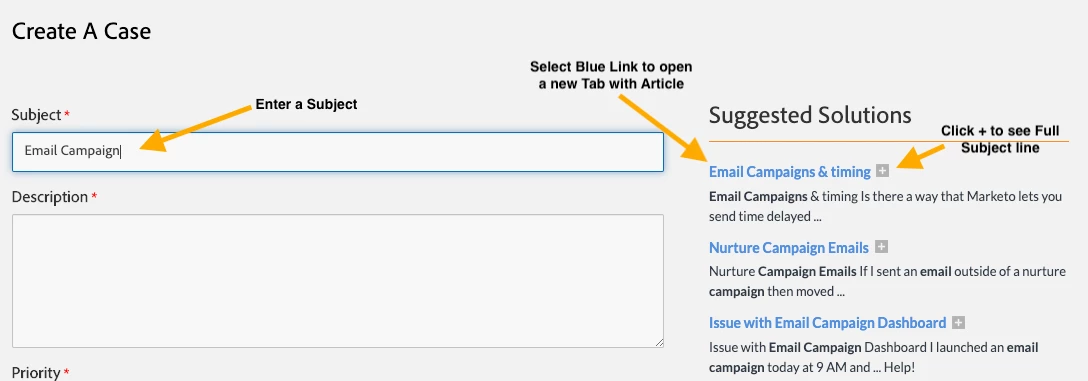
4. Enter a Subject to see suggested articles on the problem.
Select an article to open a new tab.
Select the + if you would like to see the full subject of the article first.


6. Didn't find the help you needed? Enter your information into the required fields. Click Submit.
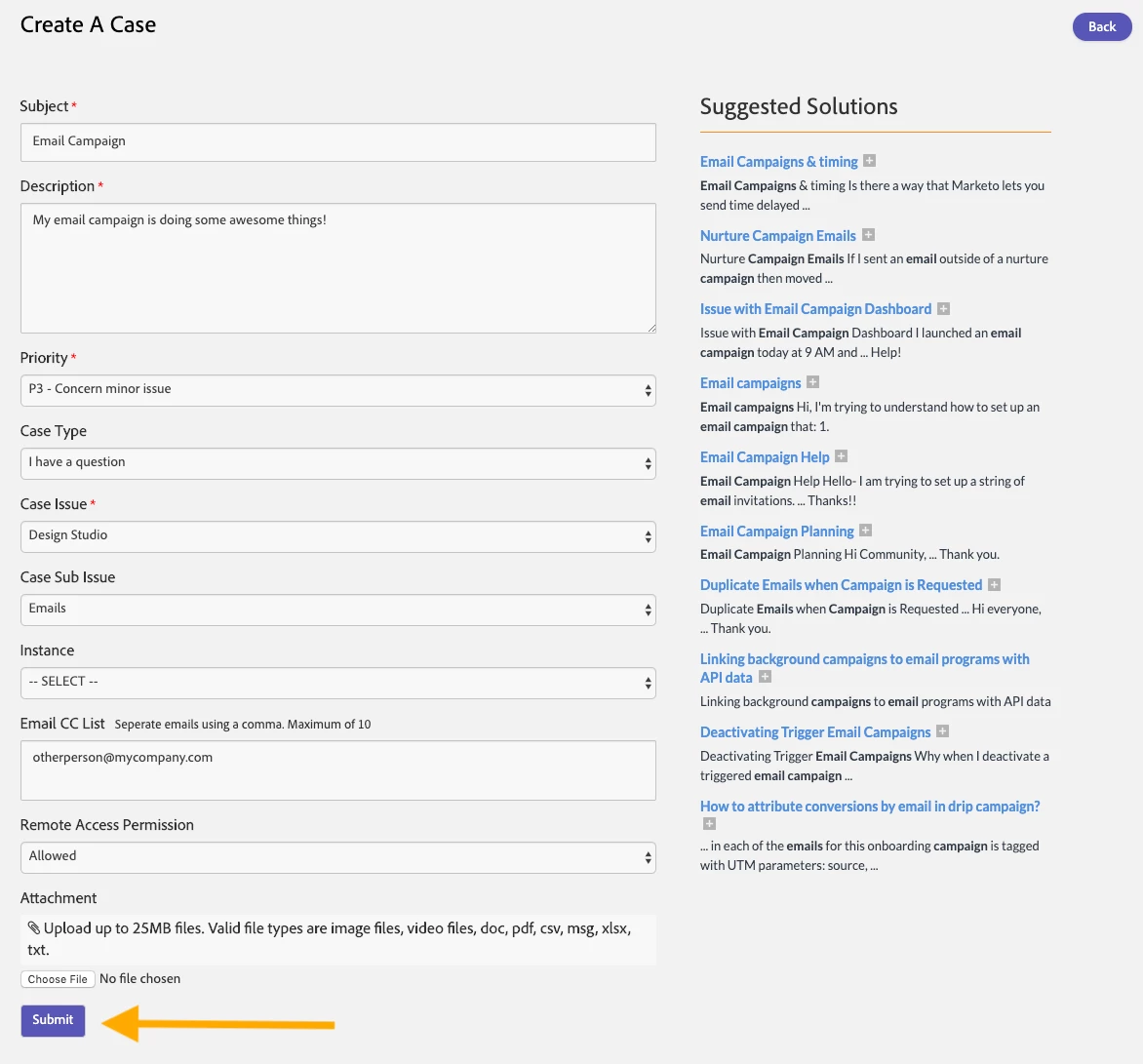


Great! You've submitted a case. A support rep will reach out to you shortly.

This post is no longer active and is closed to new replies. Need help? Start a new post to ask your question.

8 replies

August 28, 2015

Do you have to submit the written support case and then go back into that written support case to attach a file/screenshot?

Am I doing something wrong? It just seems like this should be a one step process.

August 28, 2015

Hello Lana,

The answer is YES; once you've created the case, then go back to the case and add any additional information you'd like including files, URL's etc.

We are always looking at ways to make this as easy as possible. We will explore the possibility of making it a "one step process".

Thank you for your feedback!

Raul

Carlye_Norton
Level 1
June 4, 2019

These buttons (including the create a case) do not appear when there is an alert notification on the Marketo Support page. 

Sean_Richards
Level 4
September 5, 2019

Yeah the system is bugging out for me too. I can't see the button to create a case on the support page!!

Sean Richards
Sean_Richards
Level 4
September 5, 2019

Seems to have rectified itself now.

Sean Richards
January 9, 2020

These buttons don't appear for me either. Looks like this page is unstable. Please fix!

Carlye_Norton
Level 1
January 9, 2020

Jose, this was fixed by Marketo - my email was incorrect in their backend.

If you submit a support ticket, they should be able to check and fix for

you.

On Thu, Jan 9, 2020 at 12:09 PM Jose Acevedo <marketingnation@marketo.com>

Shawn_Wilfong1
Level 2
January 22, 2020

I regularly run into this issue.  They need to better support this page.