
Secured Domain for Tracking Links: Domain Verification
How do I verify that my tracking link domain is secure?
There are two primary methods for verifying that your domain is secure; by testing within a web browser and using a third-party SSL checker.
Verifying Domain Security Through Web Browser
1. In your Marketo instance, navigate to Admin --> Email
2. In this link https://<your_tracking_domain>/trk?=ping, replace <your_tracking_domain> with your actual tracking domain.
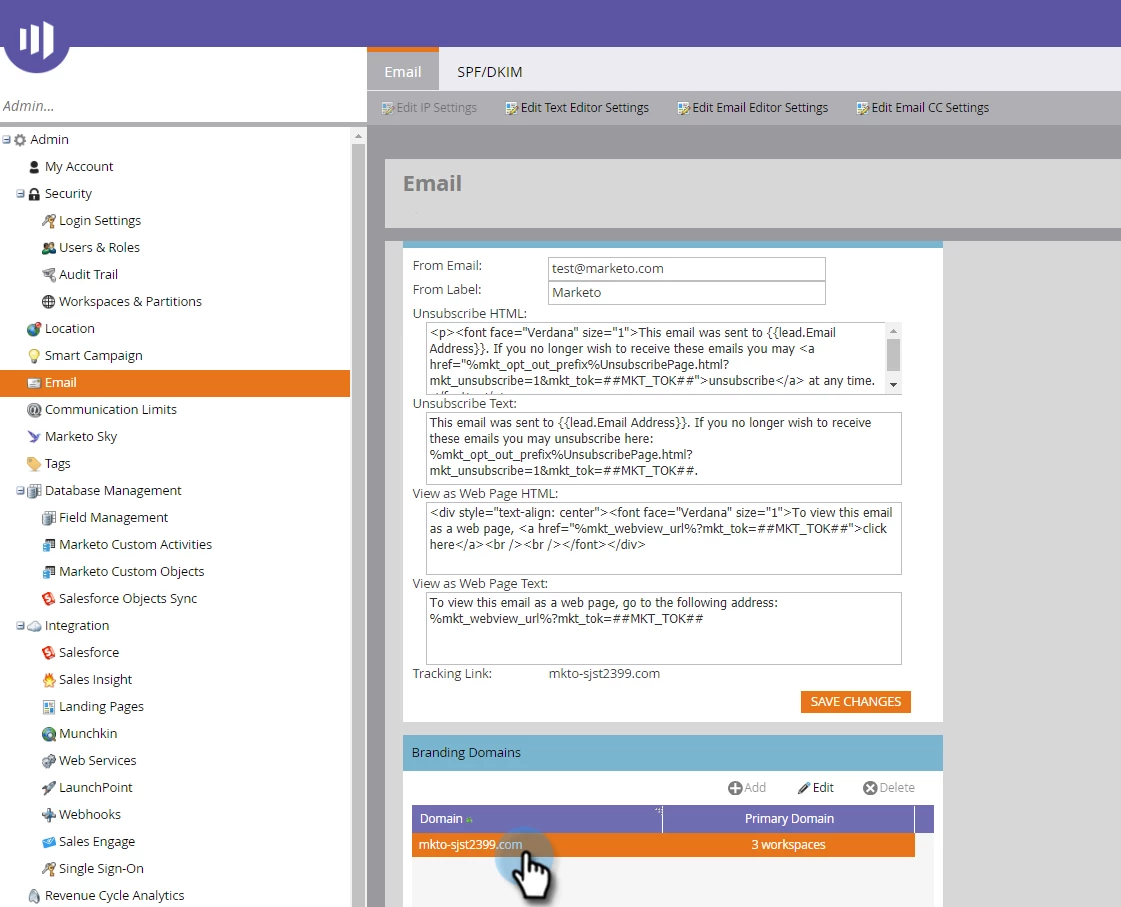
3. Enter this link into your browser and click Enter.
4. Click the padlock at the left of the URL in the address bar.
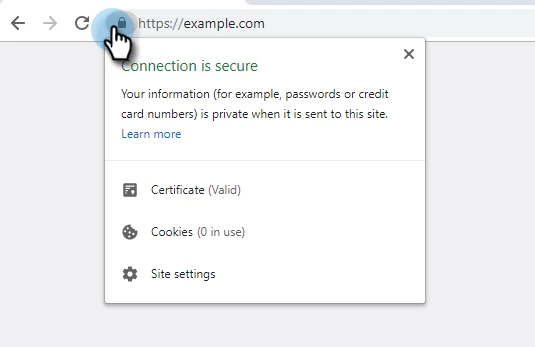
5. In the pop-up box, verify that the certificate is valid and shows no security warnings.
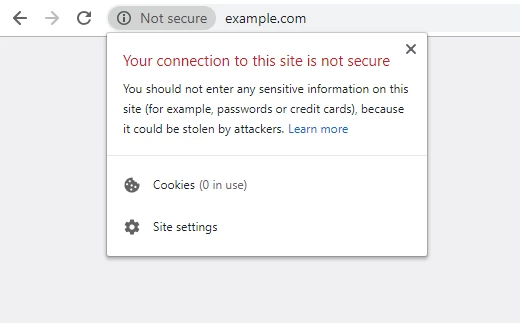
Verifying Domain Security Through Online Service
You can also verify your SSL certificate to make sure it is correctly installed, valid, and trusted using the SSL Shopper SSL Checker tool. This is a third-party tool not owned or operated by Marketo, but it is a useful resource many utilize.
1. Navigate to https://www.sslshopper.com/ssl-checker.html
2. Type in your branded tracking domain you wish to verify.
3. Click "Check SSL".
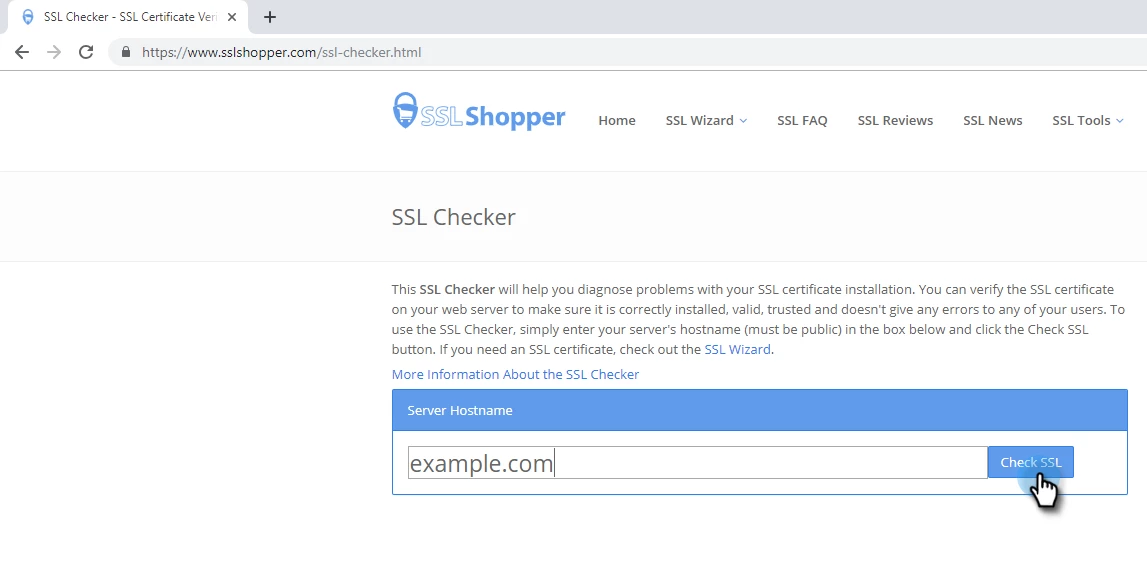
4. Ensure that all check marks are green.
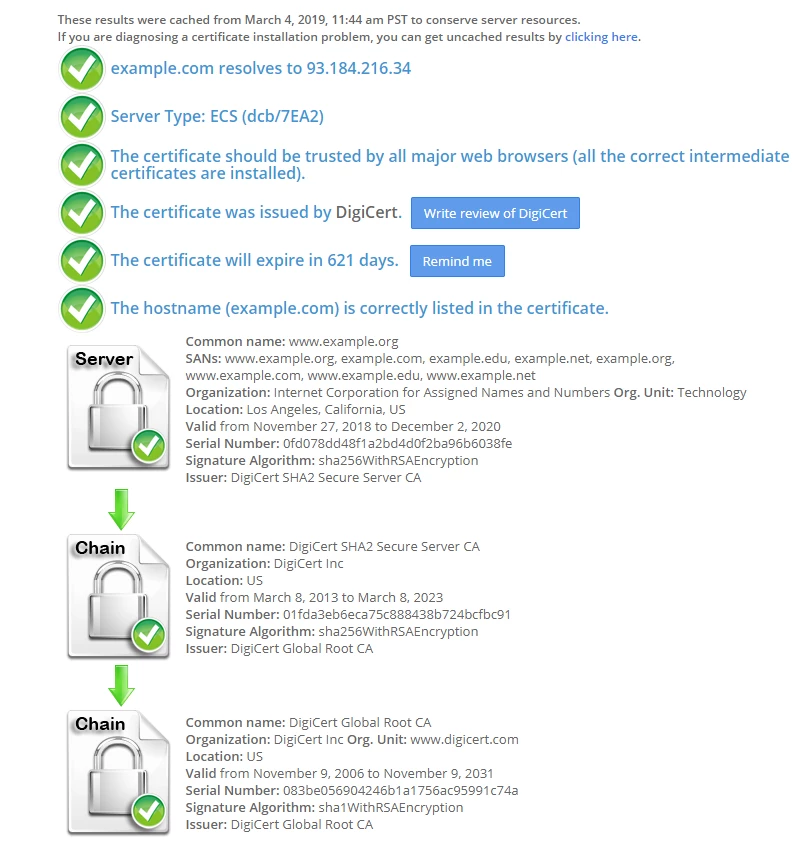
If all check marks are green the certificate is valid and your domain is secure.