How To: Web Personalization (RTP) Make a campaign show up on specific pages only
Included in this article
Overview
Have you ever wanted to have an RTP campaign only show up on specific pages? This article will go over the steps needed to make an RTP campaign do just that and only show up on certain pages.
Specifying a Target URL
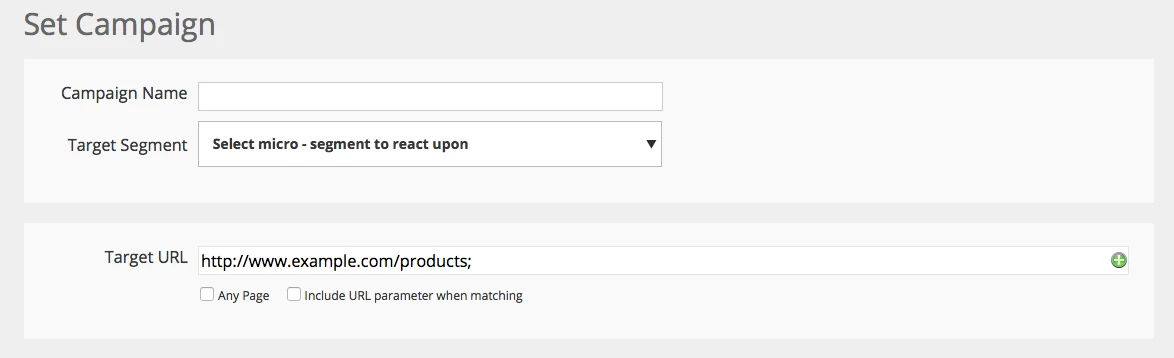
When editing a campaign, there is a section labeled "Target URL" (right under where you choose the Segment the campaign uses). This is where you can specify the URL(s) you would like to display the campaign on.
Adding Multiple URLs
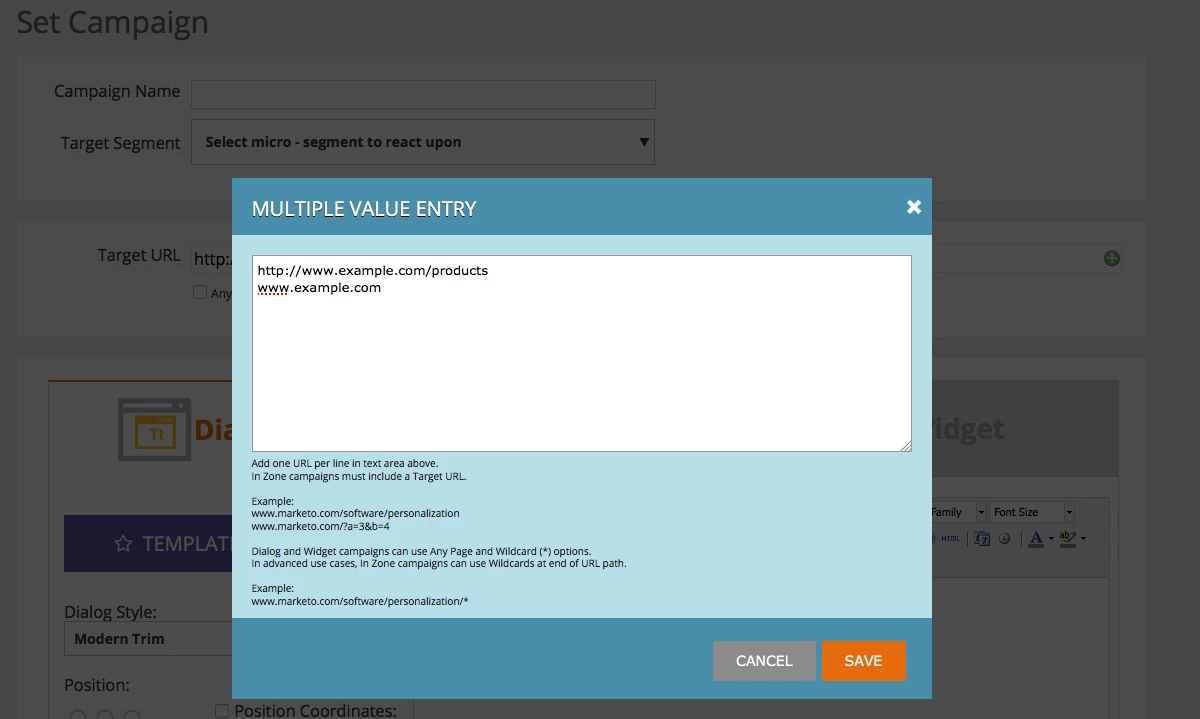
If you would like to include multiple pages you can use the green plus button to open the multiple value entry option.