How to Find Your Munchkin ID for a Marketo Instance
Issue
Solution
Marketo's custom JavaScript tracking code, called Munchkin, tracks all individuals who visit your website so you can react to their visits with automated marketing campaigns. Even anonymous visitors are tracked along with their IP addresses and other information. The Munchkin ID is the unique identifier for a specific Marketo instance and insures tracked activity goes to the correct instance.
How to find your Munchkin ID
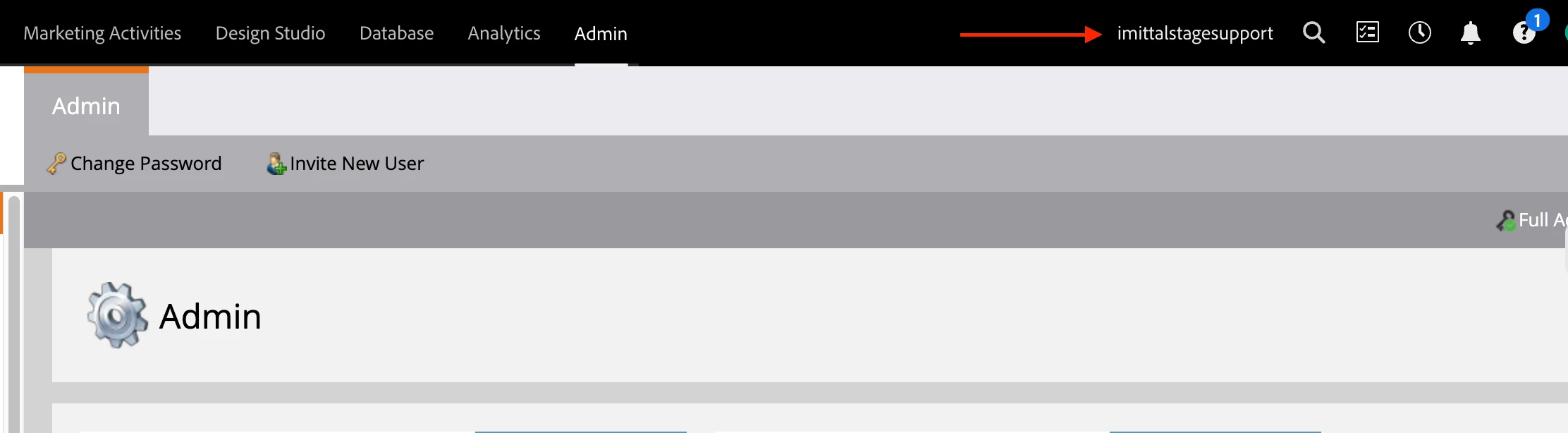
1. Log into the specific Marketo Instance you need the Munchkin ID for. You can verify the instance name by checking the listing in the top left of your browser.
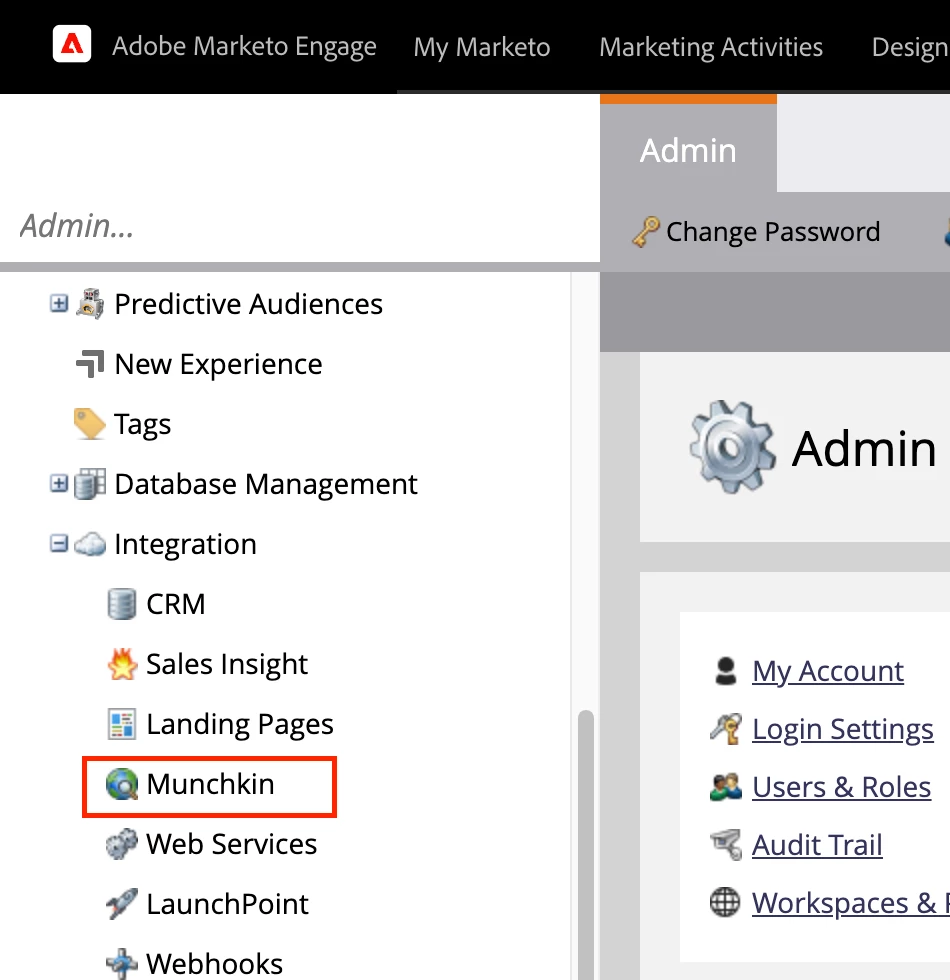
2. Go to Admin and click Munchkin in the tree on the left in the Integration section.
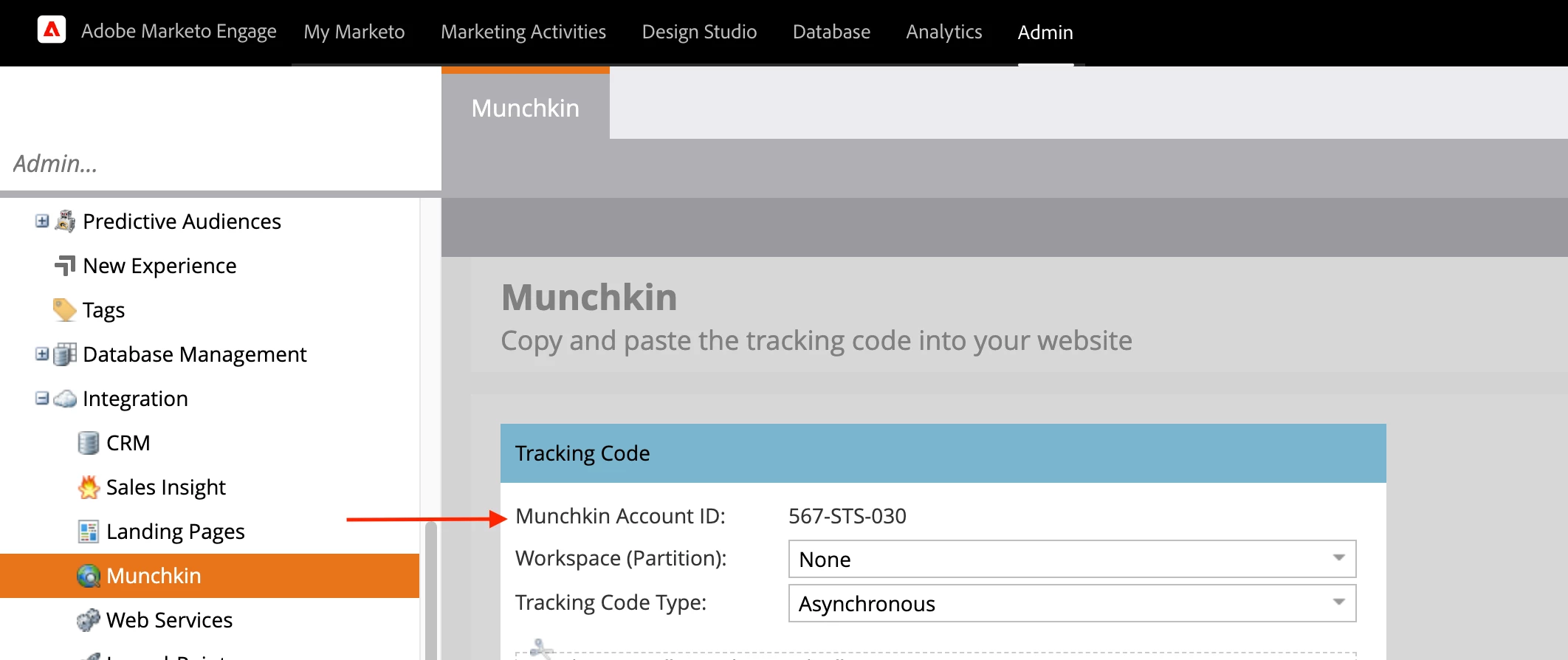
3. The Munchkin Account ID will be the first thing listed in the Tracking Code box.