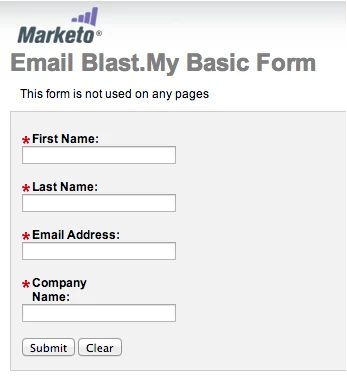
FORMS 1.0 - Change Your Form Label Layout
When designing a form you may want to customize the location and alignment of the labels.
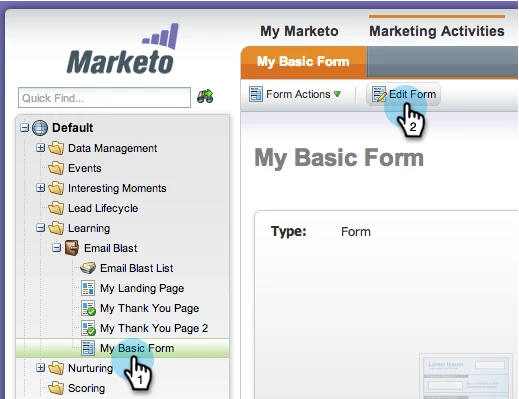
1. Select a form and click on Edit Form.
2. Under the Form Properties select a different Layout.
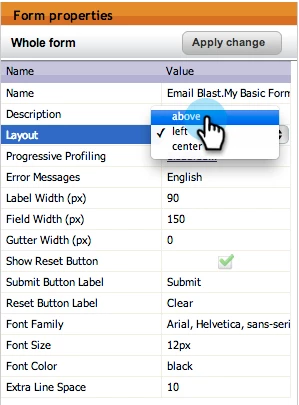
Once you have selected your layout, click into the canvas to apply it.
Nice job! You now know how to change the form label layout.