
FORMS 1.0 - Add a Form to a Landing Page
1. Select your landing page and click on Edit Draft.
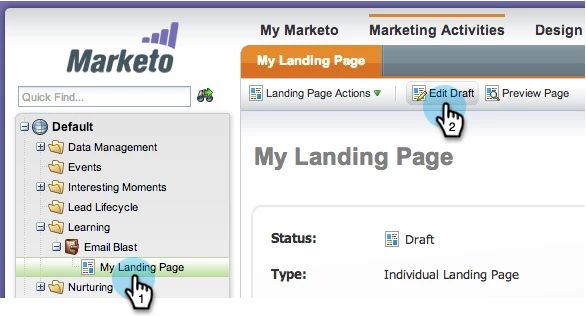
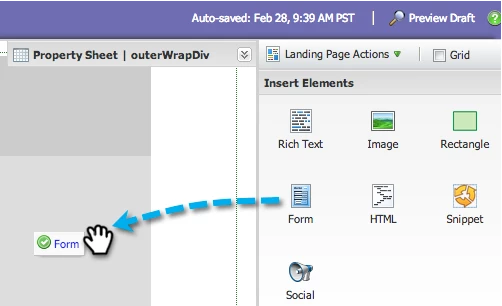
The landing page designer opens in a new window.2. Drag over the Form element.
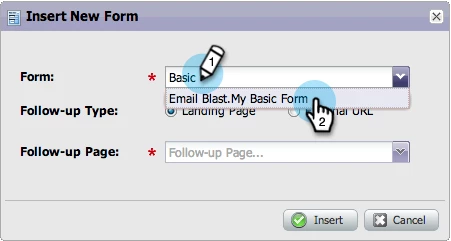
3. Find and select a Form.
4. Find and select a Follow-up Page. Click Insert.
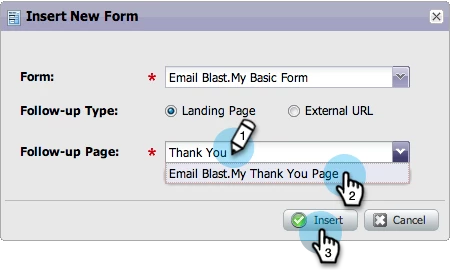
If you cannot find your Follow-up Page, make sure that it is approved.Awesome! Now that you have a form on your landing page, you can begin capturing lead data.