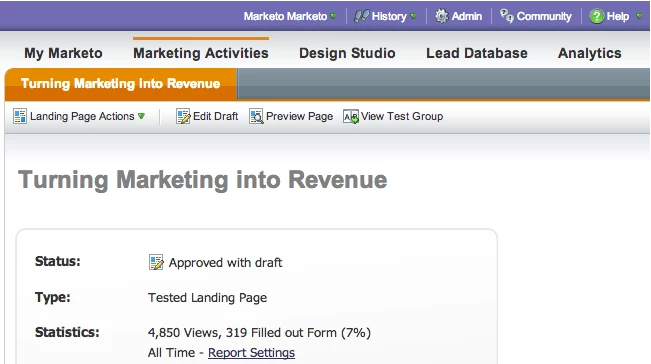
Find a Marketo Landing Page by URL
While viewing a published landing page with a form, you can open it up directly in Marketo with this little tool.
Note: This tool is not officially supported.
1. To install, go to marketo.com/tools/.
2. Drag Open LP -> MKTO onto your browser bookmarks bar.
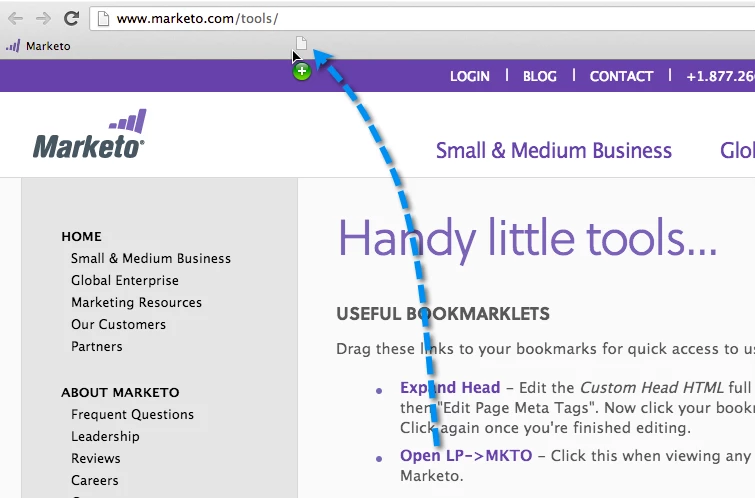
Tip: To show the browser bookmarks bar:
- Chrome: View > Always Show Bookmarks Bar
- Firefox: View > Toolbars > Bookmarks Toolbar
3. That's it. Just click the Open LP -> MKTO bookmark when viewing a published landing page with a form.
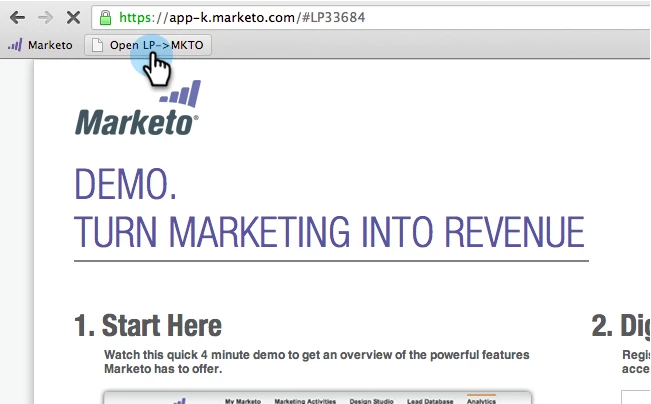
4. And you'll be taken to the landing page in Marketo.