
Error Importing Program -Token Is Not Available in the Destination Subscription
Issue
Issue Description
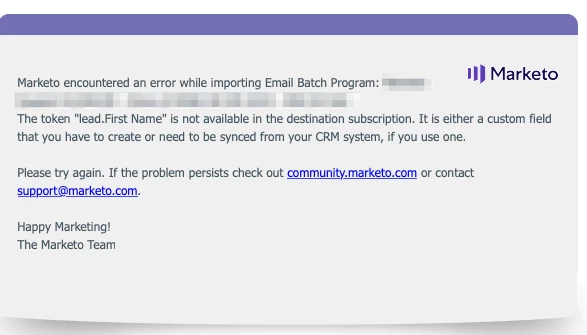
Importing a program from one subscription to another is failing and is returning the following error sent via email:
Marketo encountered an error while importing [Program Name]
The token "lead.First Name" is not available in the destination subscription. It is either a custom field that you have to create or need to be synced from your CRM system, if you use one.
The token "lead.First Name" is not available in the destination subscription. It is either a custom field that you have to create or need to be synced from your CRM system, if you use one.
Solution
Issue Resolution
- Check if there is any malformed lead.First Name token in email
- Check if there is any malformed lead.First Name token in email template used by the email(s) in the program
- Check if there is any malformed lead.First Name token within a program token
- Check if there is any malformed lead.First Name token within smart campaign flow step(s)
This error has been known to occur when the email template had a lead token coded as follows, with a line break between 'First' and 'Name':
{{lead. First
Name}}
Note: In this scenario, the error message received via email is actually referring to the token in the email template that contains a line break between 'First' and 'Name' but is stripped out on the message when HTML is rendered.